
Chat with uploaded content
Upload documents, website URLs, and YouTube links, then use the app to summarize and ask questions about the content.

aiPDF is a browser-based AI assistant for students and developers that summarizes documents, answers questions from files, web articles, and YouTube videos, and offers free and paid plans.
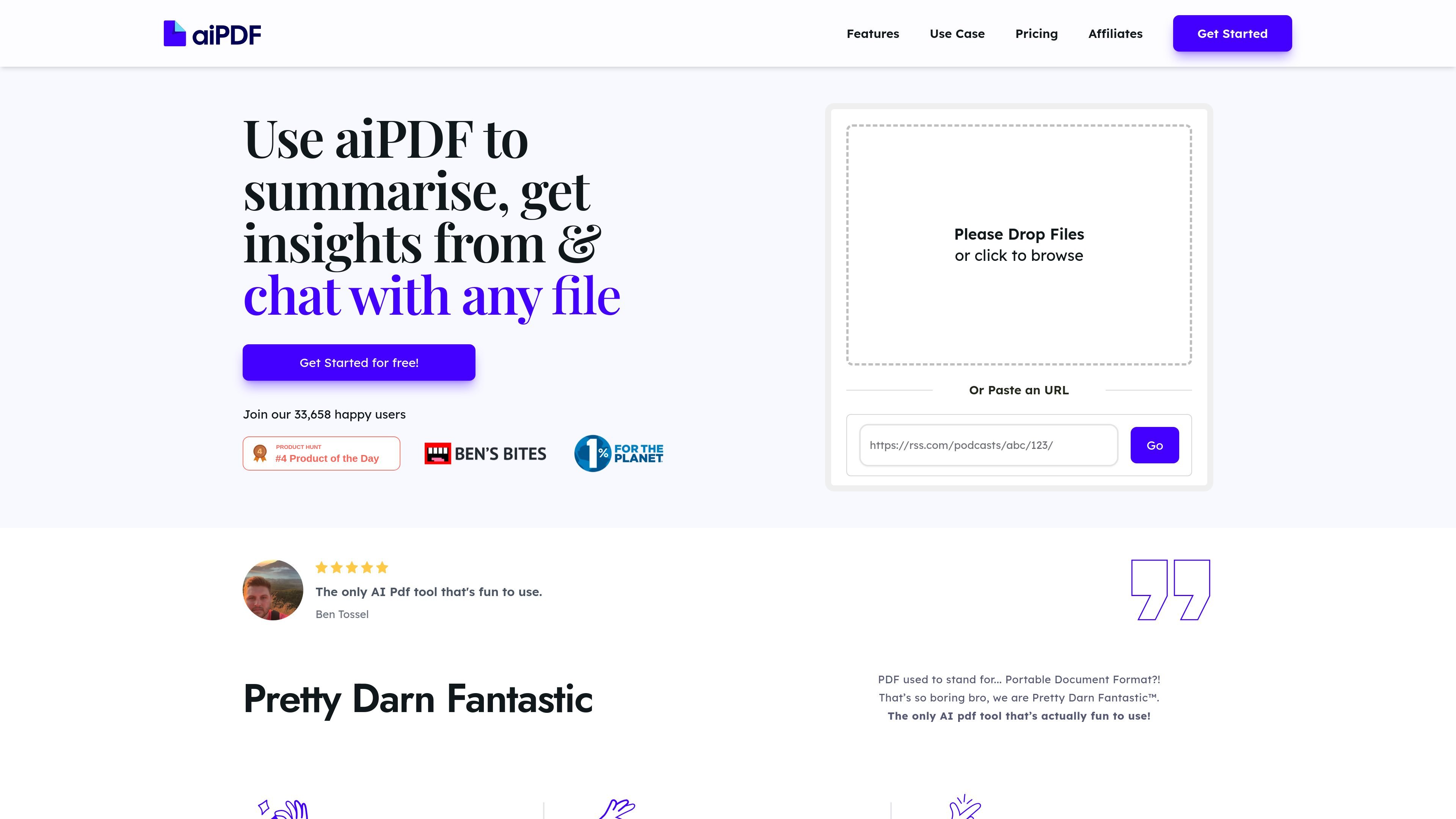
aiPDF is a browser-based AI document assistant for students, developers, and other research-heavy users who need to summarize long files and ask questions about their contents. The site positions it as a tool that can scan, understand, and chat with documents rather than just extract plain text.
The product claims support for PDFs, EPUB books, website URLs, and YouTube videos, and it says it can work with any file type. It is designed to produce summaries quickly, answer questions from the uploaded material, and return responses with references drawn from the source document.
Upload documents, website URLs, and YouTube links, then use the app to summarize and ask questions about the content.
The site says the system produces summaries quickly and lets you keep conversing with a document while the summary is still being generated.
Responses are backed by sources extracted from the uploaded documents, which helps users trace answers back to the original material.
The product accepts a broad set of content types, including PDFs and EPUB books, and is presented as a browser-based app with no install required.
The pricing page includes OCR page allowances, suggesting support for scanned or image-based documents within tier limits.
Users can export AI responses for later reuse in reports, research, or note-taking.
Upload lecture notes, research papers, or textbook chapters and ask follow-up questions to clarify concepts or locate a specific detail.
Scan technical documents, long project briefs, or reference material and pull out the sections you need without reading the entire file first.
Paste a web article or YouTube link and use the assistant to summarize the content before deciding whether to read or watch it in full.
Work through long reports or books and use the response export feature to save key findings for later writing or analysis.
Use the tier-based document storage and deletion controls to keep a small set of active files online while managing retention manually when needed.
aiPDF runs in a web browser, so you only need an internet connection to use it. The site says there is nothing to download or install.
Yes. The pricing page shows a free Playful tier, along with paid Dynamic and Flagship plans, and an Enterprise option that is handled by contacting the team.
The site says aiPDF can accept PDFs, EPUB books, website URLs, and YouTube videos. It also describes the product as working with any file type, but the specific supported examples are those listed on the site.
Yes. The site says responses can be exported for convenience, which makes it easier to reuse summaries or answers in reports and research notes.
The site says documents can be deleted manually at any time, and that stored documents are also removed automatically after a period that depends on the subscription tier.