2026년 최고의 AI 스프레드시트 분석 도구

AI 스프레드시트 분석 도구로 표 데이터를 정리하고 추세를 파악하며, 복잡한 통합 문서에서 핵심 인사이트를 얻어 보세요.

관리:

데이터 및 분석

이 컬렉션 탐색

제품

Ghostwriter preview
Ghostwriter logo

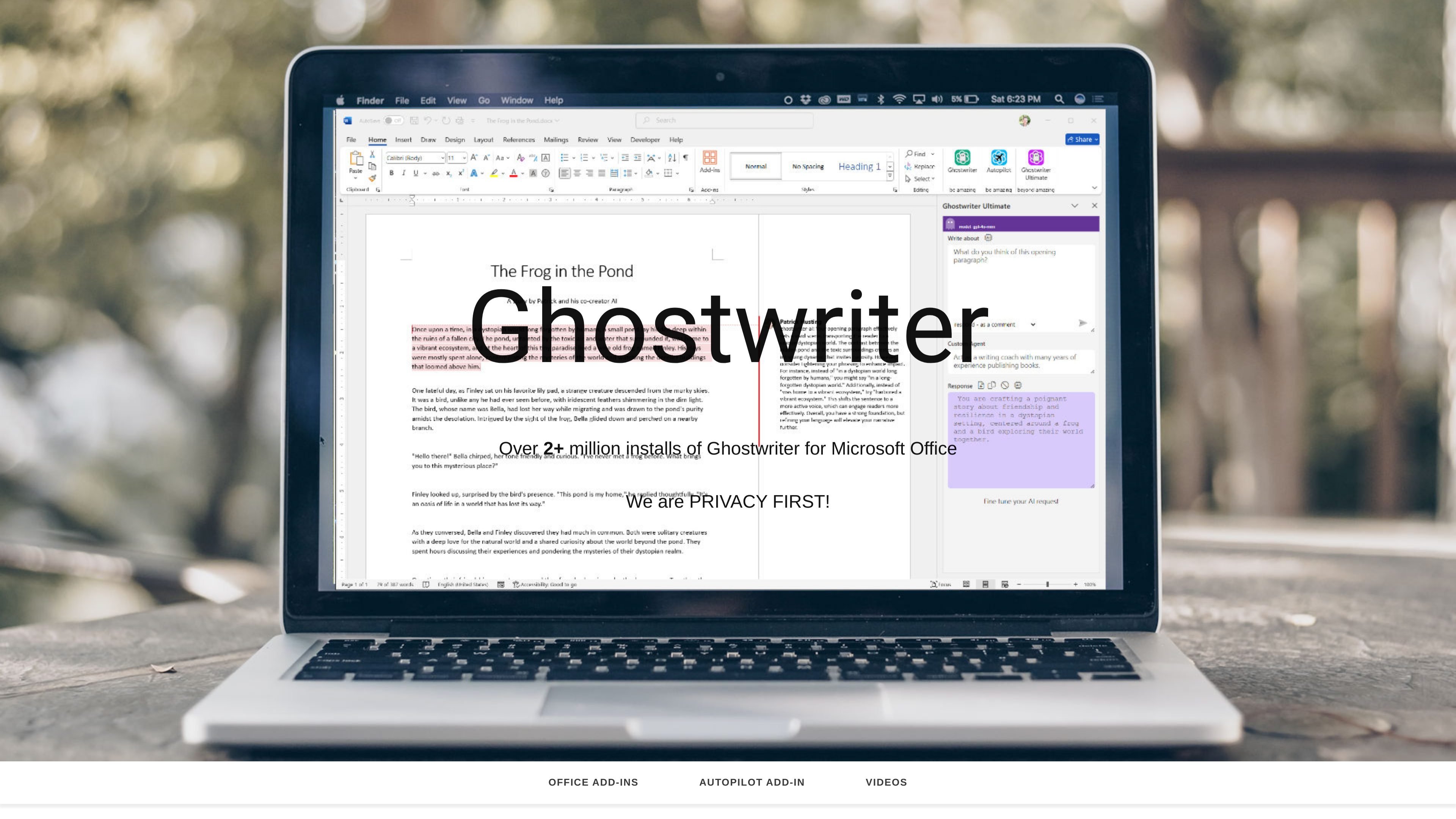
Ghostwriter

AI 스프레드시트 분석

AI add-ins for writing, email, spreadsheet analysis, and presentations in Microsoft Office.

유료
Shortcut preview
Shortcut logo

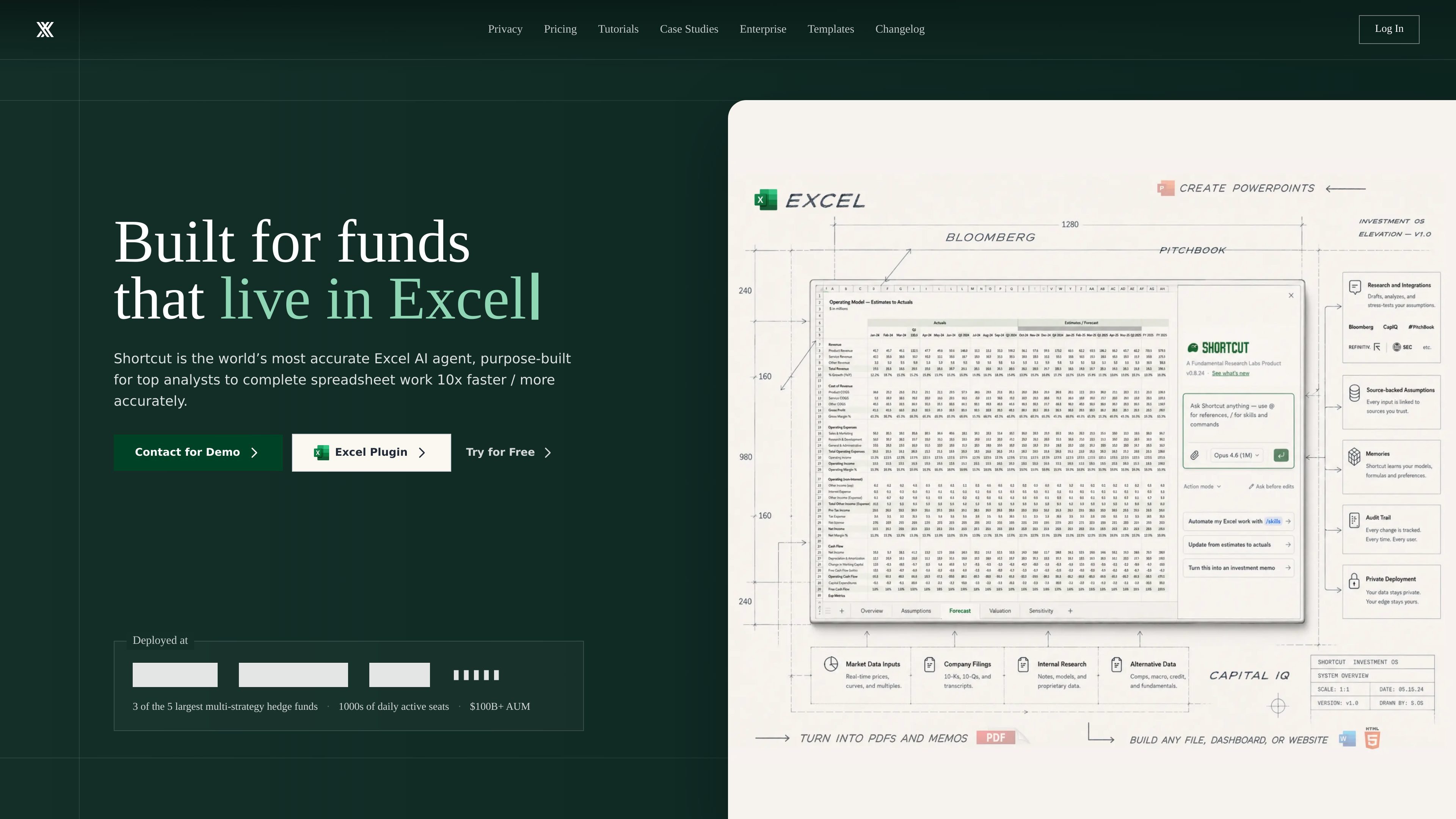
Shortcut

AI 스프레드시트 분석

Shortcut은 자연어 지시로 Excel 편집과 재무 모델을 자동화하는 AI 제품입니다.

무료 및 유료 요금제
Datawyse preview
Datawyse logo

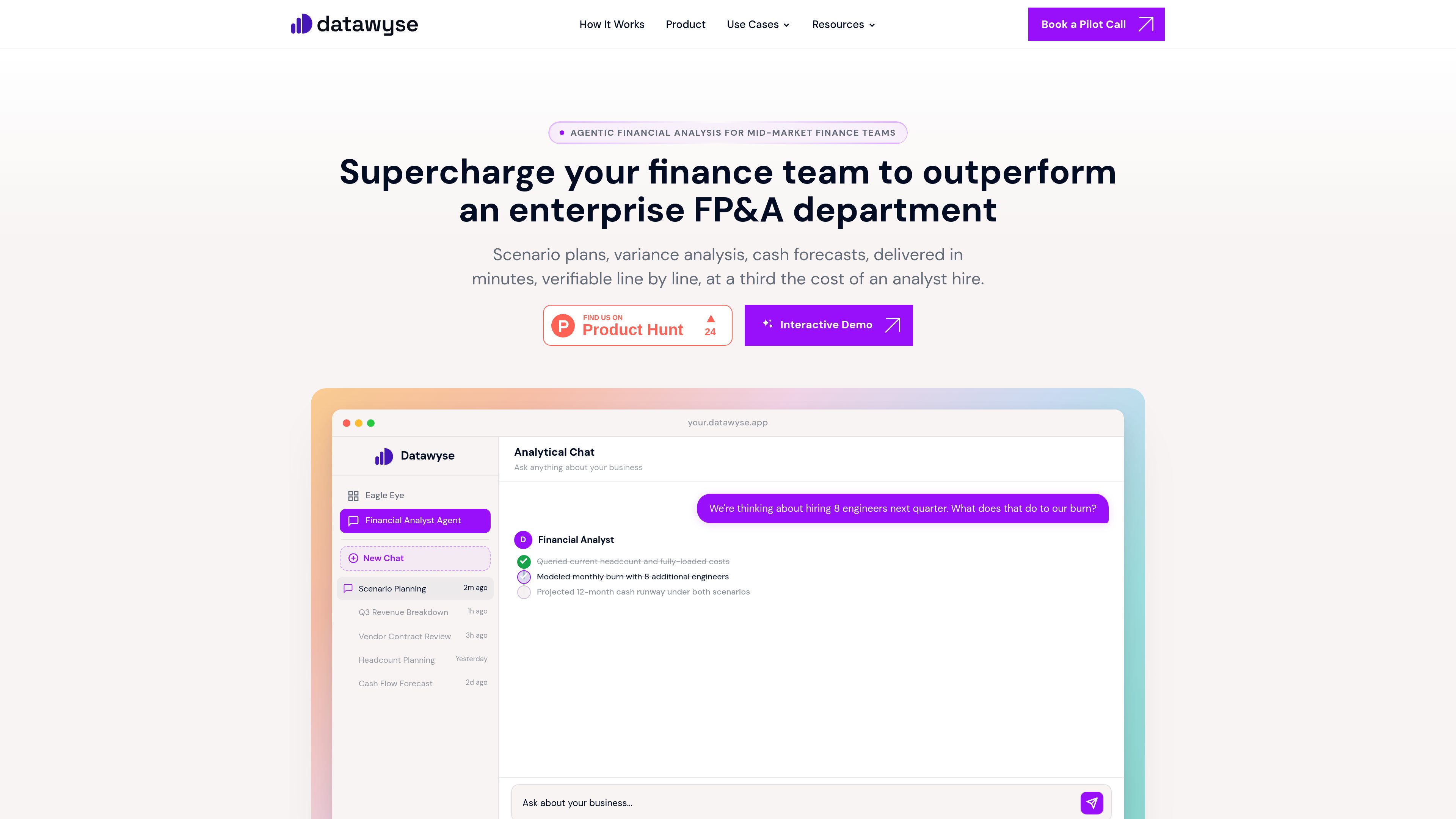
Datawyse

AI 데이터 분석가

Datawyse is an agentic financial analysis tool for mid-market finance teams. It connects to business data to answer questions about variances, cash flow, scenarios, budgets, and other FP&A topics with traceable calculations.

무료 및 유료 요금제
Orion preview
Orion logo

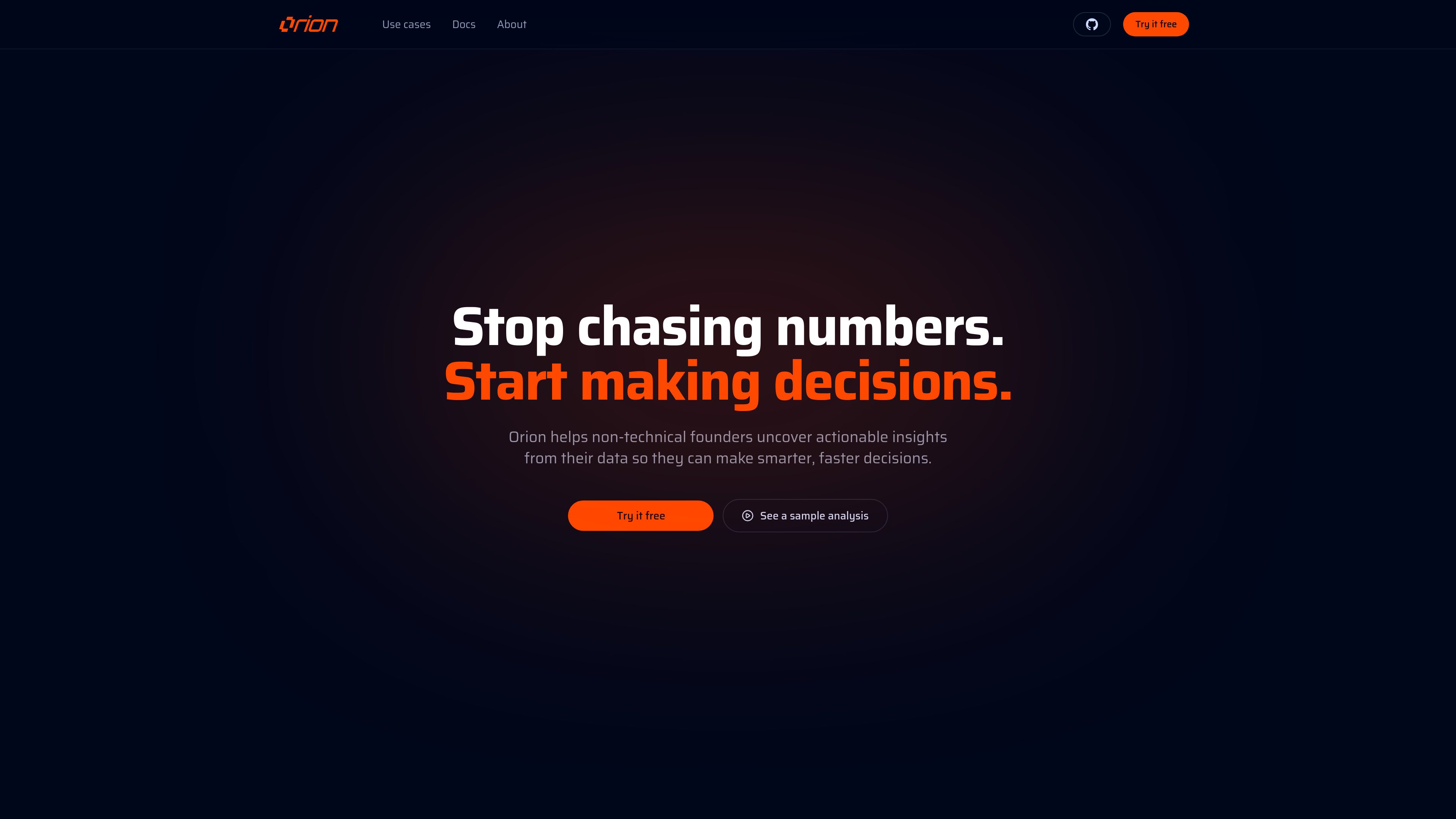
Orion

AI 데이터 분석가

Orion is an AI business analyst that lets owners, operators, and analysts ask questions about business data in plain English. It connects relevant data sources, analyzes them, and produces reports with findings and suggested next steps.

무료 및 유료 요금제
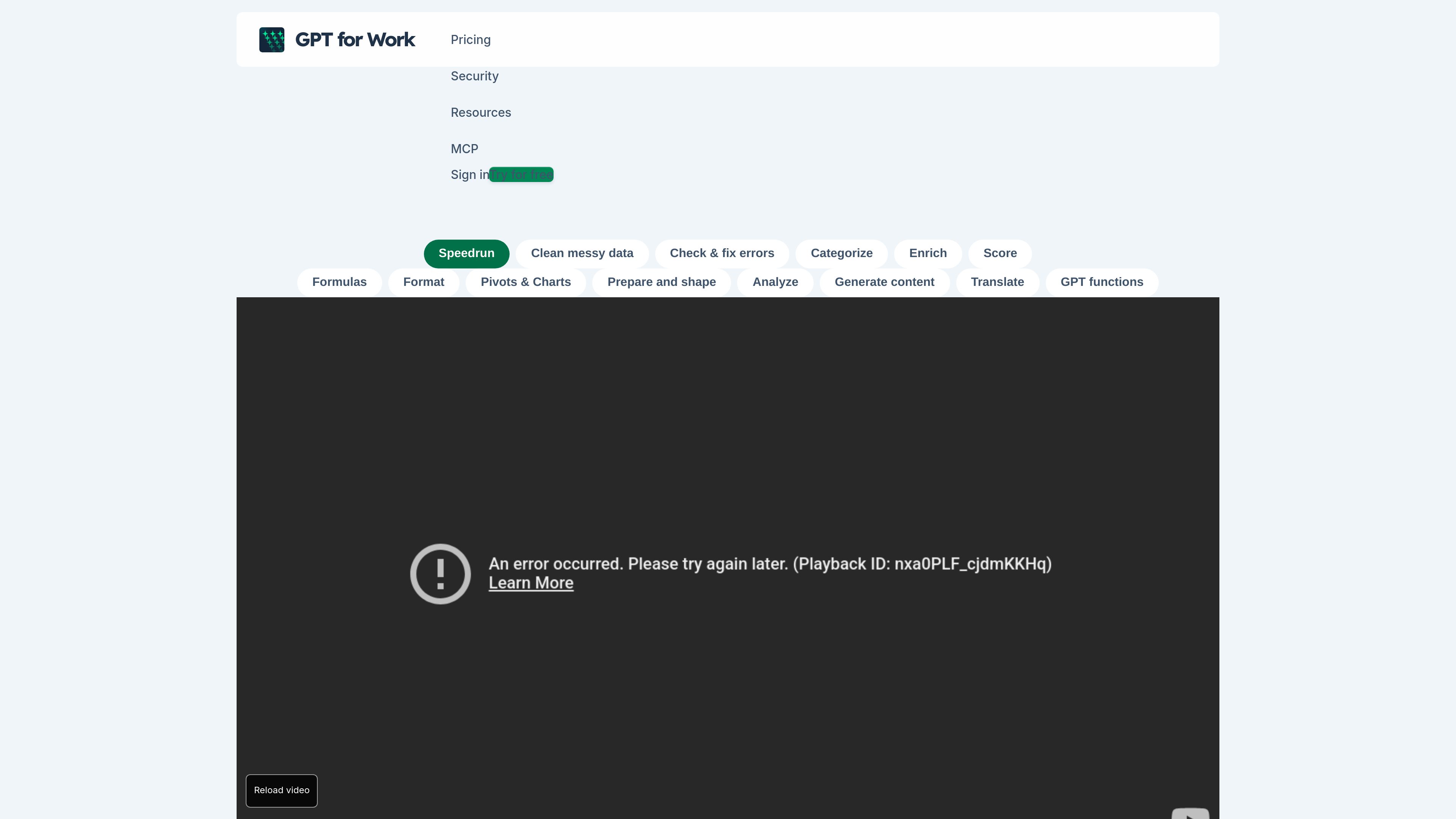
GPT for Work preview
GPT for Work logo

GPT for Work

AI 데이터 정제

GPT for Work adds an AI agent and bulk-processing tools to Excel and Google Sheets. It helps spreadsheet users clean, analyze, translate, enrich, and reorganize data, as well as create and check formulas.

무료 및 유료 요금제
Microsoft Excel preview
Microsoft Excel logo

Microsoft Excel

AI 스프레드시트 분석

Microsoft Excel is a spreadsheet application for organizing data, building plans and budgets, and turning information into readable insights. Microsoft 365 subscribers can use Copilot in Excel to analyze data, update tables, and uncover patterns.

무료 및 유료 요금제
Google Sheets preview
Google Sheets logo

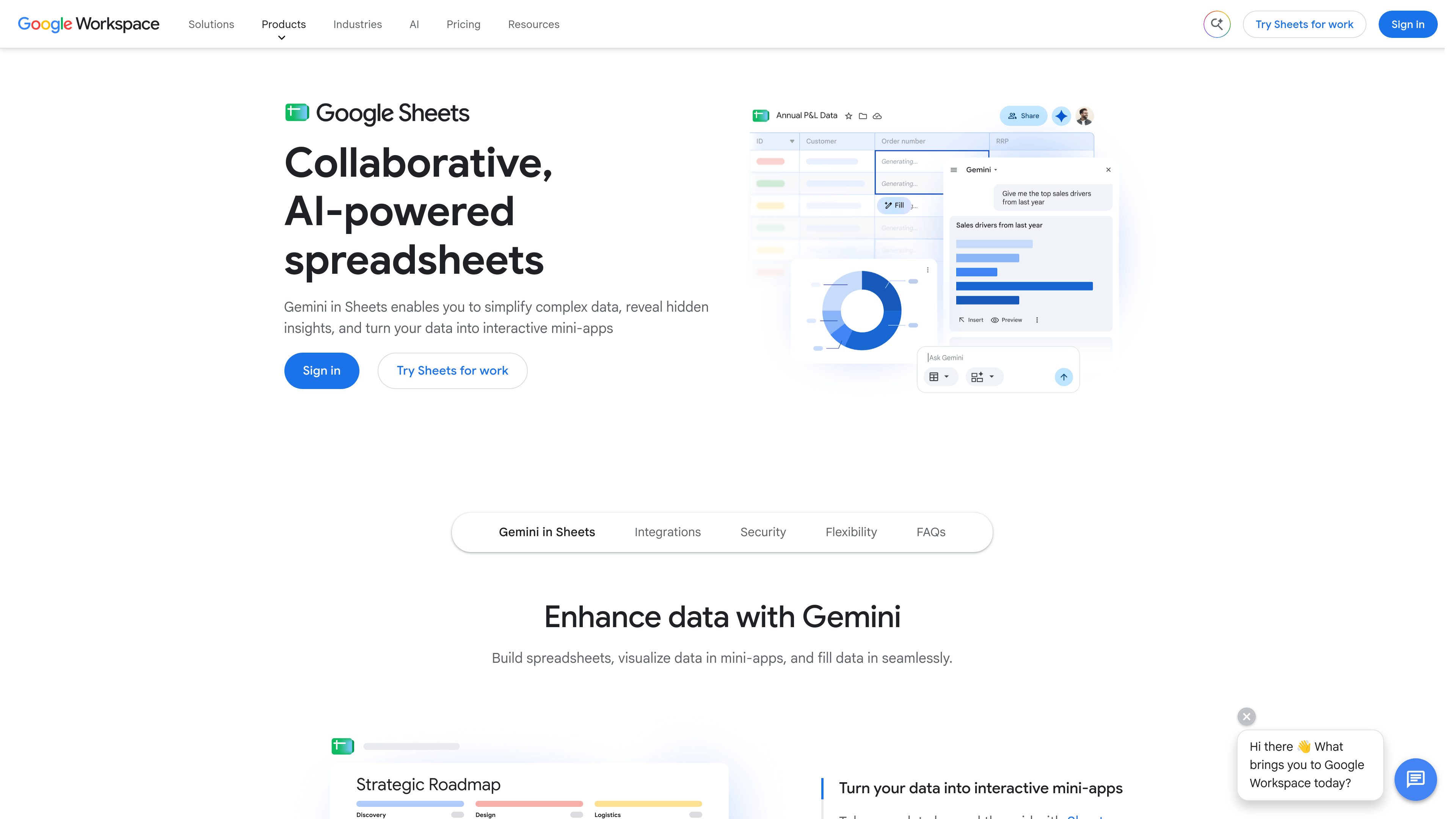
Google Sheets

AI 스프레드시트 분석

Google Sheets is a cloud-based spreadsheet application for creating, analyzing, and sharing data collaboratively. It supports real-time co-editing, Excel file compatibility, connected data workflows, and Gemini-assisted spreadsheet tasks.

무료 및 유료 요금제

자주 묻는 질문

AI 스프레드시트 분석의 제품은 어떻게 비교하나요?

제품 설명과 요금 유형을 비교한 다음 공식 웹사이트에서 필요한 기능, 사용 제한 및 최신 요금제를 확인하세요.

기능과 요금은 어디에서 확인하나요?

도구 카드를 눌러 제품 상세 페이지에서 소개를 확인하세요. 최신 기능, 요금, 사용 제한은 상세 페이지의 공식 웹사이트 링크에서 확인할 수 있습니다.