2026년 최고의 AI 제안서 생성기 도구

AI 제안서 생성기로 편집 가능한 템플릿과 맞춤형 문구를 활용해 프로젝트 정보가 담긴 전문적인 비즈니스 제안서를 빠르게 작성하세요.

관리:

비즈니스

이 컬렉션 탐색

제품

Sweetspot preview
Sweetspot logo

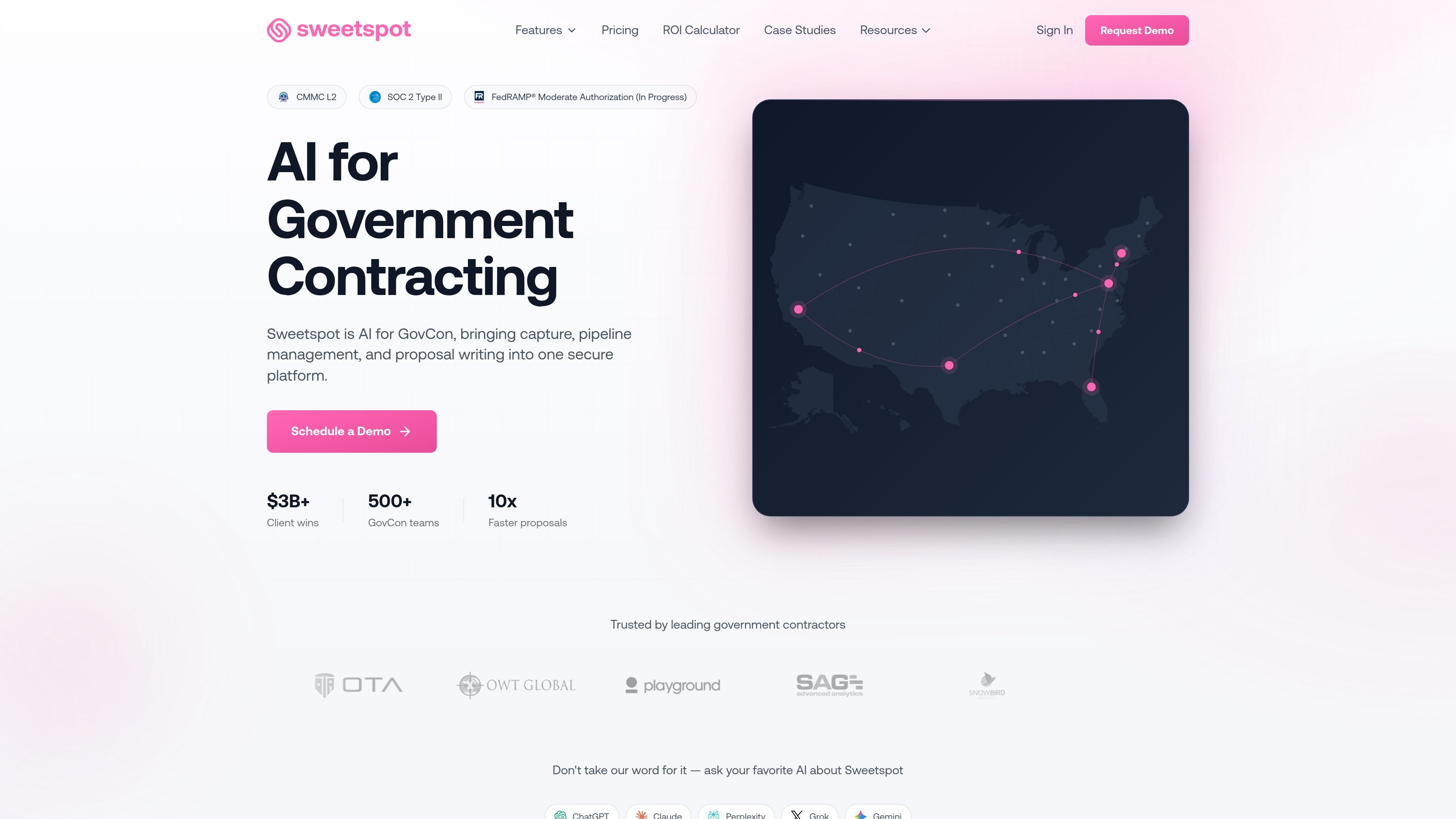
Sweetspot

AI 제안서 생성기

AI software for government contractors to discover opportunities and manage bids and proposals.

무료 및 유료 요금제
Handoff AI preview
Handoff AI logo

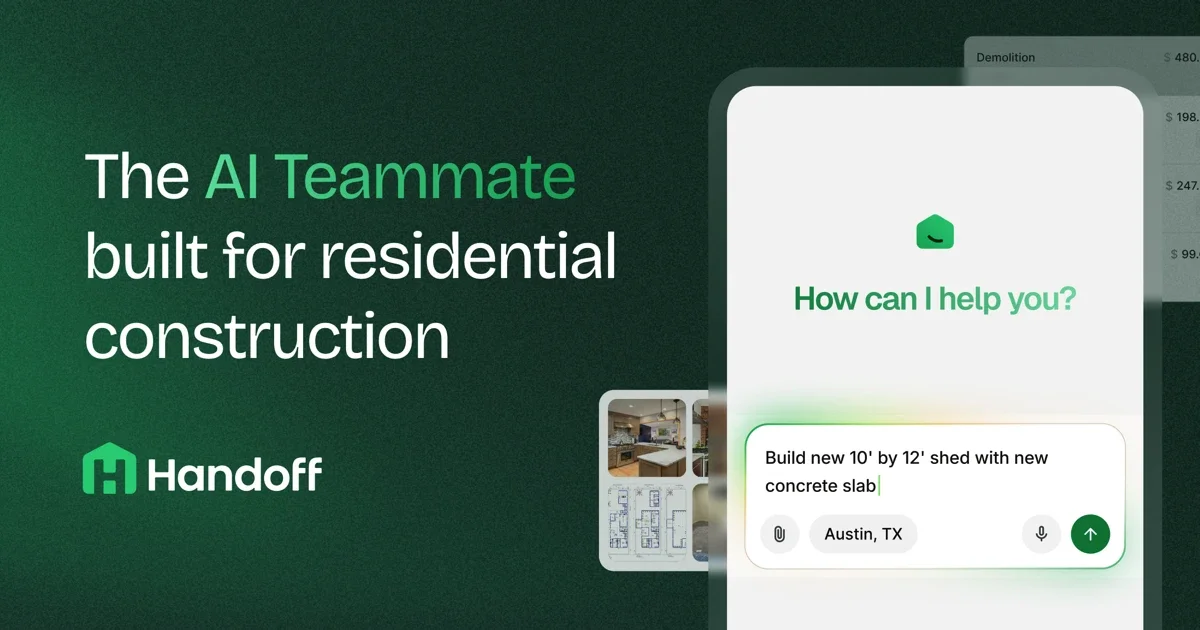
Handoff AI

AI 프로젝트 관리

견적, CRM, 프로젝트 관리와 재무 후속 업무를 통합한 건설업체용 소프트웨어

무료 및 유료 요금제
Grantable preview
Grantable logo

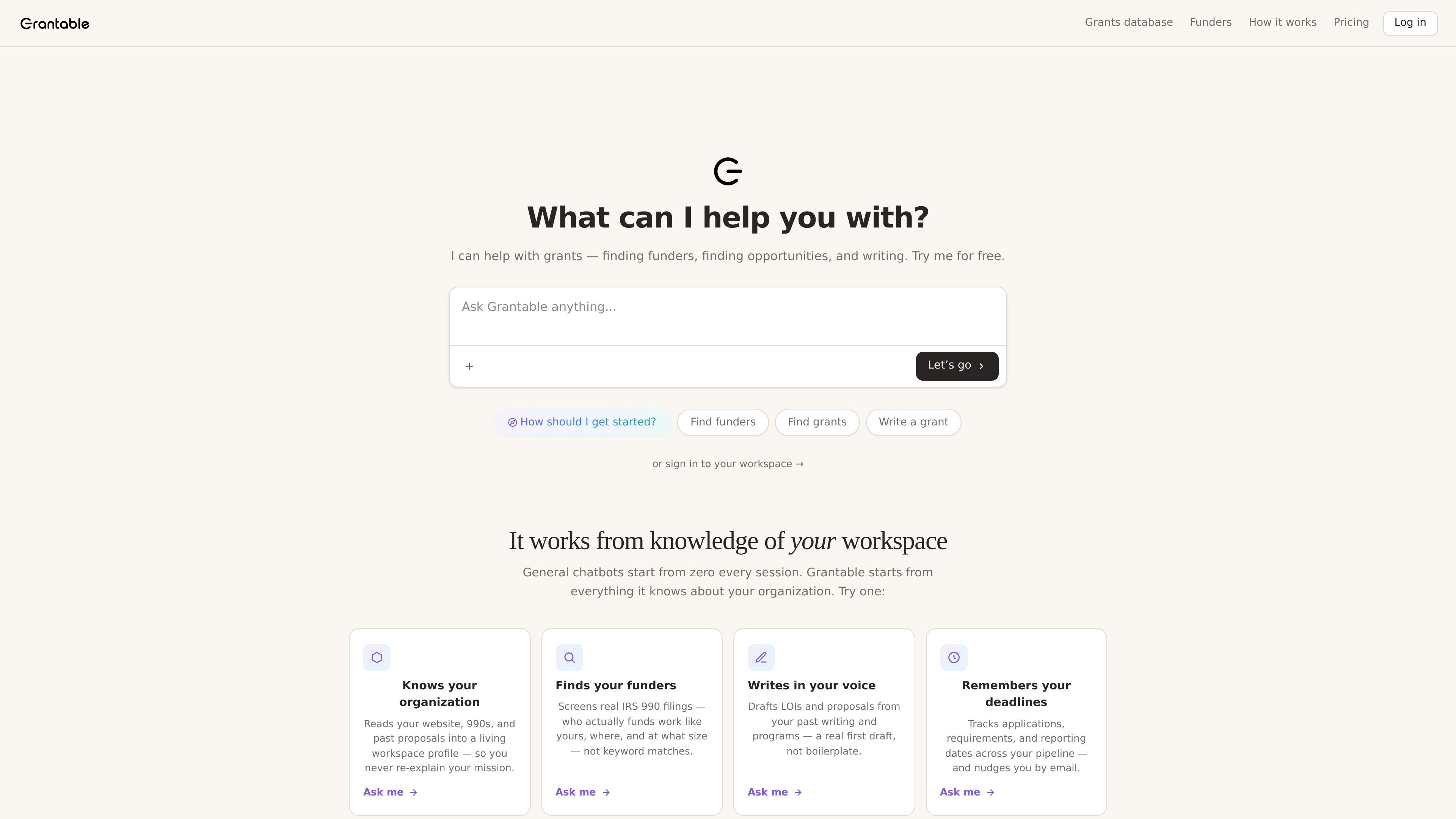
Grantable

AI 제안서 생성기

AI grant writing software that helps nonprofits find funders, draft proposals, and manage grants.

무료 및 유료 요금제
VisibleThread preview
VisibleThread logo

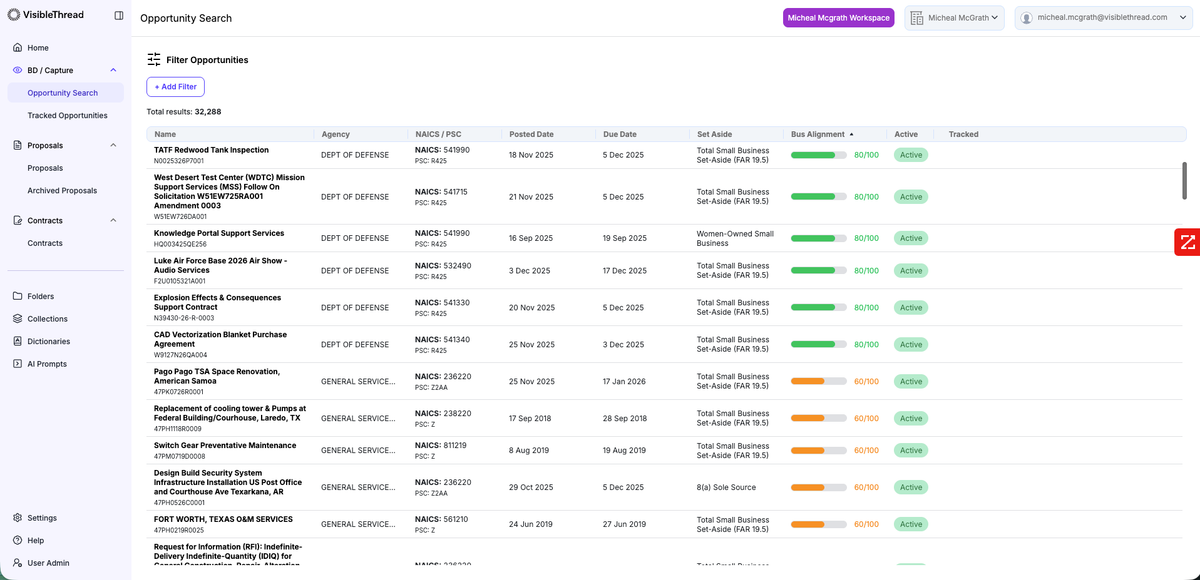
VisibleThread

AI 법률 어시스턴트

RFP lifecycle software for government contracting teams, combining bid intelligence, proposal workflows, and contract analysis.

무료 및 유료 요금제
Angebotsmeister preview
Angebotsmeister logo

Angebotsmeister

음성 텍스트 변환

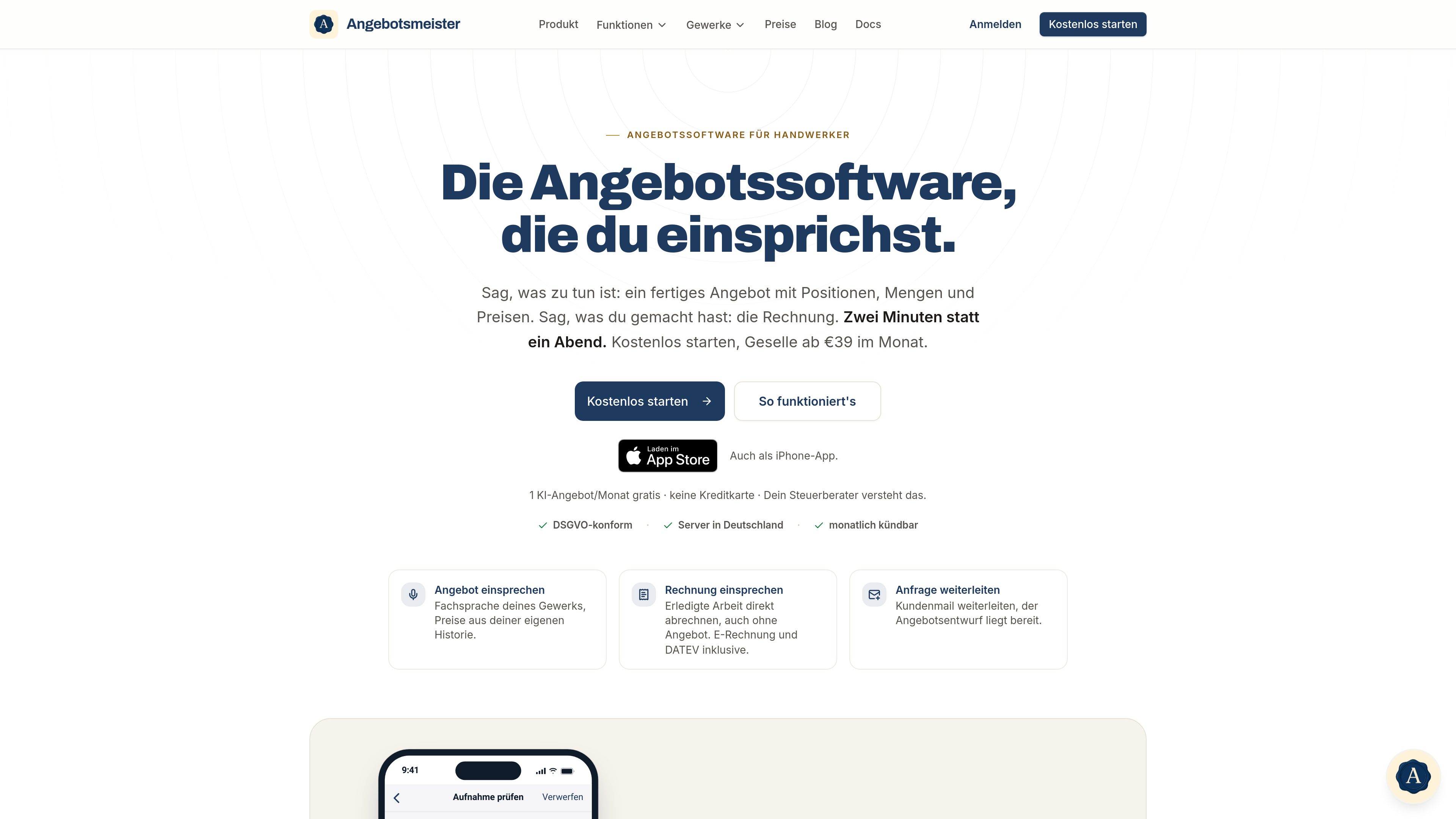
AI-powered quoting and invoicing software for trade businesses, with voice input.

무료 및 유료 요금제
Applyseed preview
Applyseed logo

Applyseed

AI 제안서 생성기

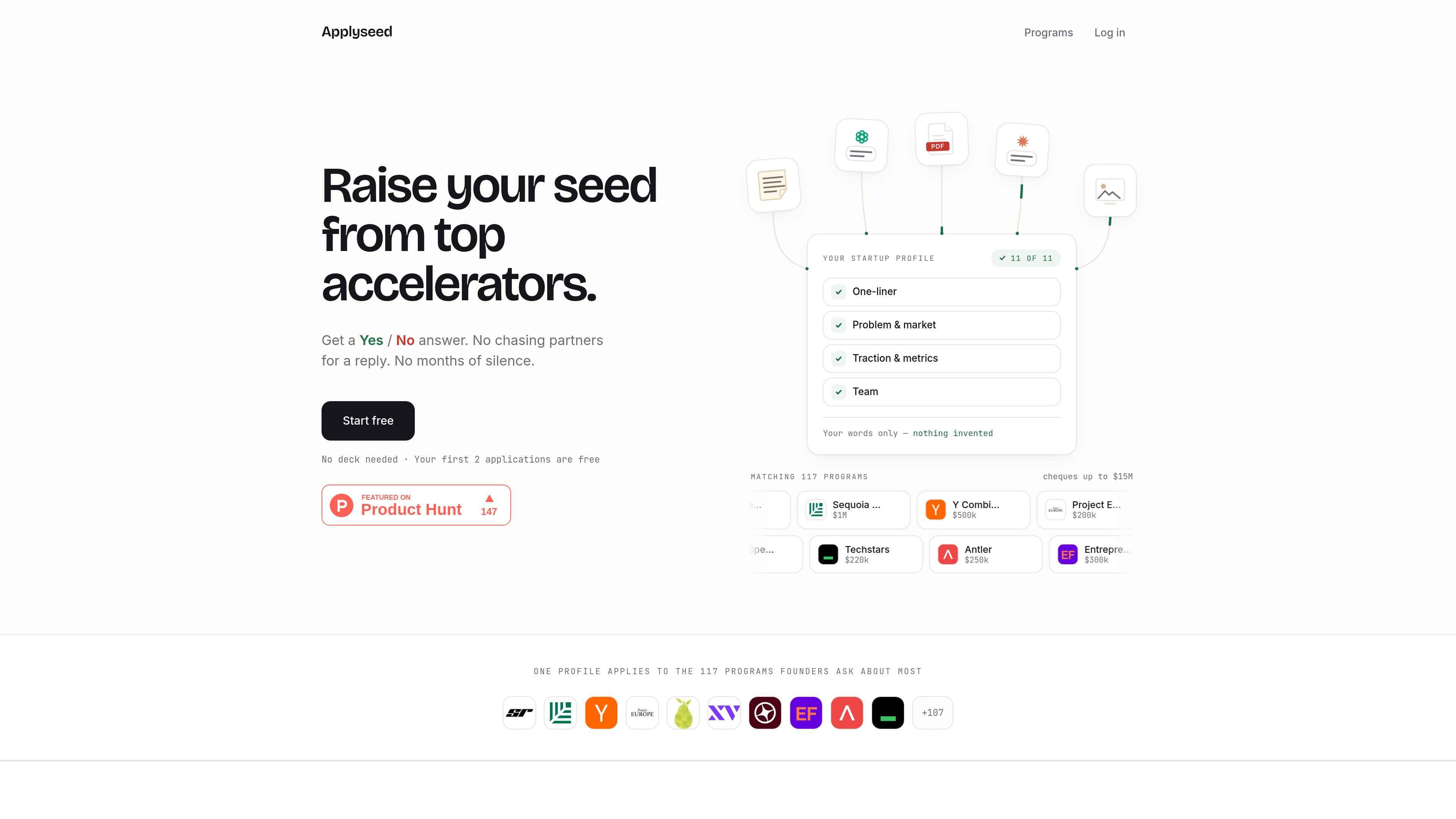
Applyseed helps startup founders turn one company profile into tailored, AI-drafted answers for accelerator applications. It also provides a searchable directory of 117 accelerator and startup programs with filters for stage, region, category, terms, and application details.

무료 및 유료 요금제

Proposify preview
Proposify logo

Proposify

AI 제안서 생성기

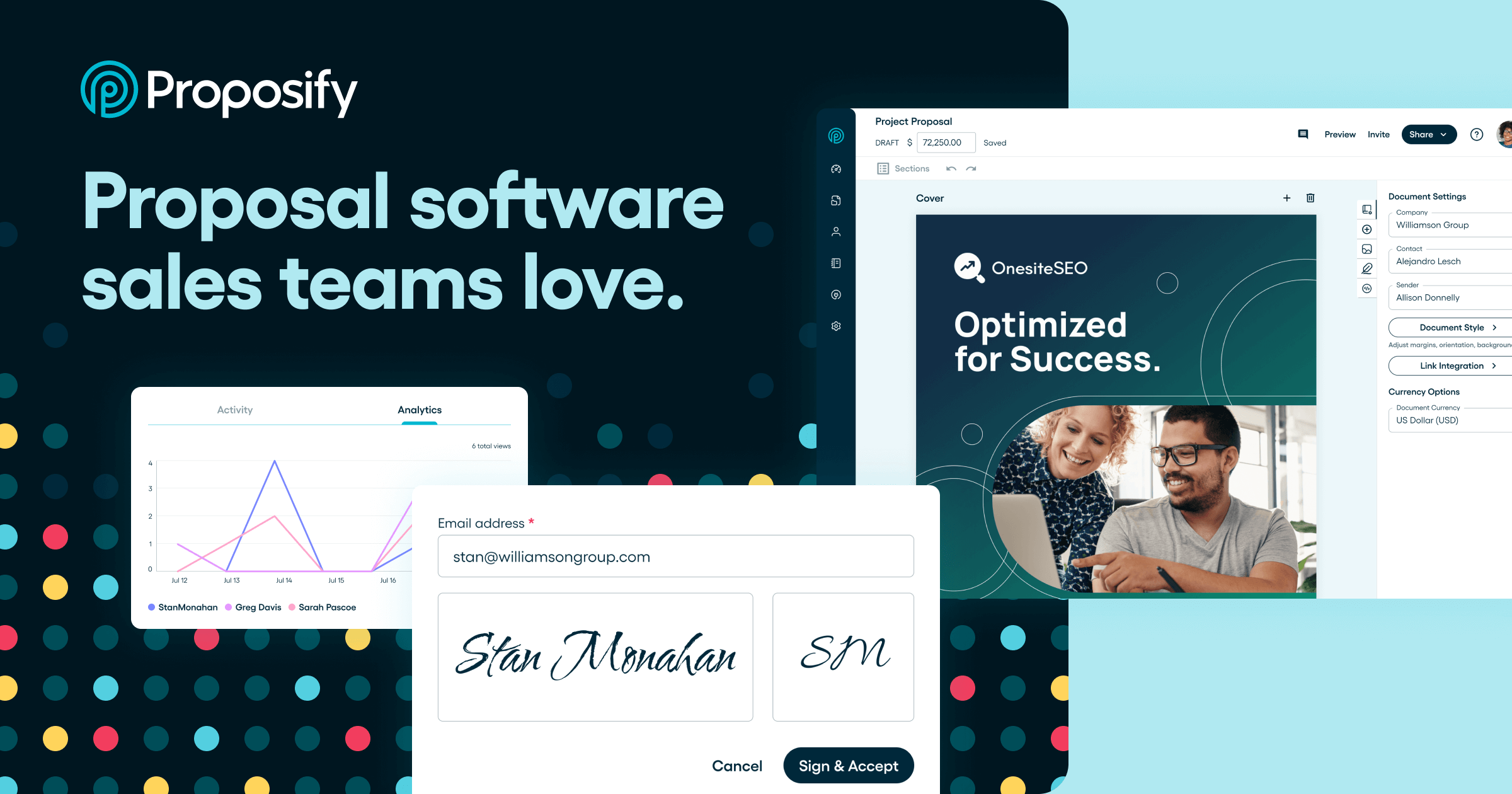
Proposify is a sales document platform for creating, sending, tracking, and signing proposals, quotes, agreements, and contracts. It helps sales teams standardize document creation, monitor buyer engagement, and connect proposal workflows with CRM, payment, and other business tools.

무료 및 유료 요금제
Qwilr preview
Qwilr logo

Qwilr

AI 제안서 생성기

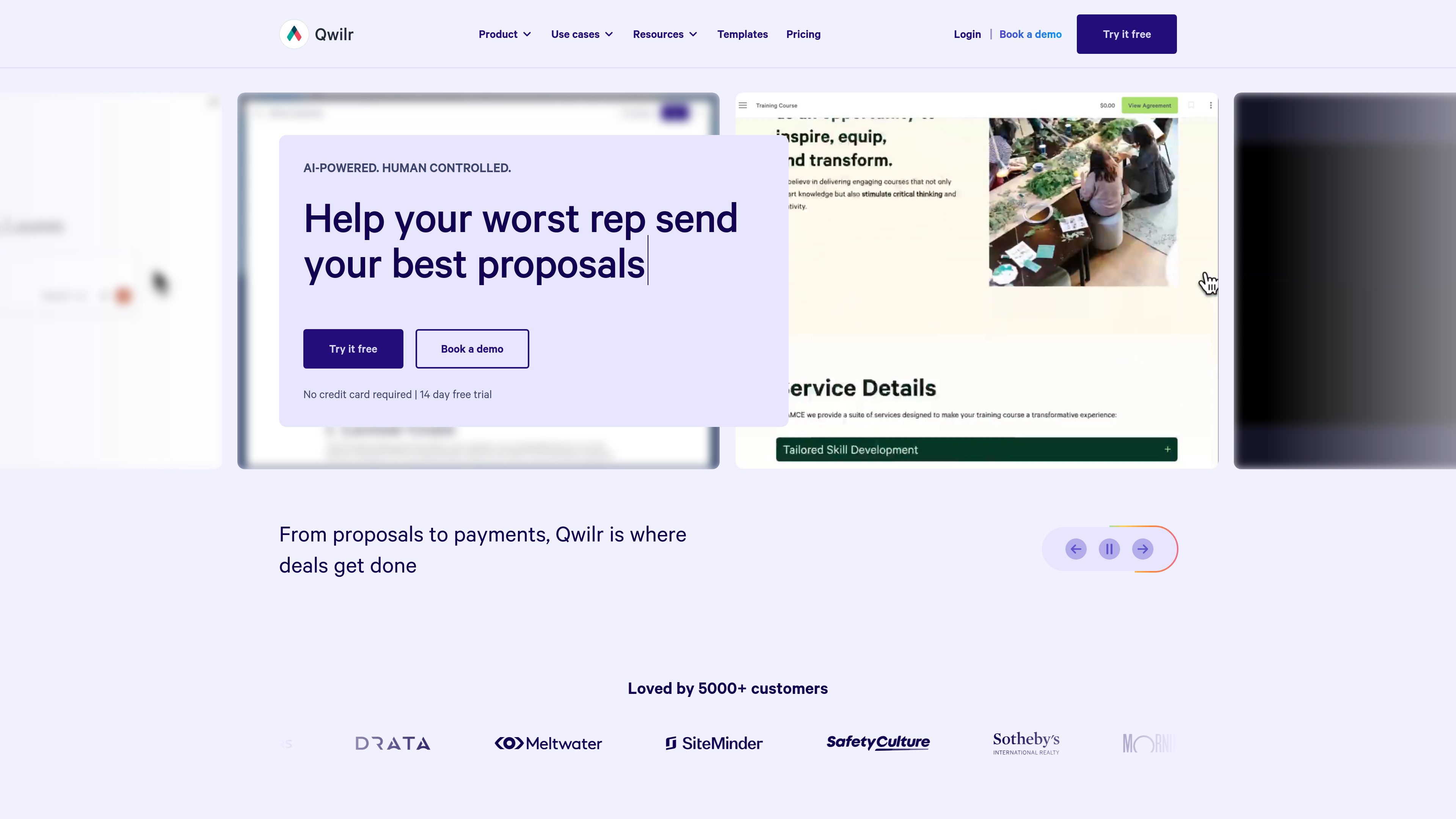
Qwilr is a proposal and document automation platform for sales and go-to-market teams. It creates interactive, branded proposals with quoting, buyer engagement tracking, e-signatures, payments, and CRM-connected workflows.

무료 및 유료 요금제

자주 묻는 질문

AI 제안서 생성기의 제품은 어떻게 비교하나요?

제품 설명과 요금 유형을 비교한 다음 공식 웹사이트에서 필요한 기능, 사용 제한 및 최신 요금제를 확인하세요.

기능과 요금은 어디에서 확인하나요?

도구 카드를 눌러 제품 상세 페이지에서 소개를 확인하세요. 최신 기능, 요금, 사용 제한은 상세 페이지의 공식 웹사이트 링크에서 확인할 수 있습니다.