

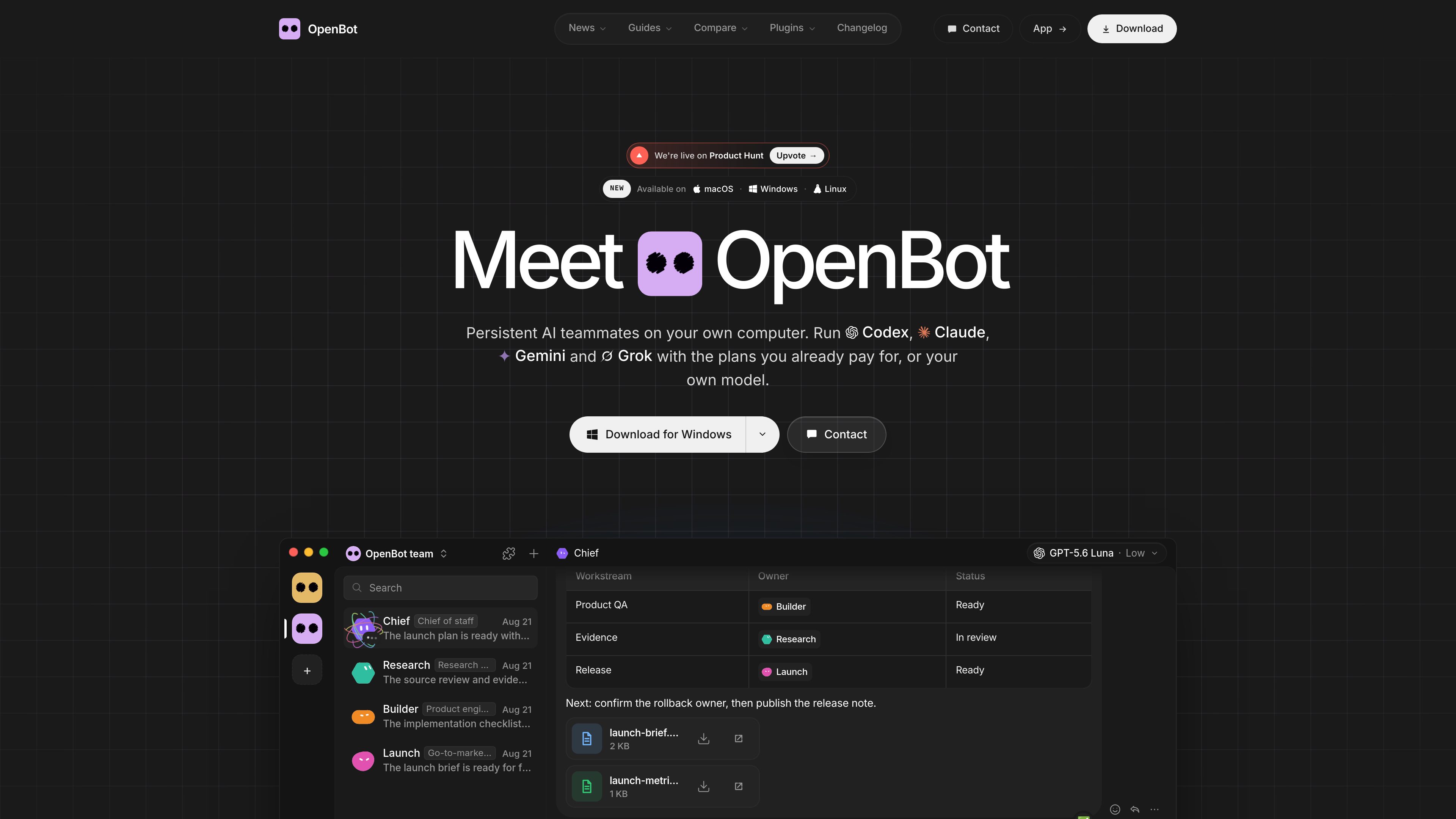
Persistent agent workspaces
Each agent keeps its name, instructions, role, conversation, workspace, and files between runs and app restarts.
OpenBot is a desktop workspace for running AI agents as a team on your own computer. Each agent has an identity, instructions, workspace, conversation thread, and files. Agents can message one another, hand off tasks, share files, and continue work after the app restarts. The product is designed for people who want persistent AI workspaces rather than isolated chat sessions.
The app supports coding agents including Codex, Claude Code, Gemini, Grok, OpenCode, Cursor, and Cline. You can connect eligible provider plans or API keys, an OpenAI-compatible endpoint, or local models through Ollama and LM Studio. OpenBot also includes a built-in browser and queues additional messages while an agent is busy. Workspaces, conversations, attachments, browser data, and team data are stored on the computer running the app.
Each agent keeps its name, instructions, role, conversation, workspace, and files between runs and app restarts.
Agents can send messages to one another, hand off tasks, work in shared channels, and share files as a team.
Run Codex, Claude Code, Gemini, Grok, OpenCode, Cursor, or Cline, or connect an OpenAI-compatible endpoint, Ollama, or LM Studio.
Agents can open, read, and control pages in OpenBot’s embedded browser, as well as work with local files and run commands.
Send additional work while an agent is busy; messages wait in a queue that can be paused, resumed, or cancelled.
Browse and install agent templates, plugins, and skills. Plugins connect agents to services, while skills provide instructions for specific tasks.
Assign implementation, debugging, testing, and review work to separate agents, then let them continue from the same project workspace and channel.
Use an agent to inspect websites in the built-in browser, check pages or sign-up flows, and return findings while another agent handles related work.
Run OpenCode with a model served by Ollama or LM Studio when the model and project requests should remain on the local computer.
Give routine tasks to a local model and more demanding work to hosted agents such as Claude Code or Codex, while keeping the agents in one channel.
Install an agent template, skill, or plugin from the Marketplace, adapt its instructions to a project, and connect any required service credentials.
No. The app works without an account on one computer. An account is needed to invite other people to a team and to use remote phone access.
It supports Codex, Claude Code, Gemini, Grok, OpenCode, Cursor, and Cline, plus OpenAI-compatible endpoints and local model servers such as Ollama and LM Studio.
Start Ollama or LM Studio, then add the detected local server in OpenBot during onboarding or from Settings. OpenCode uses the selected model; tool-capable models are recommended for agent work.
Workspaces, conversations, attachments, browser data, and team data stay on the computer running OpenBot. The selected AI provider still receives the prompts sent to it, and browser pages use the network.
Yes. OpenBot is a development preview, and agents may read or change files, run commands, use the network, and control the built-in browser without asking each time. Use trusted tasks and keep backups.
トラフィックデータは参考情報としてご利用ください。

clawapp.saharaai.com
A macOS desktop app for creating, configuring and scheduling OpenClaw agents with hosted or local models.

usekopai.com
Kopai is a hosted platform for building, running, publishing, and monetizing domain-specific AI agents. It supports internal team agents, marketplace listings, and deployment to a creator’s own site through live APIs.

cumora.ai
A shared workspace where humans and AI agents collaborate through persistent chat, memory, and initiative.

trytoone.com
Toone is a native macOS workspace for building and running AI-agent workflows. It helps operators, researchers, marketers, founders, and creators turn recurring multi-step work into routines they can inspect, pause, edit, and review.

wzrd.to
WZRD is an AI workspace for turning prompts or uploaded files into interactive slides, documents, sheets, and forms. Teams can refine projects in an editor, publish live experiences, and add voice agents that guide visitors, answer questions, qualify leads, or collect responses.