
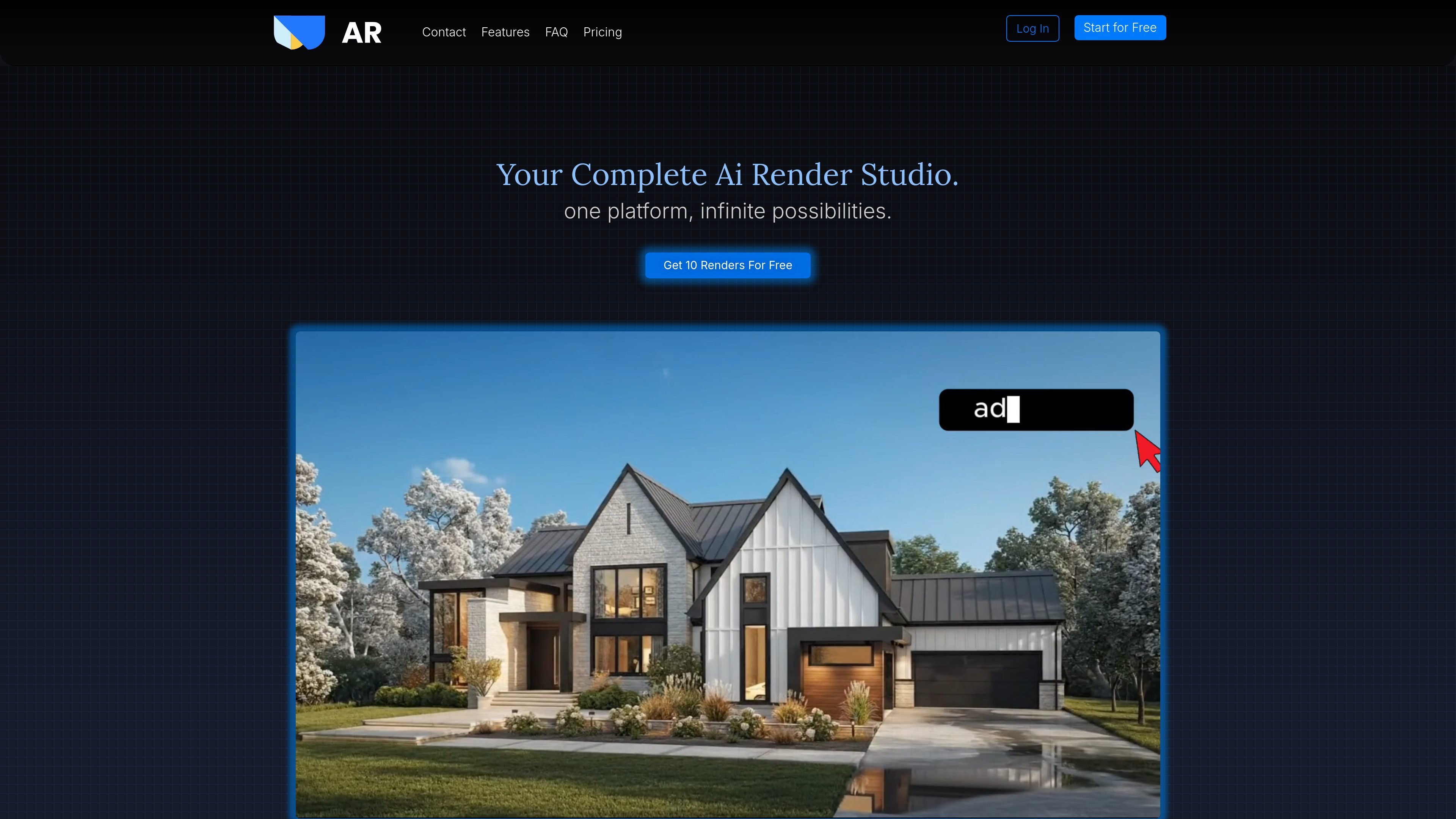
Seven-photo cinematic tour
Turn seven listing photos in a set order into a 12-second video tour with speed-ramp transitions.

Turn listing photos into property videos, virtual staging, and edited real estate images.
AutoRender AI is a web tool for real estate photographers, media professionals, and agents creating listing visuals. Upload property photos, choose a video or image template, generate the result, and download it for client delivery or posting.
Current workflows include cinematic listing tours, an agent's likeness and voice in a tour, virtual staging, vacancy, sky changes, and image enhancement. Outputs are AI-generated visualizations that need review; they are not reliable evidence of real property conditions or suitable for construction, engineering, or other technical decisions.
Turn seven listing photos in a set order into a 12-second video tour with speed-ramp transitions.
The voice version takes an agent headshot, seven listing photos, and a 10-second voice note. The silent version uses a headshot and seven photos with music instead of a recording.
Upload 8–12 photos, select a camera movement for each clip, then stitch, trim, and reorder the clips.
Furnish an empty-room photo in Modern, Coastal, Warm & Natural, Luxury, or Mediterranean style, or remove furnishings from a room image.
Replace a sky, correct lighting, improve HDR, remove snow, tidy a lawn, or add a described car. Each template has its own input requirements; HDR enhancement starts with a well-exposed photo.
Generate downloadable listing media and upscale still images up to 4K. Video format and duration depend on the selected template.
Create a tour from existing listing photos and deliver the generated video alongside the photo set.
Use an authorized headshot and voice recording to create a presenter-led tour without filming a separate introduction.
Generate a staged version of an empty room and review it against the original before using it in listing material.
Create a twilight sky, lighting adjustment, or vacant-room version for a client to review, while keeping the original photographs available.
A free account includes one Golden Credit: one full run of any video template, without a payment card. You can keep the result.
Advertised founding-member prices are Starter $39/month, Pro $59/month, and Studio $99/month. Annual prices are $390, $590, and $990 respectively. Monthly plans include 1,500, 3,500, or 7,500 credits for image and video work. Paid plans include all templates and commercial use; Pro and Studio add priority rendering and support, private mode, and unlimited project storage. Taxes can apply.
Monthly subscription credits reset and do not roll over. Subscriptions renew automatically unless cancelled before renewal; cancellation stops future charges while access continues through the current billing period. Unused credits, unused time, and partial periods are nonrefundable except where law requires otherwise.
AutoRender permits generated media to be delivered, sold, and posted, and explicitly includes commercial use in its paid plans. Only upload photos, headshots, voice recordings, and other content you have rights to use. Check the result before publishing: generated staging, objects, lighting, or movement may not reflect the actual property.
AutoRender states that uploads and outputs are not used to train AI models. Its terms and privacy policy specify that uploaded content is processed to deliver the service and may be shared with necessary cloud and AI providers. Data can be retained for service delivery, legal obligations, disputes, or other stated legitimate purposes.
トラフィックデータは参考情報としてご利用ください。

pictory.ai
Turn scripts, articles, presentations, images, and recordings into editable videos with AI.

nanobananafree.org
A third-party workspace for AI image editing and videos from product photos

lumen5.com
Turn scripts, blog posts, transcripts, public webpage links and ideas into editable videos with AI-built scenes, visuals and timing.

hailuoai.video
Create AI videos from prompts, photos, and references, with model-specific generation and editing workflows.

pixverse.ai
Generate videos from prompts and images, with multi-shot direction, native audio, and production tools.

vidu.com
Vidu generates videos from prompts, images and visual references. Guide motion with keyframes and reuse characters, props or scenes across creative projects.