
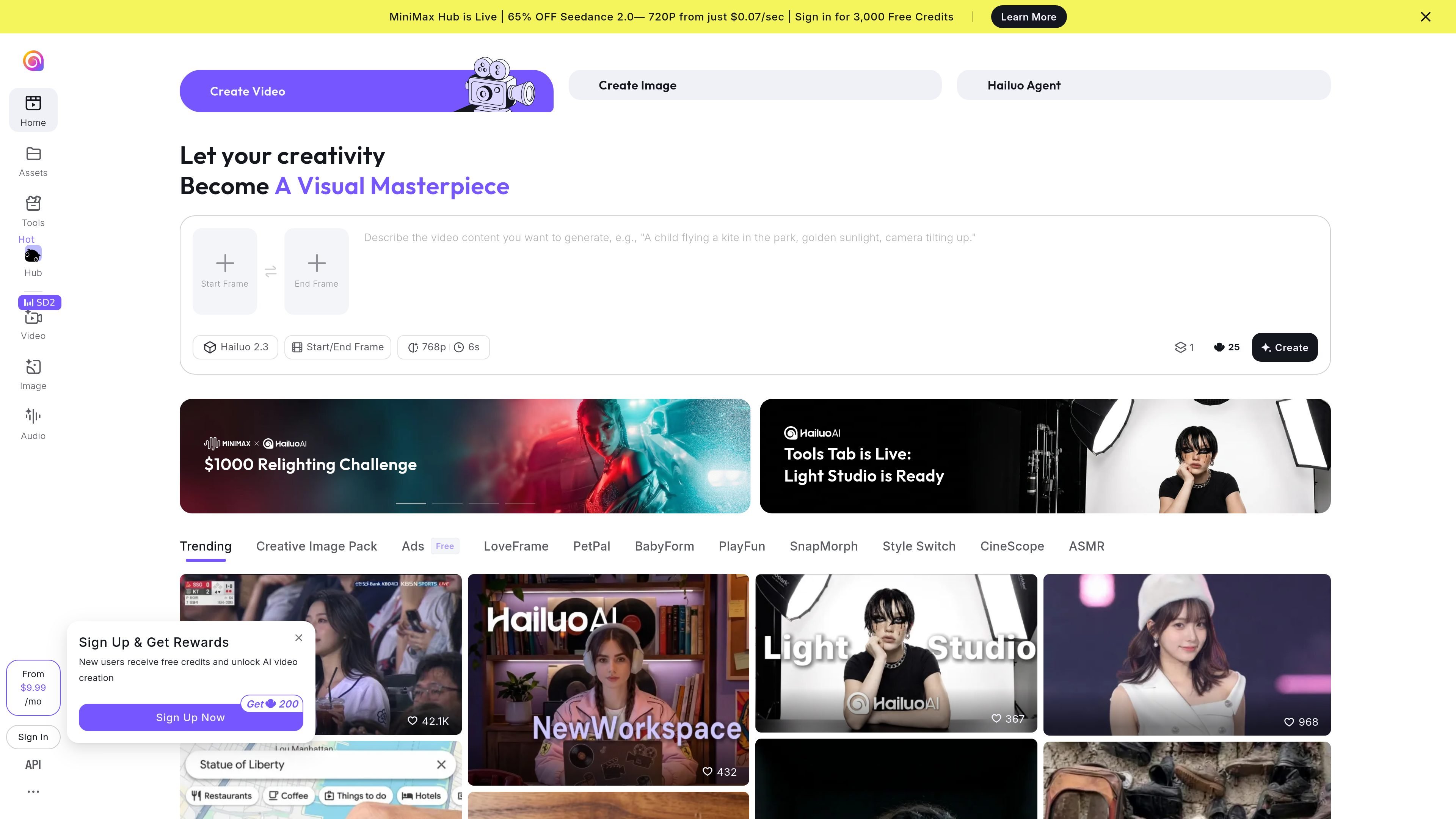
Text and image-to-video
Describe a scene from scratch or use a still image to establish its appearance, then prompt the subject's action and camera movement.

Create AI videos from prompts, photos, and references, with model-specific generation and editing workflows.
Hailuo AI is a web workspace for AI video and image creation. Its video editor supports text-only prompts, image animation, and reference-based generation, with a choice of models and output settings. MiniMax H3 adds multimodal references, synchronized stereo sound, and targeted video edits. Model availability, output limits, and credit costs vary with the selected model and plan.
Describe a scene from scratch or use a still image to establish its appearance, then prompt the subject's action and camera movement.
Choose from supported models such as MiniMax H3 and Hailuo 2.3, then set duration, ratio, and resolution. Download generated videos as MP4.
Combine image, video, and audio references to guide characters, motion, camera style, or voice. H3 accepts up to 12 files in total.
Revise people, objects, backgrounds, lighting, effects, dialogue, or voice through instructions and review the regenerated result.
Use the separate image-creation entry to generate visual assets for further creative work.
Write the subject, action, camera, and lighting into a prompt to explore a shot before choosing a direction.
Start from a photo or illustration and describe its motion instead of asking the model to invent the whole scene.
Generate an original short setup and reaction from text or a photo. Add captions afterwards in a separate editor.
H3 generates 4–15-second clips at 24 FPS with native stereo sound and output up to 1440p/2K. These are H3 specifications; other models have different limits.
Up to nine images, three video clips, and three audio clips, with a combined maximum of 12 files. Audio references must accompany an image or video.
H3 uses credits, with actual costs varying by generation mode, output settings and plan. Check the current credit requirement in the Hailuo generation interface before submitting a task.
No. You remain responsible for rights to input images, voices, and other materials. Hailuo's terms require AI disclosure when necessary and restrict removing its watermarks or identifying notices without permission. The terms do not clear third-party rights in uploaded material.
トラフィックデータは参考情報としてご利用ください。

captions.ai
AI video editing and generation for creators and teams making social, marketing, and product videos.

vidu.com
Vidu generates videos from prompts, images and visual references. Guide motion with keyframes and reuse characters, props or scenes across creative projects.

nanobananafree.org
A third-party workspace for AI image editing and videos from product photos

nimvideo.com
Generate images and create, edit, or extend videos in a multi-model AI studio.

pixverse.ai
Generate videos from prompts and images, with multi-shot direction, native audio, and production tools.

davinci.ai
Multi-model AI image and video creation with editing, resizing and upscaling tools.