
Text to PPT generation
Generate presentations from plain text, a topic, or structured notes. The AI organizes content into slide-ready sections so you can start from an outline rather than a blank deck.

WorkPPT is a web-based AI presentation and productivity tool that turns text, documents, spreadsheets, PDFs, and images into editable slide decks. It also includes PDF utilities, summarization, chat, and mind map tools for organizing content before presentation.
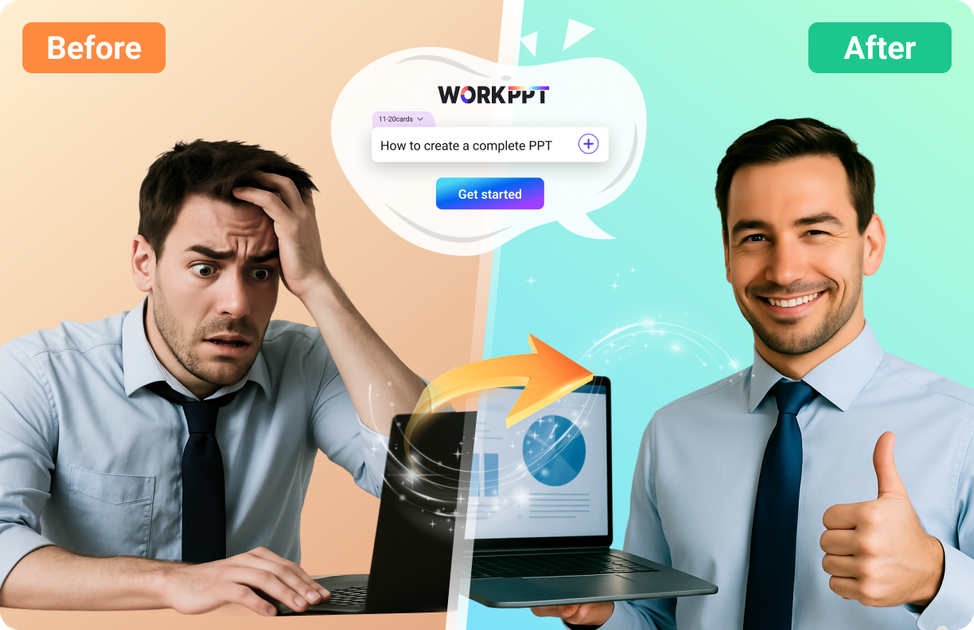
WorkPPT is an online AI productivity platform centered on presentation creation. It turns text, PDFs, Word files, Excel data, and images into slide decks, then lets users edit and export the result as a presentation or other file format.
Beyond slide generation, the product also includes PDF utilities, an AI summarizer, AI chat, and mind map tools. The published pricing page shows a free tier and paid plans, while the feature pages emphasize browser-based workflows that do not require desktop software installation.
Generate presentations from plain text, a topic, or structured notes. The AI organizes content into slide-ready sections so you can start from an outline rather than a blank deck.
Upload a PDF and have WorkPPT extract headings, sections, and key points into an editable presentation. The source page says the result is structured for quick review and export.
Convert Word documents, Excel sheets, and images into slides. The site also describes file-to-PPT workflows that summarize content and turn it into a clean deck.
Choose from a large template library and edit the outline or content before exporting. The homepage highlights 5,000+ templates and online editing.
Use the built-in AI PDF tools to merge, split, convert, and add watermarks or stamps to documents. The homepage groups these tools with the presentation workflow.
Work with AI summarizer, AI chat, and AI mind map tools alongside presentations. The homepage presents these as part of the same productivity suite.
Turn a topic, prompt, or notes into a first-draft deck, then refine the structure and wording in the online editor.
Convert reports, papers, manuals, or training PDFs into slides without manually copying text into a new deck.
Summarize spreadsheets, documents, or images into slide-friendly points for meetings, lessons, or internal reviews.
Use the PDF tools to merge, split, convert, or add watermarks and stamps when the task is document handling rather than slide creation.
Combine AI chat, summarizer, and mind map tools when you need to gather ideas, condense source material, and organize an outline before presenting.
Yes. The pricing page shows a free plan with limited AI PPT, summarizer, GPT, and AI PDF usage, along with an online slide editor.
Yes. The site says exported files can include PPTX, PDF, and images, and the PDF-to-PPT page also mentions PowerPoint, PDF, or image downloads after editing.
WorkPPT’s AI presentation tools accept text, topics, PDFs, Word documents, Excel spreadsheets, and images as input on the feature pages shown.
The PDF-to-PPT page says the tool works online in the browser and does not require software installation. The home page also emphasizes quick generation and online editing.
The source suggests WorkPPT is aimed at individual productivity as well as business, education, and team presentation workflows, but it does not provide detailed team-administration documentation on these pages.