
Local text-to-speech generation
Generate narration on the desktop rather than sending scripts to a hosted synthesis service. Paid subscriptions include unlimited local generation, allowing users to preview and revise without per-character charges.

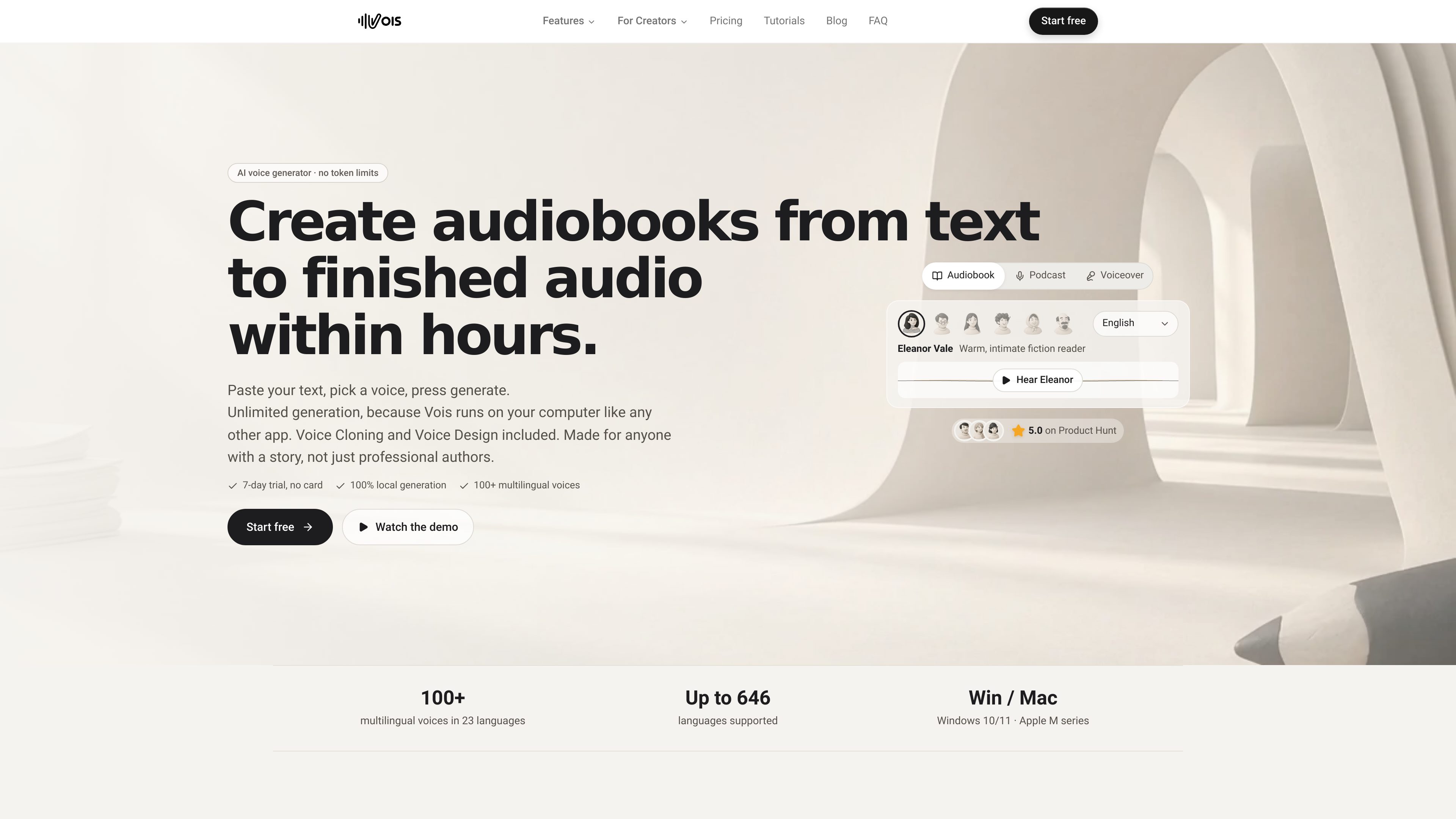
Vois is a desktop AI voice production studio for creating audiobooks, podcasts, voiceovers, and other narrated audio. It combines local text-to-speech, voice cloning, script editing, multitrack arrangement, mastering, and audio export in one app.
Vois is a desktop AI voice production studio for producing audiobooks, podcasts, voiceovers, and other narrated audio. Users can paste a script, choose or assign voices, generate speech locally, revise individual lines, and arrange the result in a project with chapters, speakers, pauses, music, and sound effects.
Speech generation, editing, and mastering run on the user’s computer. After setup and model installation, the app can be used without an internet connection; internet access is still needed for setup, model downloads, activation, and periodic license validation. Vois lists support for Windows 10/11 and Apple M-series Macs.
Generate narration on the desktop rather than sending scripts to a hosted synthesis service. Paid subscriptions include unlimited local generation, allowing users to preview and revise without per-character charges.
The app provides more than 100 studio voices across 23 languages. The Pro plan adds Omni, a local model supporting more than 600 languages, and Voice Design for creating voices from attributes including gender, age, pitch, accent, and style.
Create a custom voice from a short recording on the device. Vois states that users should record themselves or have permission to clone the source voice.
Tag speakers in a script, assign a different voice to each speaker, correct names with a pronunciation dictionary, and shape delivery with pauses or revised takes.
Organize chapters, narration, music, and sound effects on a timeline, then use EQ and loudness controls to prepare the mix for publishing.
Export audio as MP3, WAV, FLAC, or AAC, with presets for Spotify, YouTube, and Apple Podcasts. CLI access and skills for local agents support approved workflows for drafting, generating, and exporting chapters.
Turn a manuscript into chapter-based narration by assigning a narrator or character voices, correcting pronunciation, retaking lines, and exporting each chapter as a separate audio file.
Build spoken-word episodes with multiple speakers, narration, music, and sound effects on separate tracks, then adjust loudness and export files for podcast platforms.
Create narration for YouTube videos and e-learning courses from prepared scripts, using repeatable voices and local generation to iterate on wording and delivery.
Give game characters distinct voices by assigning different speakers or using voice cloning where the creator has the necessary permission.
Use the installed CLI with Claude Code, Codex, Cursor, or other local agents to draft chapters and propose cast, generation, and export steps that the user approves before execution.
Yes. After the app and voice models are installed, speech generation, editing, and mastering can run offline. An internet connection is still required for setup, model downloads, activation, and periodic license validation.
The product lists Windows 10/11 and Apple M-series Mac support. The Omni model requires a compatible graphics card, and the free trial is intended to confirm that it runs on the user’s machine.
Vois lists MP3, WAV, FLAC, and AAC export. It also provides export presets for Spotify, YouTube, and Apple Podcasts.
Voice cloning uses a short recording and should only be used for your own voice or a voice for which you have permission. The resulting custom voice is created on the device.
Vois offers a 7-day trial without a card. The pricing page lists Subscriber at $29 monthly or $192 annually, and Pro at $49 monthly or $264 annually. Pay-as-you-go export credits are also available; subscriptions include unlimited local generation.

altered.ai
メディア制作とライブ音声向けのAIボイスチェンジャー・音声制作プラットフォーム。

vocloner.com
音声サンプルからAI音声をクローンし、多言語音声を生成

speechify.ai
SpeechifyAI is a developer API for expressive text-to-speech and voice cloning. It provides streaming Simba models, catalog and cloned voices, SSML support, and a free starting tier for building speech into applications.

echo-pod.ai
記事やニュースレター、ブログをポッドキャストに変えるAIプラットフォーム

vogent.ai
Vogentは、ノーコードのフロー構築、電話向け音声ツール、Voicelabを備えたAI音声エージェント開発・テスト・展開用Webプラットフォームです。

tomoviee.cn
万兴天幕AI は、動画・画像・音楽・効果音・音声を生成できるAIコンテンツ制作プラットフォームです。