SpeechifyAI logo

SpeechifyAI

Freemium
訪問

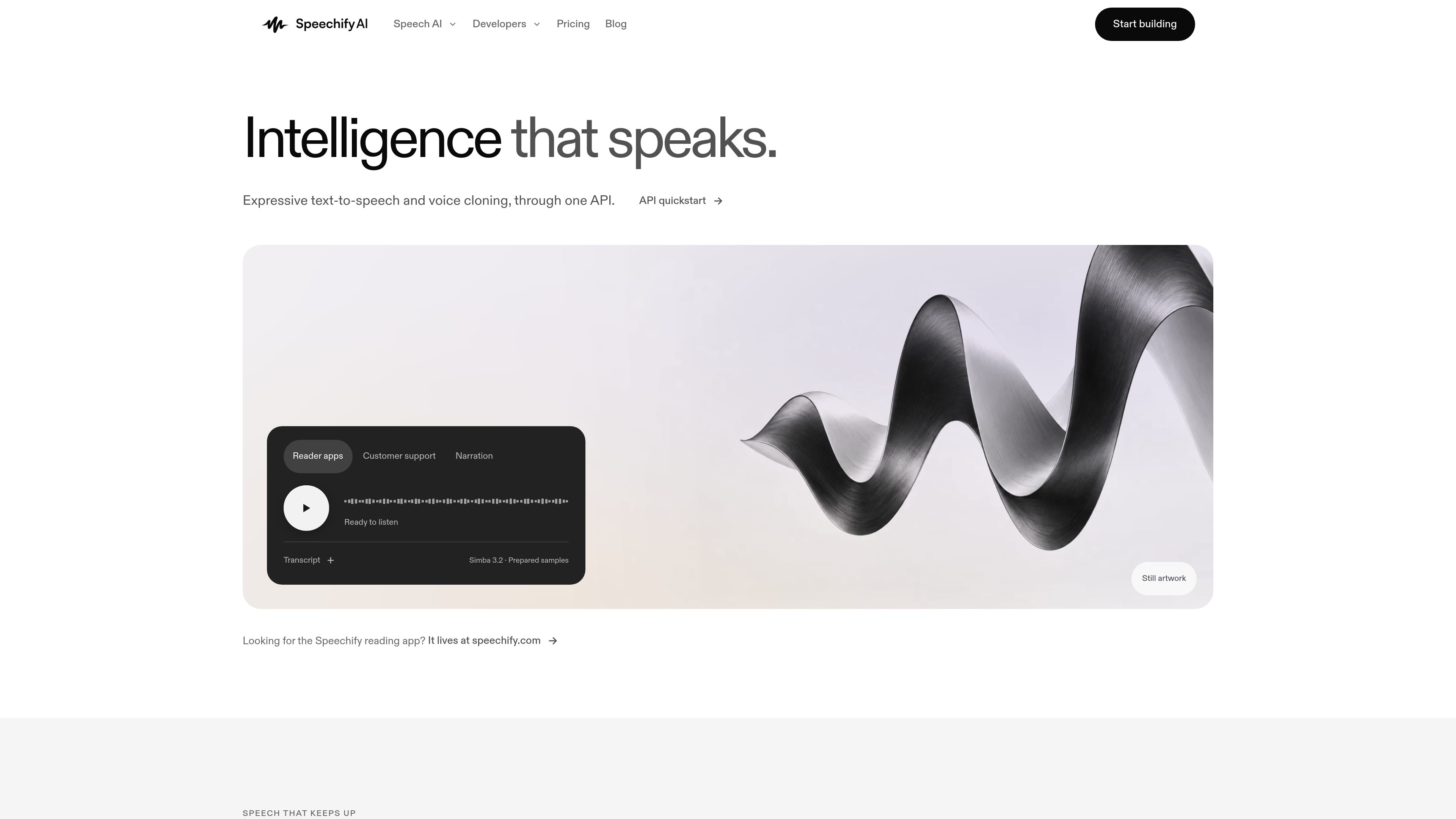
SpeechifyAI is a developer API for expressive text-to-speech and voice cloning. It provides streaming Simba models, catalog and cloned voices, SSML support, and a free starting tier for building speech into applications.

SpeechifyAIとは?

SpeechifyAI is a developer-focused API for expressive text-to-speech and voice cloning. It lets applications generate audio from text through HTTP endpoints, using catalog voices or, on paid plans, cloned voices created from a consented reference recording.

The platform is built around streaming Simba models for applications that need speech while content is being generated. It includes standard and streaming speech endpoints, SSML and speech marks, multiple audio formats, and a browser listening lab for comparing prepared voices and trying text before integration. SpeechifyAI is separate from the Speechify Reader app and its subscription.

Developers can begin with an API key and a free monthly allowance without adding a credit card. Usage is calculated from the characters spoken. Paid plans add voice cloning and allow continued usage through purchased top-up balance, while plan-specific options include batch synthesis, additional seats, and different support levels.

SpeechifyAIでできること

Streaming text-to-speech

Generate speech through standard or streaming API endpoints using Simba models. The site reports a median first-audio-byte time of 56 ms and a p90 of 102 ms for its Simba 3.2 production US East path; these are first-byte measurements, not guarantees of audible end-to-end latency.

Catalog and cloned voices

Use SpeechifyAI catalog voices or reusable cloned voices on paid plans. Voice cloning starts with a reference recording, and the product instructs users to clone only voices they have permission to use.

SSML and speech marks

Control synthesis with SSML and request speech marks in addition to ordinary text input. SSML tags are not counted as spoken characters for usage calculation.

Multiple audio outputs

The text-to-speech API returns generated speech and supports five audio formats, including MP3. A documented request uses text, a Simba model, a voice ID, and an audio format.

Language and delivery controls

Simba 3.2 is listed for English, while Simba 3.0 is shown with seven locales across English, German, Spanish, French, Italian, and Portuguese. Prepared samples also demonstrate delivery choices such as neutral, calm, cheerful, energetic, and sad; available controls vary by model and voice.

利用シーン

“Application narration”

Add generated narration to reading, publishing, or content applications by sending changing text to the API and receiving audio in a supported format.

“Customer-support responses”

Turn support messages or prepared response text into spoken output for interfaces that need an audible customer-service experience. The site uses customer support as one of its example contexts.

“Real-time spoken interfaces”

Use streaming synthesis when an application needs to begin receiving audio before the full response is complete, such as an interactive interface with dynamically generated text.

“Branded or personal voice experiences”

Create a reusable voice from a permitted reference recording for products that need a consistent speaker identity across generated scripts. The source recording must be consented, and voice cloning is available on paid plans.

よくある質問

How do I start using SpeechifyAI?

Create an API key and call the text-to-speech endpoint with an authorization header, text input, a model, a voice ID, and an audio format. SpeechifyAI provides a free tier with 500,000 characters per month and no credit card requirement.

Is SpeechifyAI the same as the Speechify Reader app?

No. SpeechifyAI is the developer API and is billed separately from the Speechify Reader app. Reader subscriptions do not include API usage.

How is text-to-speech usage calculated?

Usage is billed by the characters of text that are spoken. SSML tags and whitespace at the very beginning or end of the input are excluded; spaces between words are counted.

Which languages and voices are available?

Self-serve listings show Simba 3.2 for English and Simba 3.0 for six languages with seven locales: English, German, Spanish, French, Italian, and Portuguese. Voice and model compatibility varies, and broader language coverage is available through sales.

What are the requirements for voice cloning?

Voice cloning uses a reference recording to create a reusable voice. You must have permission to use the voice being cloned. The source states that voice cloning is available on paid plans but does not provide a complete set of recording specifications in the supplied material.

クイック情報

Category
Developer API / Text-to-speech
Primary users
Developers building applications with generated speech
API style
HTTP API with standard and streaming speech endpoints
Models
Simba 3.2 and Simba 3.0
Free starting tier
500,000 characters per month; no credit card
Voice cloning
Available on paid plans with a permitted reference recording

SpeechifyAI のトラフィック分析

トラフィックデータは参考情報としてご利用ください。

ドメイン評価
53

SpeechifyAIの代替品

Altered logo

Altered

altered.ai

メディア制作とライブ音声向けのAIボイスチェンジャー・音声制作プラットフォーム。

Vocloner logo

Vocloner

vocloner.com

音声サンプルからAI音声をクローンし、多言語音声を生成

Vois logo

Vois

vois.so

Vois is a desktop AI voice production studio for creating audiobooks, podcasts, voiceovers, and other narrated audio. It combines local text-to-speech, voice cloning, script editing, multitrack arrangement, mastering, and audio export in one app.

Vogent logo

Vogent

vogent.ai

Vogentは、ノーコードのフロー構築、電話向け音声ツール、Voicelabを備えたAI音声エージェント開発・テスト・展開用Webプラットフォームです。

万兴天幕AI logo

万兴天幕AI

tomoviee.cn

万兴天幕AI は、動画・画像・音楽・効果音・音声を生成できるAIコンテンツ制作プラットフォームです。

Gemini 3.8 text-to-speech logo

Gemini 3.8 text-to-speech

deepmind.google

Gemini 3.8 Flash TTS and Gemini 3.8 Flash-Lite TTS are audio-generation models for creating expressive voices, directing spoken performances, and producing conversational audio. They support creative teams, developers, and enterprises working across Google AI Studio, Gemini API, Gemini Enterprise, Gemini Notebook, and Google Vids.