
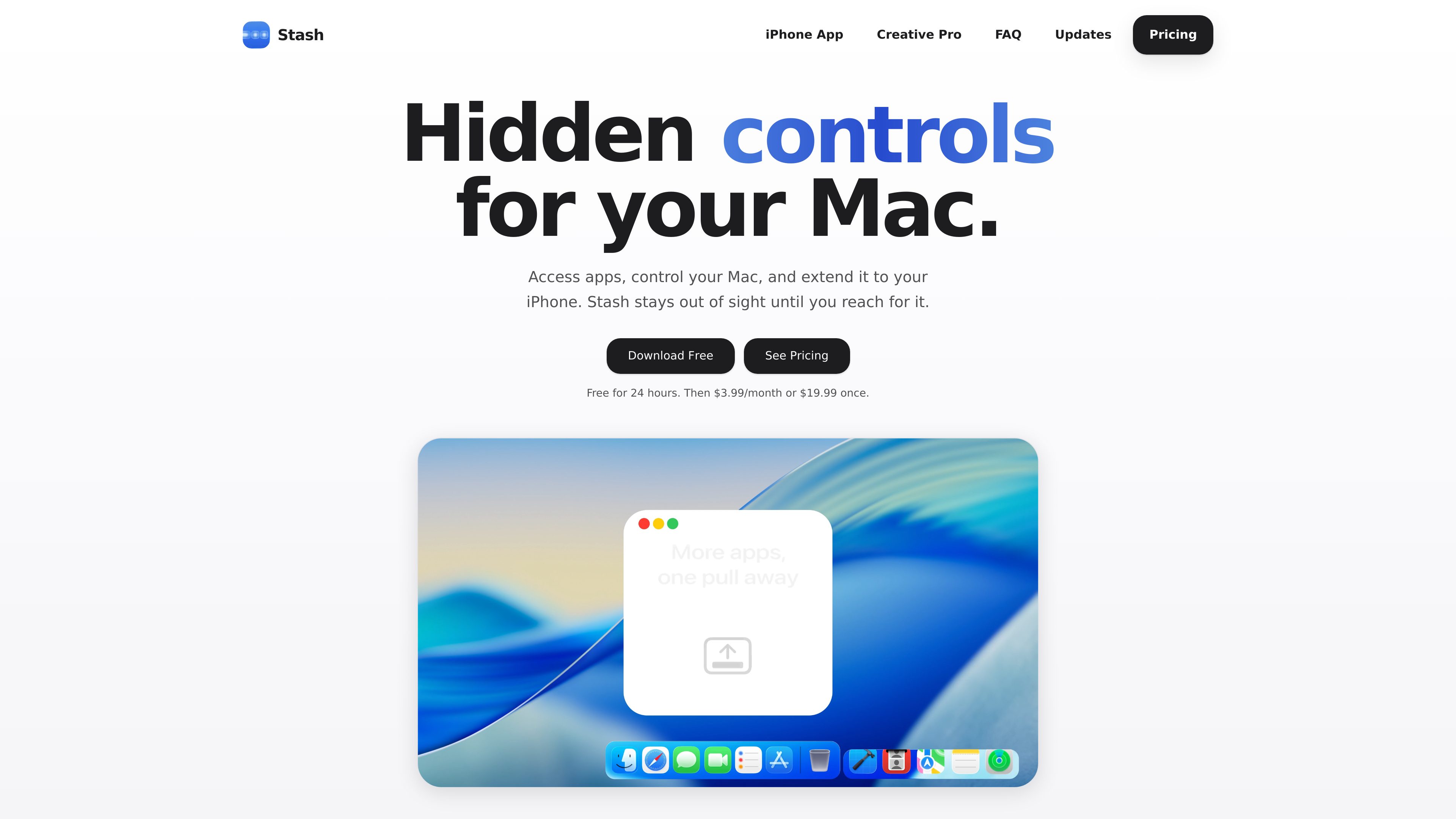
Hidden Dock and App Launcher
Keep selected apps at the edge of the Dock and reveal an expanding launcher for additional apps when needed. The Hidden Dock works alongside the existing macOS Dock.
Stashは、アプリやシステムコントロールを常時表示せずに、画面の端や隅からすぐにアクセスできるmacOSユーティリティです。Hidden Dock、App Launcher、Edge Sliders、Corner Dials、App Profilesに加え、iPhone用コンパニオンアプリのStash Deckが付属します。
Stash is a macOS utility for reaching apps and system controls without keeping additional interface elements permanently visible. It runs from the menu bar and places controls around the edges and corners of the display.
Its main controls include a Hidden Dock, an App Launcher, Edge Sliders for volume, brightness, and appearance, and Corner Dials for volume, brightness, keyboard backlight, and audio output. App Profiles can change the configured apps and controls based on the app in use, while Stash Deck extends selected controls and app launching to an iPhone.
Keep selected apps at the edge of the Dock and reveal an expanding launcher for additional apps when needed. The Hidden Dock works alongside the existing macOS Dock.
Assign the left and right screen edges independently to controls such as volume, brightness, or appearance.
Use interactive quarter dials in the screen corners for volume, brightness, keyboard backlight, and audio output. Dials can also be detached into floating controls and returned to supported corners.
Automatically change the Hidden Dock, Edge Sliders, and Corner Dials according to the app currently in use.
Control the Mac from an iPhone, send an app from the phone to open on the Mac, and use supported widgets such as Spotify, Timer, Claude Code, and Codex.
The planned Creative Pro extension for Stash Deck provides contextual tools, precision sliders, color controls, and app-specific tool groups for Photoshop, Illustrator, After Effects, Premiere Pro, and Blender.
Use the Hidden Dock and App Launcher to keep frequently used apps nearby without adding more permanent desktop clutter.
Reach volume, brightness, appearance, keyboard backlight, or audio-output controls from screen edges and corners instead of opening system controls.
Configure App Profiles so the available apps and controls change when moving between applications.
Use Stash Deck to control the computer, launch a Hidden Dock app from the phone, or keep supported widgets available on the iPhone.
When Creative Pro becomes available, use Stash Deck as a context-sensitive control surface for supported Adobe applications and Blender, including tool selection, selected precision properties, and color controls.
No. The Hidden Dock works alongside the existing Dock and holds apps that you want nearby without keeping them visible all the time.
Yes. Edges, corners, apps, and the accent color can be changed in Settings. Stash can also be recalibrated from the menu bar if the Dock changes.
The included feature set covers the Hidden Dock, App Launcher, Edge Sliders, Corner Dials, App Profiles, and Stash Deck on iPhone with Creative Pro. The site states that the 24-hour trial includes the full feature set.
Stash Deck is the iPhone companion to Stash for Mac. It can control the Mac, send apps from the iPhone to open on the Mac, and provide supported widgets including Spotify, Timer, Claude Code, and Codex.
Stash requires macOS Tahoe. Older macOS versions are not supported.
トラフィックデータは参考情報としてご利用ください。

parall.app
Parall is a native macOS launcher for creating separate instances of supported apps, websites, files, folders, and command-line tools. It helps users maintain distinct app identities, data paths, profiles, and launch settings where macOS and the target app support them.

www.greypaint.app
Greypaintは、Sparkle appcast、Homebrew、GitHub Releases、Mac App Storeを一つのリストで確認できるmacOSアプリ更新ツールです。利用可能な更新を確認し、適用時期を管理し、選択したアプリを一元管理できます。

lucidbit.app
PeekPaste is a native macOS clipboard manager that keeps a searchable history of text, code, links, images, colours, and files. It helps Mac users retrieve and reuse copied content from a screen edge, keyboard shortcut, or library window.

notchpop.com
NotchPop is a macOS productivity island that places media controls, file handling, clipboard history, timers, calendar information, live activity and other utilities in the Mac notch or a floating island. It supports Macs with or without a physical notch and is aimed at people who want quick access to these tasks without switching away from their current app.

gsdtaskmanager.com
GSD Task Manager is a private Eisenhower Matrix for organizing tasks by urgency and importance across the web, iPhone, iPad, and Mac. It works without an account, keeps data local by default, and supports optional sync when needed.

wattmateapp.com
A macOS battery diagnostic tool that shows which apps use power and what quitting them may save.