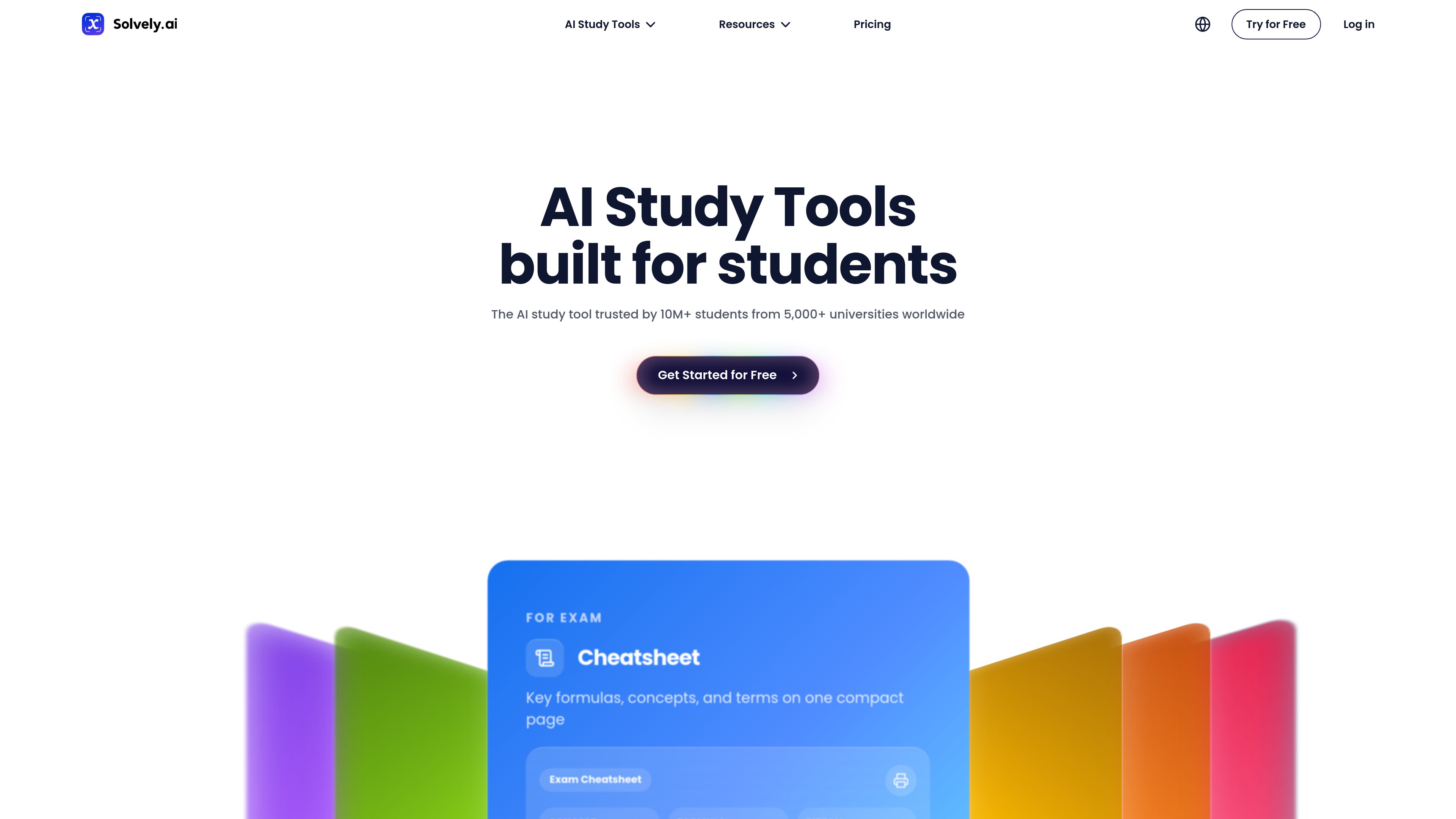
Solvely is an AI study tool for students that helps with homework, notes, quizzes, flashcards, study guides, and exam practice. It works across web, iOS, Android, and browser extensions, with step-by-step help and a paid Unlimited plan.

Solvely
Solvely

What Solvely is

Solvely is an AI study tool for students that combines homework help, note-taking, quiz generation, flashcards, study guides, and exam practice in one product. The site presents it as a tool for students who want help understanding coursework as well as getting answers.

Its workflow centers on uploading or scanning schoolwork and study materials, then generating step-by-step solutions, structured notes, and practice content. The site also says the product works across web, iOS, Android, and browser extensions, and that the Unlimited plan adds unrestricted use of core study features during the subscription period.

Core features

Homework solving

Upload a question by image, paste it in, or take a screenshot to receive step-by-step answers and final solutions across subjects.

AI notes and live note-taking

Record live lectures and turn them into transcripts, structured notes, and study materials for later review.

Multisource study generation

Upload materials such as documents, audio, URLs, presentations, or PDFs to generate study guides, flashcards, and quizzes from source content.

Quiz generation

Convert text, notes, objectives, or sample questions into quizzes with multiple-choice and short-answer formats.

Mock exams and exam prediction

Practice with simulated exams built from uploaded materials, including topic breakdowns and readiness indicators.

Review tools

Create flashcards and compact cheat sheets from study materials for review and memorization.

Common ways to use Solvely

  • Homework help across subjects

    Submit a math, science, English, history, or business question by photo or text and get a worked solution you can study from.

  • Lecture capture and note review

    Upload lecture audio or class materials to turn them into notes, summaries, and structured study aids for review after class.

  • Self-testing from study materials

    Paste notes, objectives, or sample questions into the quiz generator to create practice questions with answers and explanations.

  • Exam prep and memorization

    Upload class content to make flashcards, study guides, and cheat sheets for fast review before an exam.

  • Practice with upcoming tests

    Use the mock exam and predictor features to practice under exam-like conditions and see which topics need more work.

Pros and Cons

Pros

  • Covers multiple study workflows in one product, including homework help, notes, quizzes, flashcards, and exam practice.
  • Supports several input types, including photos, screenshots, and uploaded materials such as documents, audio, URLs, and presentations.
  • Offers step-by-step explanations rather than only final answers, which is useful for learning and review.
  • Includes cross-platform access on web, iOS, Android, and browser extensions according to the site and pricing pages.
  • Provides a clear subscription flow with cancellation and pause information on the pricing page.

Cons

  • The public pages provide limited detail on onboarding, deep integrations, and advanced account management beyond the subscription and QR-code login flows shown.
  • The source does not fully document every feature page, so some capabilities are described only at a high level.

FAQ

How does Solvely work?

Solvely lets you scan a question by photo, upload an image, or paste a question, then returns step-by-step help and a final answer. The pricing page describes the workflow as scan, solve, and explain.

What does the Unlimited subscription include?

The pricing page says the Unlimited subscription includes unlimited scans for solving questions, unlimited step explanations, and unlimited AI tutor usage during the subscription period.

Which platforms does Solvely support?

The source pages show support for web access, iOS, Android, and Chrome, and also mention iPhone, Android, Chrome Extension, and Edge Extension in the site navigation and pricing page.

What kinds of study tasks is Solvely designed for?

The site describes several study tools: homework help, AI notes/live notes, study guides, flashcards, quizzes, mock exams, and a homework solver for step-by-step solutions.

Can I cancel a Solvely subscription?

The pricing page says subscriptions can be canceled anytime. Stripe subscriptions are managed from the account page, while App Store subscriptions follow Apple’s cancellation steps.

Quick Facts

Category
AI study tools
Primary users
Students
Platforms
Web, iOS, Android, Chrome, Edge Extension
Core workflow
Scan or upload material, then solve, explain, and study
Pricing signal
Free access is mentioned on the site, with an Unlimited subscription on the pricing page
Source domain
solvely.ai