

Teacher-built Spaces
Teachers can build teacher-designed AI learning experiences called Spaces and decide what students see and how the AI responds.
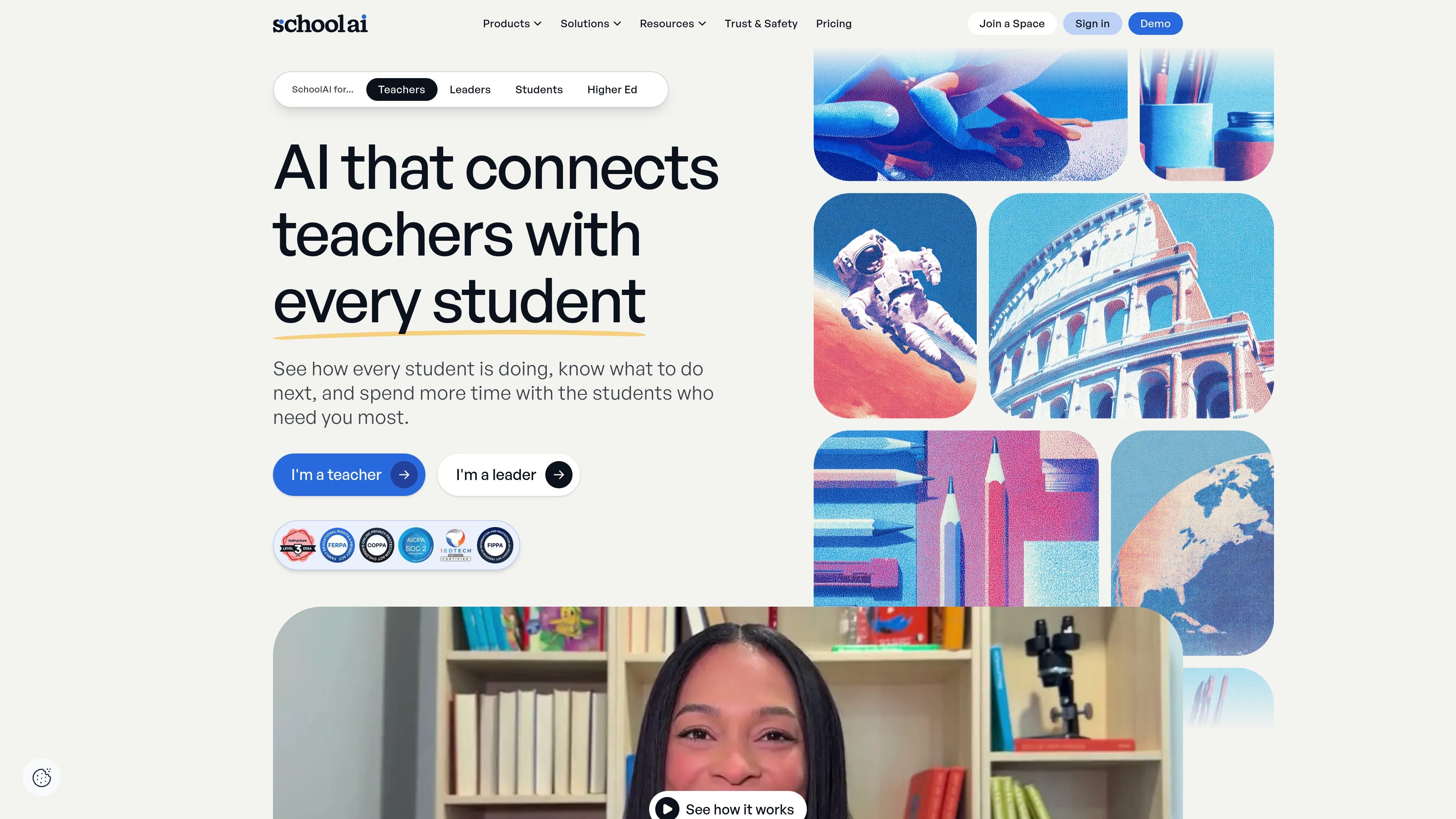
SchoolAI is an AI platform for education that helps teachers create personalized learning experiences and monitor how students are progressing in real time. The site positions it as software for teachers, leaders, students, and higher education users, with a classroom-first design that keeps educators in control of the learning experience.
At the center of the product are Spaces, teacher-designed AI learning experiences, and Mission Control, which gives teachers visibility into student activity while those experiences are running. The broader platform also includes a browser extension, PowerUps, professional learning resources, and district features such as rostering, LMS integration, governance controls, and support options on paid tiers.
The pricing page shows a free trial path alongside Pro and Scale plans. Those higher tiers expand from classroom use toward district-wide deployment with added controls, support, and integration options.
Teachers can build teacher-designed AI learning experiences called Spaces and decide what students see and how the AI responds.
Mission Control shows student activity during a session so teachers can see who is engaged, who is stuck, and where support is needed.
The browser extension brings AI-powered feedback, lesson creation, and note-taking into the tools teachers already use.
Districts can connect SchoolAI to an LMS and sync accounts through SIS-powered rostering, with options for LMS-embedded Spaces and student portals on higher tiers.
Administrative controls include critical alerts, routing, permissioning, audit logs, usage reports, and student chat observability on district plans.
Professional development resources, certifications, and live training are available to help educators learn the platform and adopt it consistently.
A teacher can create a Space for a lesson, exit ticket, bellringer, tutoring session, or topic exploration and tailor the experience to the class.
During a live session, Mission Control helps the teacher watch student progress, identify confusion, and decide who needs support right away.
District teams can organize collections, apply rostering and governance controls, and use audit logs and reports to support broader rollout.
Educators can use the browser extension for lesson creation, feedback, and AI assistance inside existing tools rather than switching contexts.
Schools that want staff adoption support can use the PD Hub, certifications, and live professional development resources.
SchoolAI is designed for teachers, district leaders, students, and higher ed users, with separate product areas for classroom experiences, monitoring, browser-based support, and professional learning.
The sources show a free trial tier, plus Pro and Scale plans. Free Trial includes limited Space launches, while Pro and Scale add district features such as rostering, LMS integration, governance, and dedicated support.
SchoolAI Spaces let teachers design AI-powered learning experiences and assign them to students, while Mission Control adds real-time visibility into student activity during a session.
The pricing page lists FERPA, COPPA, SOC 2 compliance, and 1EdTech certification, and the product pages describe teacher control, student protection, and real-time safety alerts.
The sources mention browser extension support, LMS integration, SIS-powered rostering, and district collections, but they do not provide a full public list of every supported system.
トラフィックデータは参考情報としてご利用ください。

astra-ai.co
Astra AIは学習と試験対策を支援するAIチューターです。

openai.com
ChatGPT for Teens is an age-appropriate ChatGPT experience designed to help teens learn, think critically, and use AI with stronger built-in protections. It combines learning tools with healthy-use features and controls for linked parent accounts.

fullstackdeeplearning.com
AIプロダクト開発者向けの無料講座・ブートキャンプ・コミュニティ

aitutorpro.ca
多言語学習、レベル調整、登録不要に対応した無料のブラウザ型AIチューター。

alevels.ai
Alevels.aiは試験対策の学習、採点、難問指導に対応するAI tutorです。

www.trykeet.com
Keet is a personal learning app that generates interactive courses on user-selected topics. It combines structured lesson roadmaps, short explainer videos, quizzes, and knowledge-testing games for guided self-study.