

ATS-friendly template library
Choose from dozens of ATS-friendly templates designed for different resume styles and professions. The site presents template options such as Artistic, Bloom, Timeless, Classic, Professional, and more.
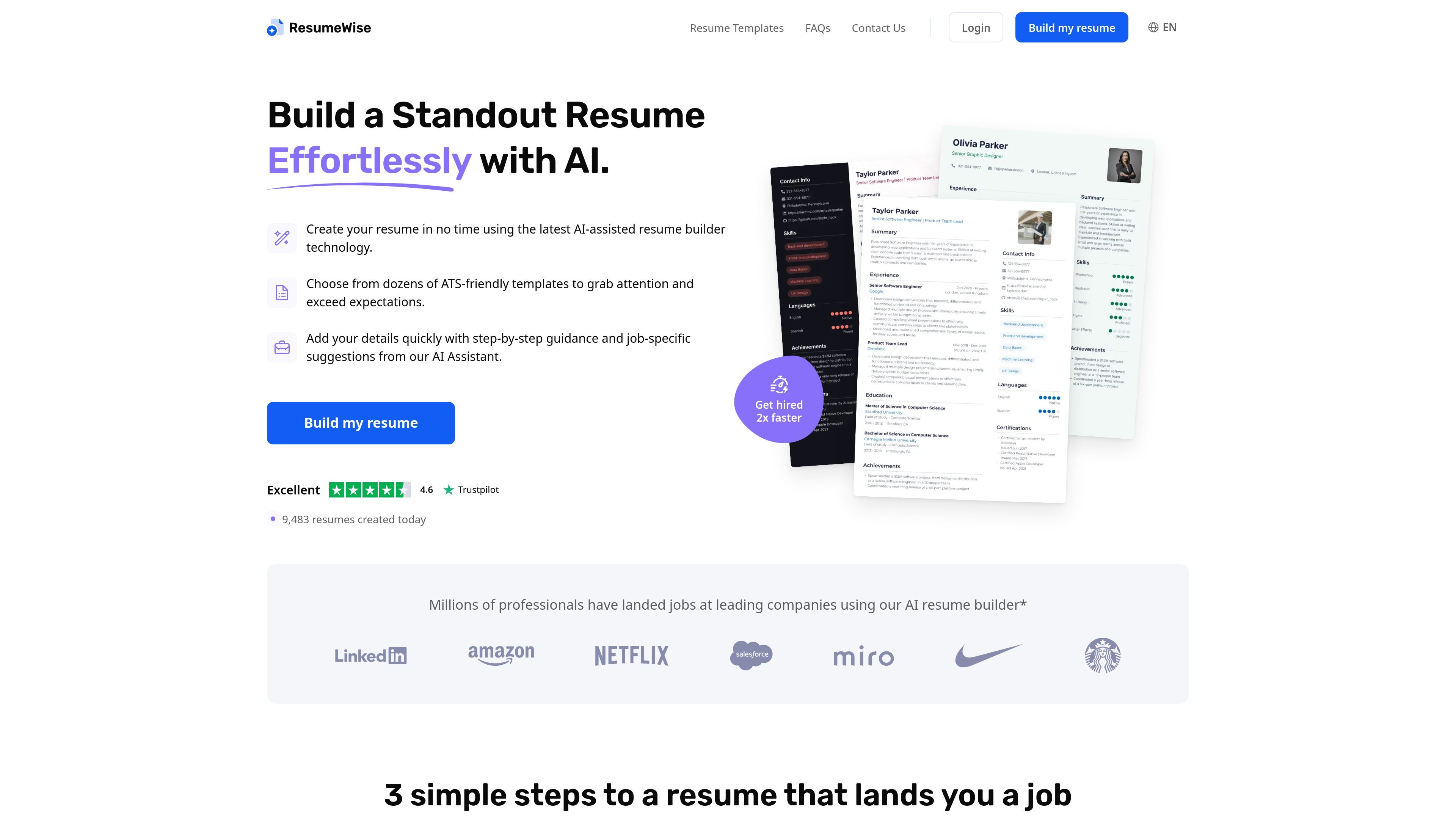
ResumeWise is a web-based AI resume builder that helps people create a resume from scratch or update an existing one with guided writing support. The product emphasizes ATS-friendly templates, step-by-step input, and AI-assisted suggestions so users can move from a blank page to a completed document more quickly.
The site says resumes can be downloaded in Microsoft Word, PDF, or PNG format, and the pricing page shows trial and monthly access options. It is positioned for individual job seekers who want a faster way to assemble a polished resume without design skills.
Choose from dozens of ATS-friendly templates designed for different resume styles and professions. The site presents template options such as Artistic, Bloom, Timeless, Classic, Professional, and more.
Start with a blank resume or upload an existing document to reformat and update it. The get-started page highlights both workflows for new resumes and quick revisions.
Add your information with step-by-step guidance and AI-generated suggestions based on your role. The builder says it can help fill in the blanks with personalized writing assistance.
Some plans include a resume score and AI writing assistance, giving users feedback-oriented help while they work on content.
Download completed resumes as Microsoft Word, PDF, or PNG files. The pricing page also mentions unlimited editing, downloading, and printing on eligible plans.
Pricing is organized around short trial access and monthly access, and the site states that cancellation is simple and available anytime.
Pick a template, enter your background, and use AI suggestions to assemble a resume without starting from a blank page.
Upload an existing resume and reformat it into a newer layout while updating the content with guided assistance.
Use ATS-friendly templates and structured sections when preparing a resume for online applications that may be screened automatically.
Choose a layout that fits a specific profession and use role-based suggestions to translate experience into more polished phrasing.
Export the finished document as Word or PDF after editing, then return to the account later if you need to revise it.
ResumeWise offers a web-based AI resume builder with ATS-friendly templates. You can start a new resume from scratch or upload an existing resume to reformat and update it.
The source shows export and download options for Microsoft Word, PDF, and PNG, with pricing pages also mentioning editing, downloading, and printing access depending on plan.
Yes. The pricing page lists a 7-day full access trial and a 7-day limited access trial, both of which renew automatically unless canceled.
You can cancel through your account settings under Subscription, or by using the cancel subscription flow with the email used for the account. The contact page also lists support@resumewise.com for help.
The source describes template selection, AI writing assistance, resume scoring on some plans, and guided content suggestions, but it does not show team collaboration features or third-party integrations.
トラフィックデータは参考情報としてご利用ください。
| 4月 | 23672 |
|---|---|
| 5月 | 59574 |
| 6月 | 68132 |
トラフィック分析データはまだありません。
トラフィック分析データはまだありません。

earnbetter.com
履歴書作成、カバーレター、求人検索、応募管理を支援するAI就職アシスタント

cvgist.com
個別最適化とATS対応ができるAI履歴書作成ツール

heymilo.ai
大量採用チーム向けのAI採用プラットフォーム

fixmyresume.xyz
Fix My Resumeは応募職種に合わせて履歴書を審査し、ATS対応度を評価して、履歴書とカバーレターを作成します。

aicareercoach.org
CareerVillage.orgによる、学生・求職者・教育機関向けAIキャリアコーチ。

career.io
Career.io は、履歴書作成、キャリアコーチング、求人検索、面接対策、キャリア計画を支援するAIキャリアサービスです。