Redmenta logo

Redmenta

認証する

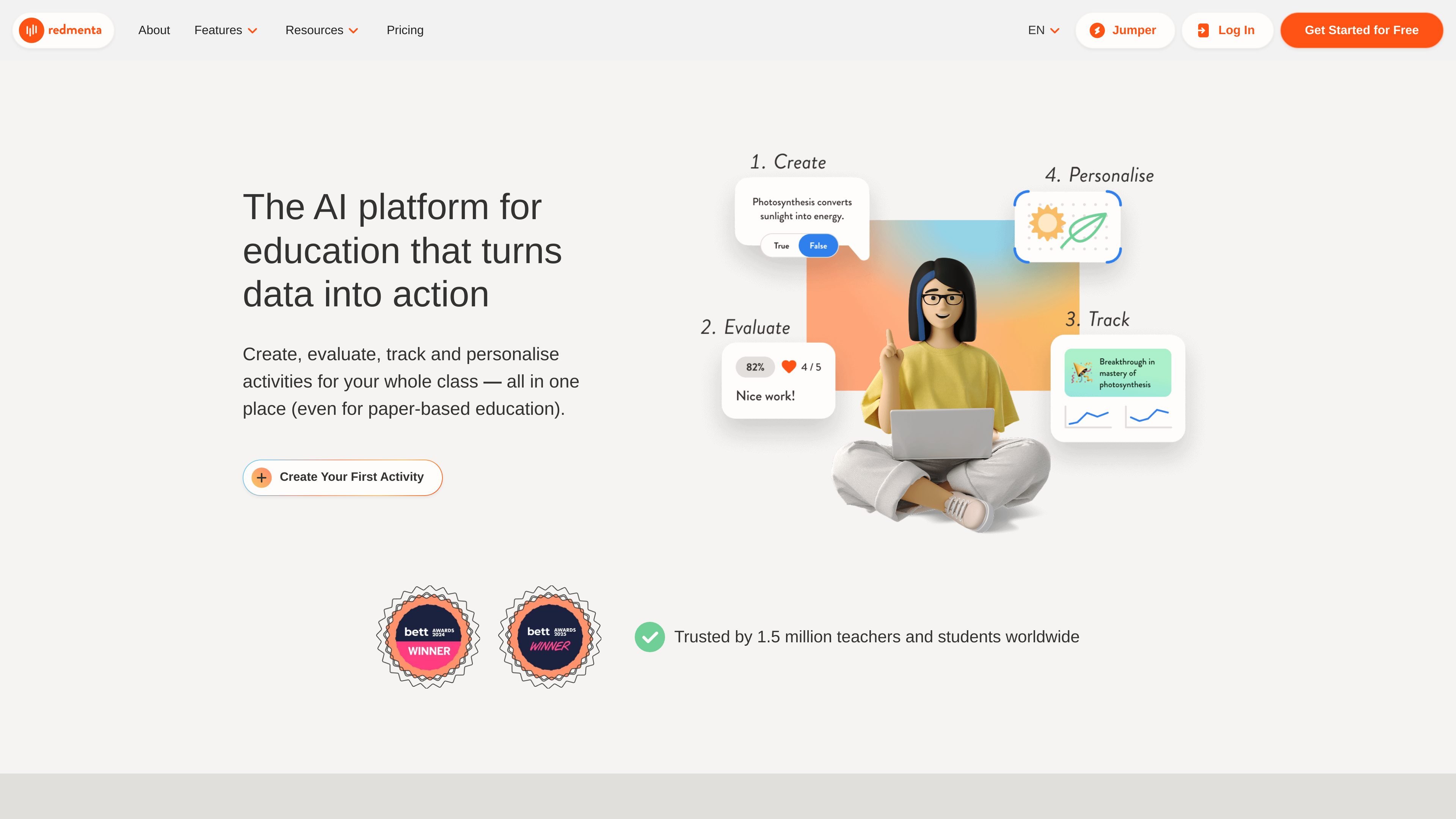
Redmenta is an AI assistant for teachers and schools that helps create activities, evaluate student work, track competency growth, and adapt follow-up learning. It supports both digital and paper-based teaching workflows and integrates with major LMS platforms.

Redmenta preview

What Redmenta does

Redmenta is an AI assistant for teachers and schools that supports the full teaching workflow: creating activities, evaluating student work, tracking competency growth, and adapting follow-up learning. The product is built around teacher control, with AI used to draft, score, and organise work while educators keep final decisions.

The site highlights interactive worksheets, more than 160 AI assistants, competency tracking, paper-based assessment support, and LMS integrations. It also states that students can use the platform without registration and that the service is available in a free plan with unlimited AI generation and full tool access.

Core features

AI-assisted activity creation

Create assessments, practice materials, AI chatbots, gamified challenges, and lesson plans using more than 160 AI assistants. Teachers can tailor content to subject, grade level, and curriculum before sharing it through LMS integrations.

Multi-format evaluation

Evaluate closed questions, essays, videos, chatbot interactions, mind-maps, diagrams, and student-created visuals. The system provides preliminary scoring and report suggestions, while the teacher keeps final review authority.

Paper assignment evaluation

Use handwriting AI to scan paper assignments, generate feedback, and post approved results to competency journals. This is positioned as a way to keep paper-based teaching while reducing manual grading work.

Competency tracking and reporting

Build competency profiles and track changes over time so student progress is visible beyond grades. The platform uses prior evaluation data to identify gaps and support adaptive teaching.

Custom feedback styles

Set feedback tone with evaluation characters such as friendly, funny, structured, or master styles, or create a custom style. This keeps automated feedback aligned with the teacher’s voice and the student’s age group or context.

Personalised adaptation

Generate tasks from a student’s interest profile, then adapt activities for individuals or groups based on performance data. The workflow is designed to support differentiated follow-up work without starting from scratch.

Common ways teachers use Redmenta

  • Build lesson materials faster

    A teacher can draft a worksheet or lesson plan with one of the AI assistants, then refine it to fit grade level, subject, and classroom goals before sharing it with students.

  • Assess mixed-format student work

    An educator can review essays, open-ended answers, videos, or visual responses and get preliminary scores plus feedback suggestions, then apply final judgment before publishing results.

  • Grade paper-based assignments

    A school that still uses printed worksheets can scan handwritten assignments, approve the generated results, and store outcomes in competency journals without switching away from paper entirely.

  • Adapt activities from prior results

    After reviewing performance data, a teacher can generate targeted follow-up tasks for an individual student or group to address specific gaps and support differentiated instruction.

  • Run interactive classroom activities

    A teacher can create interactive practice, gamified challenges, or AI chatbot activities for project-based learning and then deliver them through an LMS-connected workflow.

Pros and Cons

Pros

  • Covers the teacher workflow from creation through evaluation and adaptation.
  • Supports both digital activities and paper-based assignments.
  • Includes competency tracking rather than only grade-based reporting.
  • Offers many AI assistants and multiple feedback styles for different teaching contexts.
  • Connects with major LMS platforms such as MS Teams, Google Classroom, Canvas, and Moodle.

Cons

  • The pricing page returns a not-found message, so public plan details are limited on the source pages provided.
  • The source does not show a complete module or integration reference beyond the examples listed on the site.

FAQ

What is Redmenta used for?

Redmenta is built for teachers and schools. It supports creating learning materials, evaluating student work, tracking competency growth, and adapting follow-up activities in one workflow.

Is Redmenta free or paid?

The source describes a free plan with unlimited AI generation and full tool access, plus a free trial and ambassador path for broader platform access. It does not provide public pricing details on the pricing page because that page returns a not-found message.

Can Redmenta work with paper-based assignments?

Redmenta can be used with digital activities and with paper-based education. Its AI supports paper assignment evaluation and handwritten work scanning, while also offering interactive worksheet formats.

Does Redmenta integrate with learning platforms?

Yes. The source says Redmenta connects with MS Teams, Google Classroom, Canvas, Moodle, and 21+ LMS platforms.

How do students access Redmenta?

The product page says students can use the platform without registration, and the interface works with screen readers and across devices. This suggests a low-friction setup, but the source does not give full onboarding steps.

Quick Facts

Category
AI assistant for education
Primary users
Teachers and schools
Core workflow
Create, evaluate, track, personalise
Platform
Web-based
Integrations
MS Teams, Google Classroom, Canvas, Moodle, and 21+ LMS platforms
Source domain
redmenta.com