

Real-time translation API
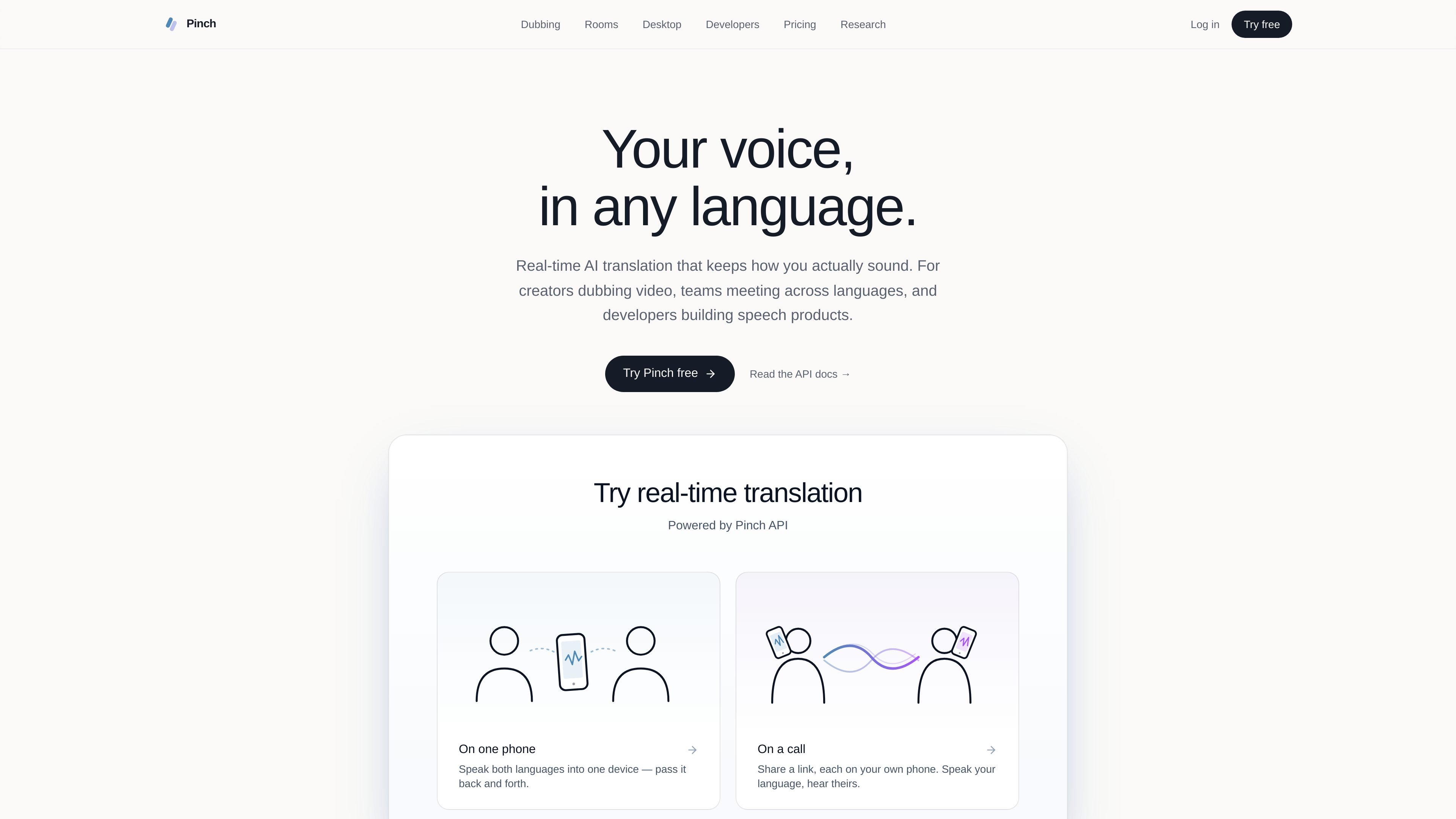
Open a WebSocket, stream microphone audio in, and receive translated audio and transcripts live. The session can return speech-to-speech or speech-to-text output depending on the use case.
Pinch is a speech translation platform that combines real-time interpretation, AI dubbing, and meeting translation tools. It is built for creators translating videos and podcasts, teams holding conversations across languages, and developers adding speech translation to their own products.
The product is split into two main API capabilities: real-time translation over WebSocket and asynchronous dubbing for audio or video. Around those core services, Pinch also offers Rooms for browser-based multilingual meetings and a macOS Desktop app that translates audio inside existing meeting tools like Zoom, Meet, and Teams.
Open a WebSocket, stream microphone audio in, and receive translated audio and transcripts live. The session can return speech-to-speech or speech-to-text output depending on the use case.
Submit audio or video asynchronously and receive a fully dubbed version in another language. The docs and pricing page describe this as a REST workflow for media localization.
Pinch Rooms lets teams start browser-based video meetings with a built-in AI interpreter. Participants join through a link and speak in their own language.
Pinch Desktop runs locally on macOS and translates audio from tools such as Zoom, Google Meet, Microsoft Teams, and Discord without meeting bots or extra invites.
The site says Pinch supports voice-preserving translation, translated captions, and voice cloning for dubbing, which is aimed at keeping the original speaker feel in another language.
Pinch exposes a developer workflow with WebSocket and REST base URLs, API keys from the Developer Portal, and SDKs for Node, Python, and the browser.
Use Pinch to localize recorded videos, podcasts, or other source media into another language while keeping the original voice feel. The dubbing flow is asynchronous, so it fits finished content rather than live conversation.
Use Pinch Rooms when you want a browser-based meeting space with built-in interpretation. It is positioned for formal meetings, calls, and guest participation through a shareable link.
Use Pinch Desktop when a team already works in Zoom, Google Meet, Microsoft Teams, Discord, or similar tools and wants translation without changing the meeting setup.
Use the API when you want to add speech translation or dubbing into a product of your own. The docs describe WebSocket real-time translation and REST dubbing endpoints for custom workflows.
Use Pinch for accessibility or language support features where live translation or translated captions need to be delivered as part of an app experience.
Pinch offers an API for real-time speech translation and asynchronous dubbing, plus browser-based Rooms and a macOS Desktop app for live translation in meetings.
No. The pricing page says Pinch uses a pay-as-you-go wallet with no subscriptions, seats, or monthly minimums.
Pinch Desktop works on macOS 12.0+ and supports Intel and Apple Silicon Macs. The site also shows browser-based Rooms and API access through web endpoints.
The pricing page lists a free $5 starting credit for new accounts, and the docs say you can get an API key from the Developer Portal.
Pinch Rooms is browser-based and uses shareable room links. Pinch Desktop works alongside tools like Zoom, Google Meet, Microsoft Teams, Discord, and other meeting tools.
トラフィックデータは参考情報としてご利用ください。

saydi.ai
会議・イベント・カンファレンス向けAI音声翻訳

teameet.cc
AI音声翻訳、字幕、文字起こし、録画、ホスト管理に対応した多言語ビデオ会議

jotme.io
会議やイベント向けのライブAI翻訳。200以上の言語で文字起こし、メモ、Q&Aに対応。

cockatoo.com
音声・動画を文字起こしし、AIノート、多言語、書き出し、暗号化ストレージに対応。

myminutes.ai
会議・講義・録音に対応するAI議事録・文字起こしアプリ

wudpecker.io
Zoom、Google Meet、Microsoft Teamsに対応した録音・文字起こし・議事録整理AIアシスタント。