
Ad and tracker blocking
Nook checks page requests against Ghostery's filter lists and stops requests identified as ads or trackers before they download.

Nookは、広告やトラッカーをブロックするmacOS向けのミニマルなウェブブラウザです。読書モードと集中モードを備え、閲覧データはデフォルトでローカルに保存。拡張機能やアカウント、同期なしで、静かな読書体験を楽しめます。
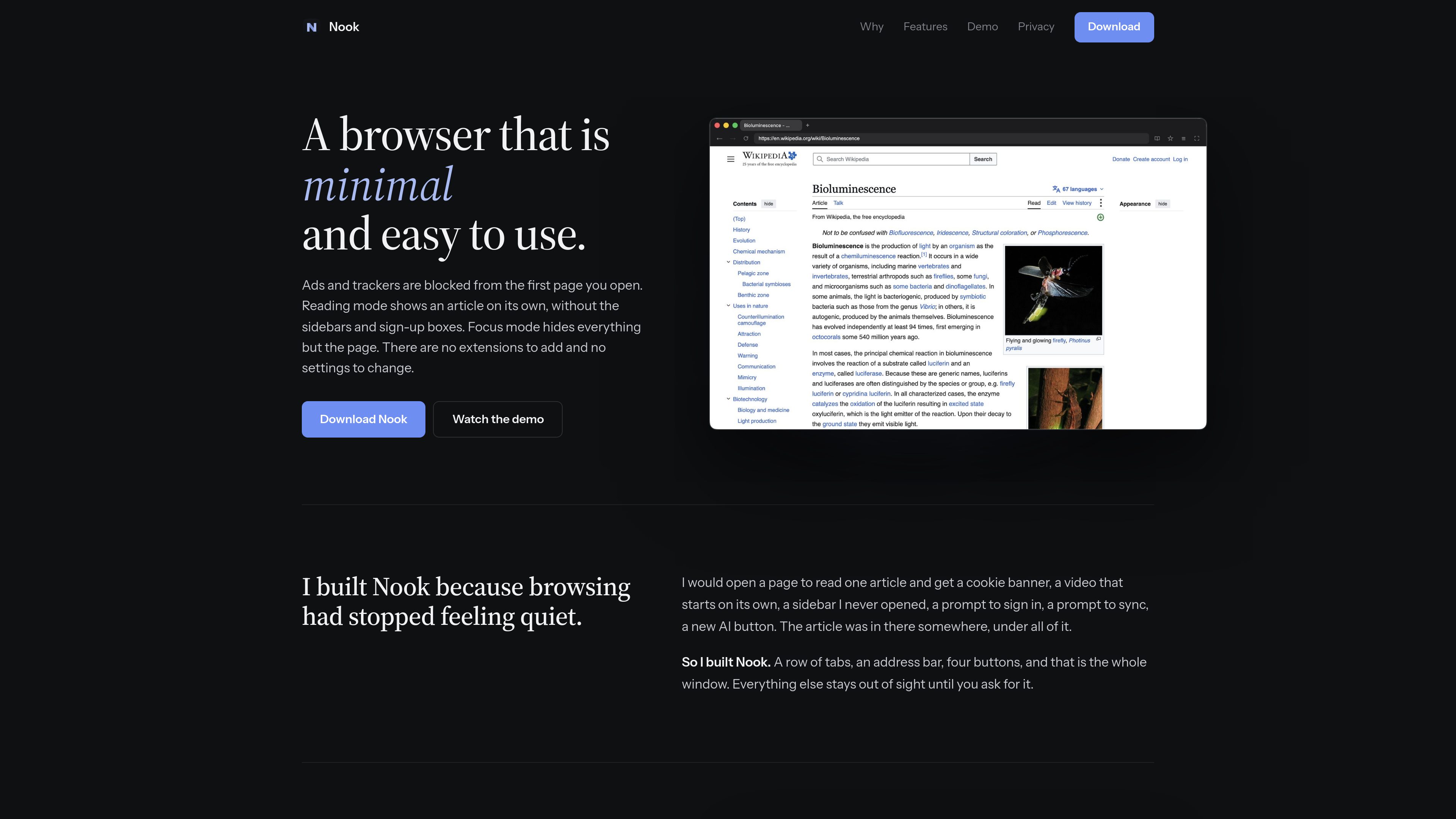
Nook is a minimal web browser for macOS built on Chromium. Its compact interface keeps the window to tabs, an address bar, and four buttons, while ad and tracker blocking operates from the first page you open.
The browser is aimed at readers and other users who want less surrounding page clutter. Reading mode turns long articles into a single column, while Focus mode hides the tabs and toolbar so the page occupies the available window space.
Nook checks page requests against Ghostery's filter lists and stops requests identified as ads or trackers before they download.
Long articles are shown as one readable column of text and pictures without sidebars, sign-up boxes, or related-link carousels. Shortcut: ⌘ ⇧ R.
The tabs and toolbar slide away so the page fills the window. Use ⌘L to enter an address while controls are hidden and Esc to restore them. Shortcut: ⌘ ⇧ F.
A single menu provides access to bookmarks, history, and downloads. Bookmarks are stored in a plain JSON file in the Mac's Application Support folder, while history is kept in memory only.
Cookies, cache, and site data are deleted when Nook quits. The product states that it has no account, sync, telemetry, or crash reporting.
Nook uses Chromium for page rendering, and each page runs in Chromium's sandbox. The Mac download is signed and notarized by Apple.
Use Reading mode to remove sidebars, sign-up prompts, and related-content modules while keeping the article's text and pictures.
Enable Focus mode when you want the page to occupy the window without visible tabs or toolbar controls.
Because cookies, cache, and site data are removed on quit, Nook suits browsing workflows where users prefer to begin signed out of websites.
Bookmarks are saved as a plain JSON file in Application Support, allowing them to be backed up or read outside the browser.
Nook supports macOS 13 or later and runs natively on both Apple silicon and Intel Macs.
No. The product states that there are no extensions to add and no settings to change.
Cookies, cache, and site data are deleted. History is held in memory and is gone after quitting, while bookmarks remain in a plain JSON file in the Mac's Application Support folder.
No. The site states that Netflix and other DRM-protected streaming services will not play in Nook.
トラフィックデータは参考情報としてご利用ください。
| 6月 | 0 |
|---|---|
| 7月 | 0 |
| 8月 | 0 |
トラフィック分析データはまだありません。
トラフィック分析データはまだありません。

blancbrowser.com
Blanc is a minimal desktop browser for macOS, Windows, and Linux with built-in ad and tracker blocking, private tabs, and keyboard-first navigation. It is designed for people who want a smaller browser surface while keeping tools for tab organization, profiles, reference viewing, and optional encrypted sync.

www.bzgapps.com
Coherence X turns websites into standalone macOS apps powered by Chrome and other supported Chromium-based browsers. It is designed for Mac users who want separate Dock-accessible apps, browser profiles, extensions, and link behavior for web services.

aside.com
Asideは、ログイン済みのウェブサイトやアカウント、ブラウザー履歴、ローカルファイルを横断してタスクを実行するAI搭載ブラウザーです。調査、コミュニケーション、アカウント関連の作業など、ブラウザー上のさまざまな業務を支援します。

cropit.xyz
Cropit is an in-browser photo slicer for creating Instagram profile grids, swipeable panorama carousels, and multi-tile image layouts. It helps photographers, agencies, and visual creators prepare precisely ordered image slices without uploading source photos to a server.

thoughtsformac.com
Thoughts is a native macOS note-taking app that lives in the menu bar, letting you quickly save text, voice recordings, images, screenshots, links, and video notes. It is designed for capturing ideas without an account or subscription, with optional AI tools powered by a provider key you supply.

glanceswitch.com
Glance Switchは、Macのカメラとデバイス上の頭部・視線トラッキングを使い、向いている画面、ウインドウ、対応する分割ペインへキーボードフォーカスを移すmacOSメニューバーアプリです。