
Knowledge base
Publish articles with a familiar editor, organize them into topics, provide live search, and collect helpful or not helpful votes. Nine URL structures are available for fitting the help center into an existing site.

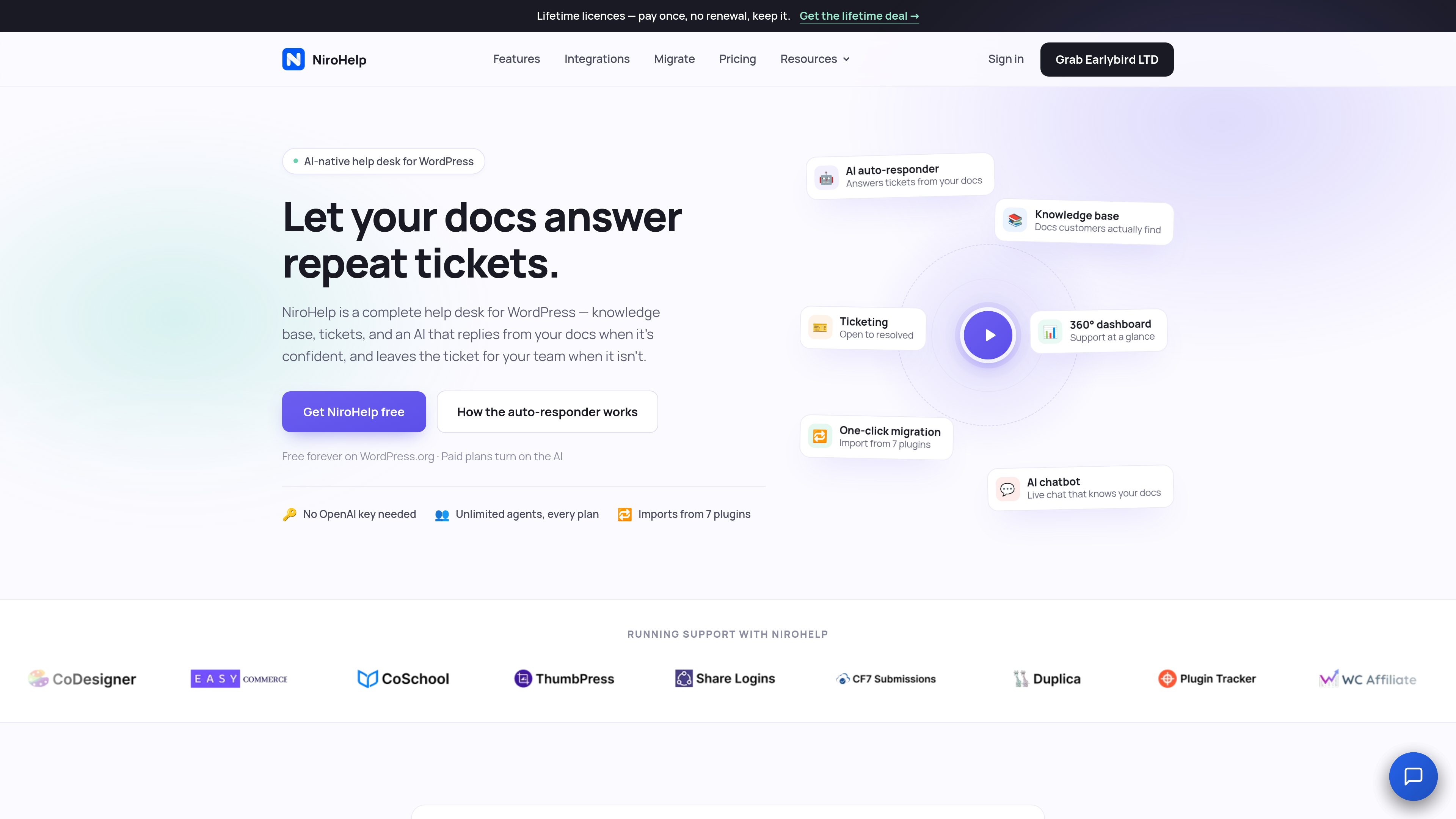
NiroHelp is a WordPress help desk that combines a searchable knowledge base, support tickets, email piping, and AI responses grounded in a team’s own help articles. It helps support teams handle repeat questions while routing uncertain or complex requests to people.
NiroHelp is a WordPress help desk that combines a searchable knowledge base, support ticketing, email intake, and AI-assisted replies. Teams can publish help articles, accept customer questions through an on-site form or mailbox, and follow each conversation from open to resolved in the WordPress admin.
The AI chatbot and ticket auto-responder use the team’s own documentation as their answer source. The auto-responder replies only when the documentation meets the configured confidence threshold; otherwise, it leaves the ticket for a human agent. A dashboard and copilot provide operational views of ticket risk, customer sentiment, reply speed, and AI-handled conversations. The core help desk is available free on WordPress.org, while paid plans enable AI features.
Publish articles with a familiar editor, organize them into topics, provide live search, and collect helpful or not helpful votes. Nine URL structures are available for fitting the help center into an existing site.
Track conversations through eight stages, including open, in progress, waiting, and resolved. Custom fields, role-based access, automatic assignment, and per-agent workload caps help teams distribute work without code.
Add a chatbot to any website with one script line so visitors can ask questions answered from the help articles. The same documentation-based AI can reply to tickets when it is confident and remain silent when the source material is insufficient.
Connect mailboxes over IMAP or POP3, including Gmail, Microsoft 365, and cPanel. Incoming messages become tickets, replies remain threaded, attachments are carried over, quoted history is stripped, and common auto-replies are ignored.
Review recent support activity through metrics such as reply speed and AI deflection, then examine tickets ranked by risk and customer sentiment. The dashboard copilot accepts plain-language questions and cites the underlying support data.
Import articles and tickets from seven named WordPress plugins: BetterDocs, weDocs, Echo Knowledge Base, BasePress, Awesome Support, SupportCandy, and JS Help Desk. Live integrations include signed webhooks and Slack notifications; WooCommerce, Easy Digital Downloads, Zapier, GitHub, and WhatsApp Business are listed as coming soon.
A WordPress product team can turn recurring answers into searchable articles and expose them through a site chatbot. Visitors receive documentation-based responses without requiring an agent to handle every routine question.
A team that already works from a shared mailbox can pipe messages into NiroHelp. Each email becomes a tracked ticket, replies stay in one conversation, and multiple inboxes can be routed to their respective agents on paid plans.
Support managers can enable the ticket auto-responder for documented questions while keeping a confidence threshold in place. Tickets that lack a clear answer remain in the queue for an agent rather than receiving a guess.
A support lead can use the dashboard to identify high-risk or overdue conversations, review sentiment changes, and ask the copilot questions about recent activity before deciding where the team should intervene.
Teams replacing a supported WordPress documentation or ticket plugin can import articles, categories, tickets, replies, or attachments where applicable. The source plugin keeps its data during the migration, and imported records are marked to avoid duplicate imports on a rerun.
The help desk and knowledge base run in WordPress, and the core plugin is available on WordPress.org. Its AI chatbot can also be embedded on another website with one script line, while tickets and documentation are managed through NiroHelp.
The site states that no OpenAI key is needed to set up NiroHelp. The AI features are available on paid plans and consume monthly AI credits, with one credit used for one chatbot reply, auto-responder reply, or copilot question.
The auto-responder checks the help articles against a configurable confidence threshold. If the documentation does not clear that threshold, it stays quiet and leaves the ticket for the support team instead of guessing.
Yes. Email piping supports mailboxes over IMAP or POP3, including Gmail, Microsoft 365, and cPanel. Incoming email becomes a ticket, and subsequent replies are kept in the same thread.
Yes. All plans include unlimited agents and tickets. NiroHelp also provides Manager, Agent, and Customer roles, and paid plans do not charge per seat.

intern-ai.org.cn
书生は、言語・マルチモーダル・気象海洋・工業デザイン・3D空間・金融・科学発見に対応する汎用大規模モデル体系です。

iflow.cn
心流AI助手は、百科事典や生活・娯楽、学術分野の質問に対応するAIアシスタントです。

hugo.ai
Hugoは、企業データと連携システムを活用し、チケット対応や定型業務を自動化する24時間対応のAIサポートエージェントです。

botnoi.ai
チャットと電話の顧客対応を自動化するWebベースのAIチャットボット・音声ボット平台

help.center
ナレッジベース、検索、埋め込みチャットボットを備えたAI優先のカスタマーサポート

hostbuddy.ai
HostBuddy AIは短期賃貸のゲスト対応を自動化します。