
Audio and video transcription
Import an MP3 or MIDI file, or paste a YouTube link, to create a piano-roll representation of the material on the computer.
lumikey is piano-learning software for Mac and Windows that transcribes audio, MIDI files, and YouTube piano videos into an interactive piano roll. It helps players practice with a MIDI keyboard or microphone using slowed playback, looping, hand separation, and note-by-note guidance.
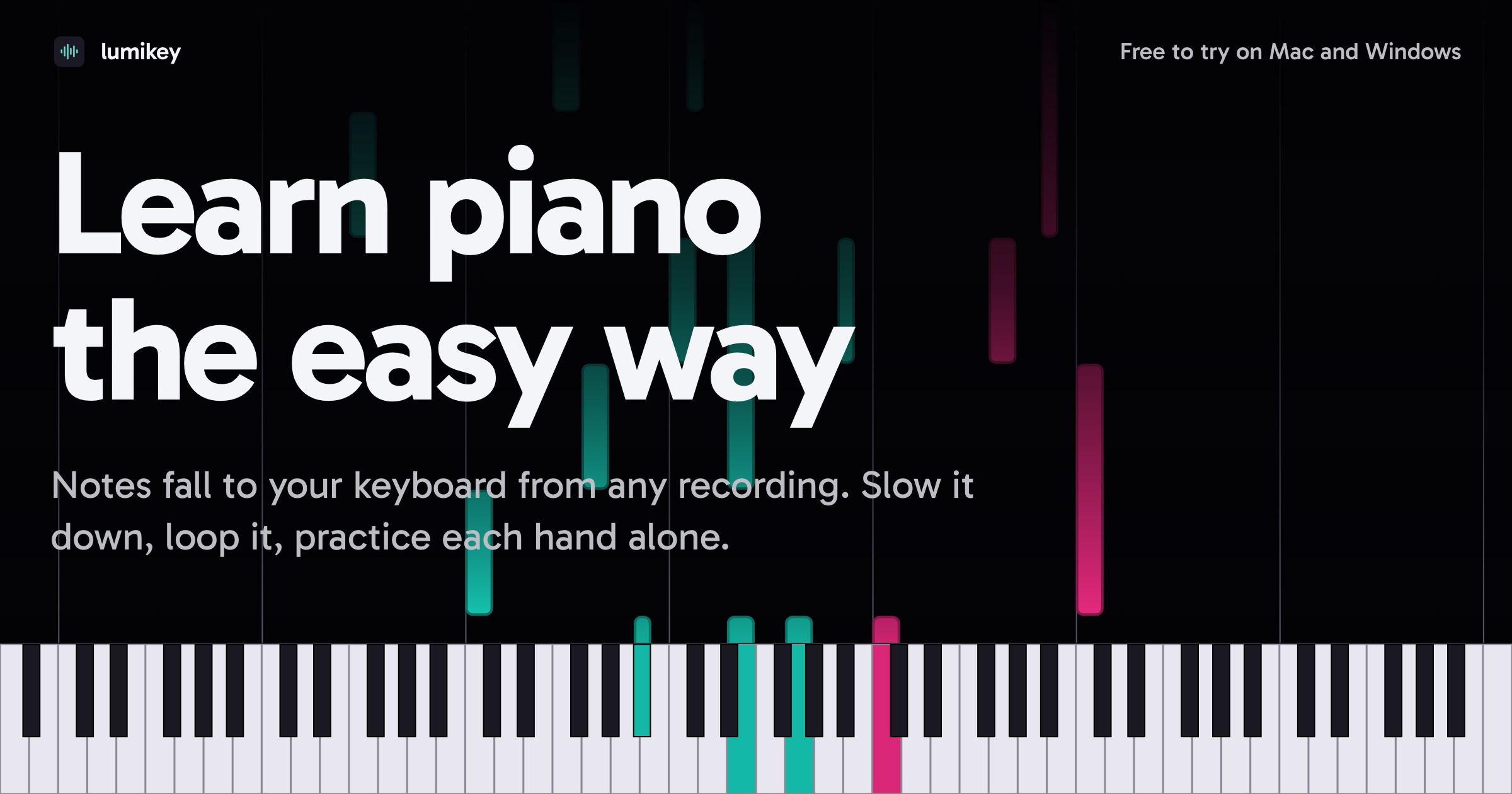
lumikey is desktop software for learning piano from recordings and video. Users can provide an MP3, MIDI file, or YouTube link; lumikey transcribes the material into a piano roll that can be followed while playing. More than 40 classic pieces are included to get started.
The app supports a MIDI keyboard connected over USB or Bluetooth, as well as a microphone that listens to an acoustic or digital piano. During practice, played notes are identified and shown in the interface. Playback can be slowed to quarter speed, difficult passages can be looped, and either hand can be practiced separately while the other part plays automatically.
Transcriptions can also be edited before they are used or exported. Users can move or stretch notes, reassign them to the other hand, align chords, remove unwanted sound, and export the corrected result as a MIDI file. lumikey runs on the user's Mac or PC, and the site states that processing stays on the machine.
Import an MP3 or MIDI file, or paste a YouTube link, to create a piano-roll representation of the material on the computer.
Connect a keyboard through USB or Bluetooth, or let the microphone listen to an acoustic or digital piano while you play.
Notes light up as they are played, with colors indicating the hand and badges suggesting a finger for each note.
Wait for the left hand, right hand, or both hands while the remaining part is played automatically where supported by the practice workflow.
Slow playback to as little as quarter speed and repeat difficult sections for focused practice.
Adjust note length and position, move notes between hands, align chords, remove noise, and export the edited transcription as a MIDI file.
Paste a YouTube piano-video link to turn the material into an interactive piano-roll practice session rather than relying only on watching the video.
Import an MP3 or use a microphone with an acoustic or digital piano to study material that is not already available as a MIDI file.
Practice one hand at a time, letting the other part play while the app waits for the selected hand's notes or chords.
Edit misplaced or extended notes, correct hand assignments, align chords, and remove unwanted sound before exporting the result as MIDI.
The site describes a companion app for iPhone, iPad, and Android that is planned to sync desktop transcriptions over Wi-Fi; it is marked as coming soon rather than currently available.
You can provide an MP3, a MIDI file, or a YouTube link. The site also says that more than 40 classic pieces are already loaded in the app.
You can connect a MIDI keyboard over USB or Bluetooth, or use a microphone so the app can listen to an acoustic or digital piano.
Yes. Playback can be reduced to quarter speed, and sections can be looped for repeated practice.
Yes. The practice controls can wait for the left hand, right hand, or both, while the other part plays automatically according to the selected mode.
The product description states that lumikey runs on Mac or PC and that nothing leaves the machine.
トラフィックデータは参考情報としてご利用ください。

mercurypitch.com
MercuryPitch is a browser-based vocal pitch training and music practice platform with real-time feedback, visual pitch guidance, and accuracy scoring. It also includes focused rooms for karaoke, piano, guitar, drums, ear training, and collaborative singing practice.

coddy.tech
Interactive, gamified coding lessons with browser-based practice, AI hints, and certificates.

derdiedas.kiszely.app
クイズ・単語リスト・音声でドイツ語の名詞冠詞を学習。