
Interactive coding lessons
Lessons require learners to write and run code, complete challenges, and answer quizzes, turning concepts into active practice.

Interactive, gamified coding lessons with browser-based practice, AI hints, and certificates.
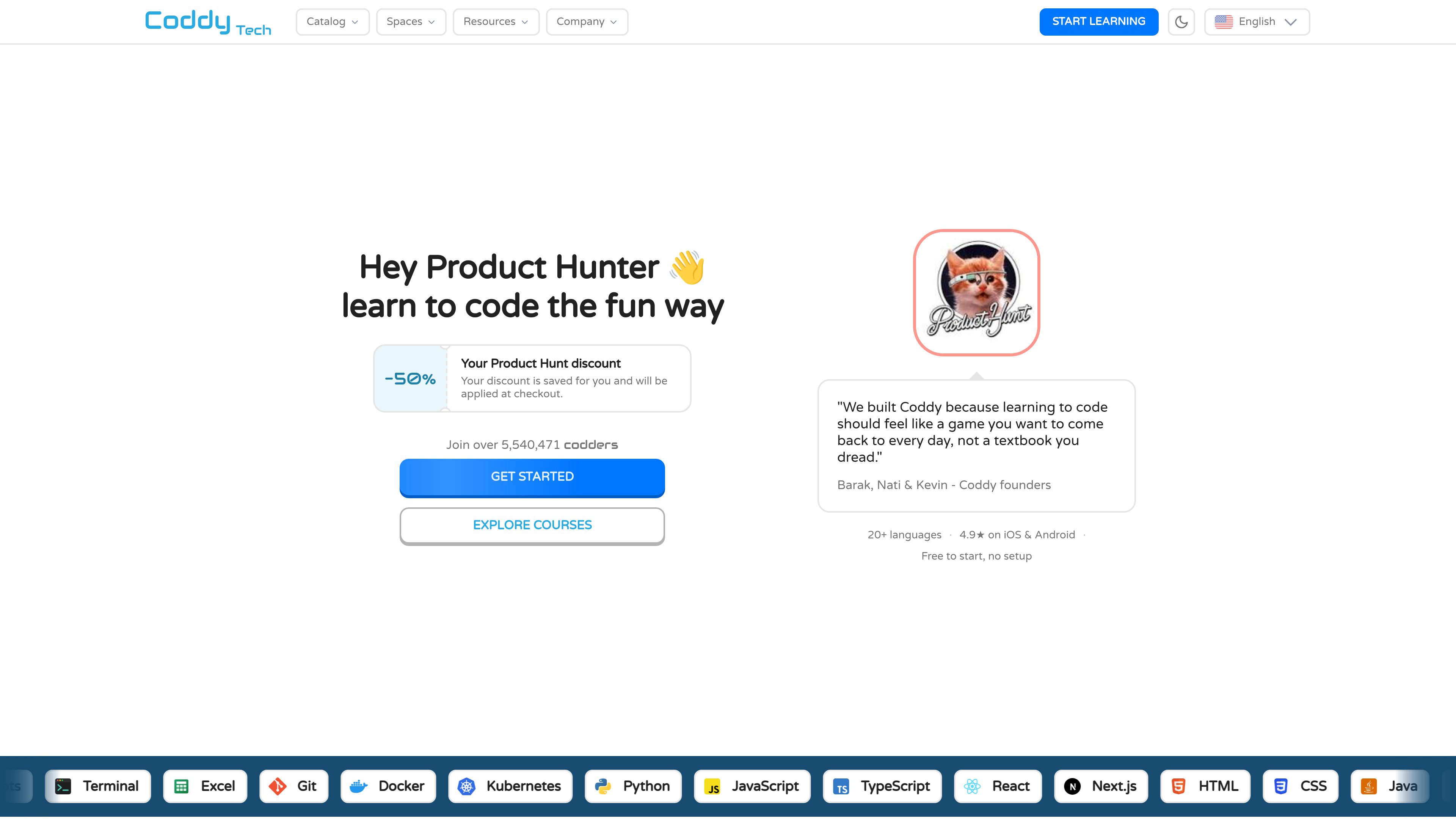
Coddy is an online coding-learning platform built around short, interactive lessons and practice. It covers 20+ programming languages and related subjects, including Python, JavaScript, TypeScript, SQL, HTML, CSS, React, Git, Docker, Kubernetes, and AI prompts. Learners write and run code, answer quizzes, and complete challenges as they progress.
The platform combines guided learning journeys with reference material. Its Python course, for example, includes fundamentals, logic and flow, projects, challenges, and quizzes, while the Python documentation provides concise explanations and examples for topics such as variables, control flow, collections, functions, modules, files, and JSON. Coddy states that coding can be started in the browser without setup or downloads.
AI hints, audio narration, quizzes, and references provide additional ways to study. Progress tools include daily streaks, freeze days, rewards, and certificates for completed courses. Coddy is available on the web and through iOS and Android apps.
Lessons require learners to write and run code, complete challenges, and answer quizzes, turning concepts into active practice.
Courses and learning material cover 20+ languages and subjects, including Python, JavaScript, TypeScript, SQL, web technologies, Git, Docker, Kubernetes, and AI prompts.
Coddy provides an in-browser environment for practicing code, with no setup or downloads stated for getting started.
Learners can request AI hints when they are stuck, and the platform also includes audio narration, quizzes, and references for covered concepts.
Daily streaks, freeze days, rewards, and course completion certificates help learners monitor participation and document completed study.
Structured learning journeys are paired with concise, example-driven documentation for looking up programming concepts.
A beginner can follow the Python journey from fundamentals through control flow, collections, functions, and progressively larger exercises without installing a local coding environment.
Learners can apply core concepts in practical exercises such as a bill-splitting calculator, daily expense tracker, contact book, or student records manager.
Someone who already has a specific question can use the documentation to read an explanation, inspect examples, and then practice the concept in a guided journey.
Learners who want consistent practice can use daily streak tracking, freeze days, and rewards to organize their coding habit across web and mobile access.
The site states that Coddy can be started in the browser with no setup or downloads. Its Python course is described as running in the browser.
Coddy lists 20+ languages and subjects, including Python, JavaScript, TypeScript, React, Next.js, HTML, CSS, Java, C++, SQL, Git, Docker, Kubernetes, and AI prompts.
Yes. The Python course includes projects such as a bill-splitting calculator, daily expense tracker, contact book application, and student records manager.
Coddy states that it is available on iOS, Android, and the web.
The Product Hunt page states that visitors receive 50% off any plan. The supplied information does not specify plan limits or billing terms.

mercurypitch.com
MercuryPitch is a browser-based vocal pitch training and music practice platform with real-time feedback, visual pitch guidance, and accuracy scoring. It also includes focused rooms for karaoke, piano, guitar, drums, ear training, and collaborative singing practice.
lumikey.app
lumikey is piano-learning software for Mac and Windows that transcribes audio, MIDI files, and YouTube piano videos into an interactive piano roll. It helps players practice with a MIDI keyboard or microphone using slowed playback, looping, hand separation, and note-by-note guidance.