
Editable layouts and keyboard geometry
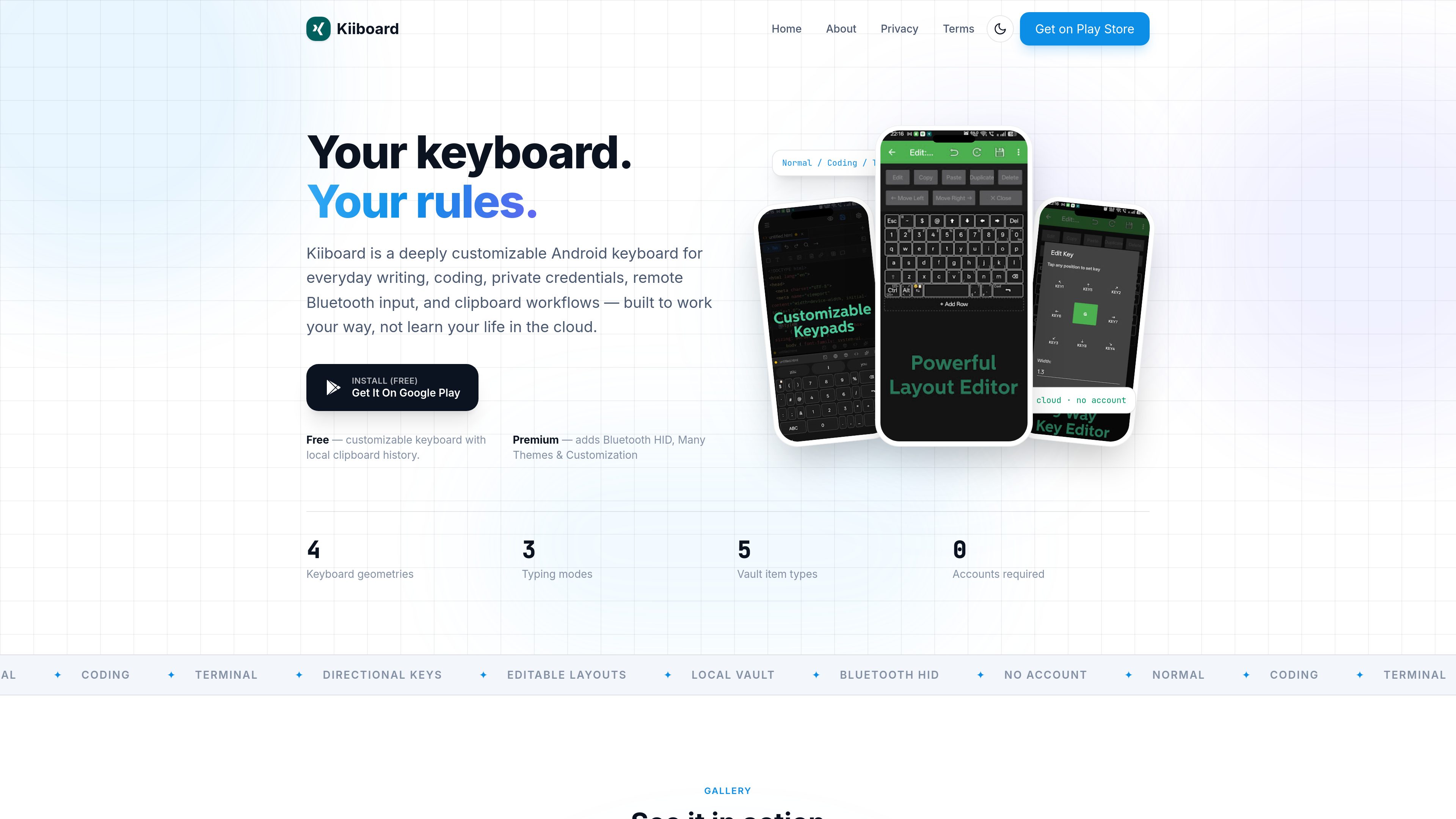
Start with a built-in layout or create one with the visual layout editor. Kiiboard supports fixed, one-handed, split, and floating arrangements, plus field-aware layouts and directional keys.

Kiiboard is a customizable Android keyboard for everyday writing, coding, terminal input, private credentials, and local clipboard workflows. It is designed for users who want configurable typing tools and on-device or direct-device data handling without an account.
Kiiboard is a customizable Android keyboard for everyday writing, coding, and terminal input. It lets users adjust layouts, keyboard geometry, behavior, correction, and positioning instead of relying on a fixed keyboard arrangement. Normal, Coding, and Terminal modes apply different typing rules for general writing, source code, and exact command entry.
The product also combines text-navigation controls, on-device typing assistance, local clipboard history, and— in its Sync Edition—private credential storage, Bluetooth keyboard output, and direct clipboard synchronization with a computer. It is built for users who want a configurable keyboard without an account, ads, or a cloud typing profile.
Start with a built-in layout or create one with the visual layout editor. Kiiboard supports fixed, one-handed, split, and floating arrangements, plus field-aware layouts and directional keys.
Switch between three typing rule sets: Normal provides autocorrection and predictions, Coding reduces intrusive corrections while retaining suggestions, and Terminal sends exactly what is typed.
Use dedicated arrow keys, directional characters, corner drag actions, or a long press on the spacebar to open a trackpad for cursor movement.
Predictions and downloadable language packs work on the device. Local clipboard history keeps recent text and images available for search, pinning, and later pasting.
The direct-download Sync Edition adds an encrypted on-device Vault for logins, secure notes, payment cards, identities, and SSH keys. It can import from Bitwarden, Google, LastPass, 1Password, and CSV, and includes an offline credential generator.
Sync Edition can turn an Android phone into a Bluetooth keyboard for a computer, Android device, Fire TV, or Android TV. Its Windows and macOS companion synchronizes copied text and images over a paired local network connection using AES-256-GCM encryption.
Use Normal mode with autocorrection, predictions, a personal dictionary, and a geometry such as one-handed or split layout for routine messages and documents.
Use Coding mode for source code and Terminal mode when commands must be sent without automatic corrections. Arrow keys and directional controls help edit text from the keyboard.
In Sync Edition, unlock the local Vault with the existing screen lock and type saved logins or other stored values directly into the active field.
Pair the Android phone directly with a computer, another Android device, Fire TV, or Android TV through Bluetooth HID, then switch keyboard output to the selected device.
Pair Kiiboard with its Windows or macOS companion to move copied text or images over the local network rather than through a cloud relay. Pairing uses a six-digit PIN, with automatic discovery and manual IP support.
Those capabilities are available in the Sync Edition, which is distributed by direct download. The Play Edition includes the customizable keyboard and local clipboard history.
No. The site states that Kiiboard requires no account, has no ads, and does not use a cloud typing profile. Typing intelligence runs on the device.
Sync Edition's encrypted on-device Vault supports logins, secure notes, payment cards, identities, and SSH keys. Saved values can be typed into the active field after unlocking with the existing screen lock.
The site lists computers, other Android devices, Fire TV, and Android TV. Bluetooth HID is identified as an Android 9+ feature, although the available material does not provide a complete device-compatibility list or setup guide.
Kiiboard pairs with its Windows or macOS companion using a six-digit PIN. Paired computers can reconnect automatically over Wi-Fi, while manual IP support is available for unusual networks; clipboard data stays between paired devices on the local network and is encrypted with AES-256-GCM.

vdf.ai
VDF AIは、エージェント、モデル、ツール、検索、ワークフローを一元的なガバナンスのもとで連携させる、エンタープライズ向けAIエージェントオーケストレーションプラットフォームです。マネージドクラウドサービスとして利用するほか、プライベートクラウド、データセンター、主権環境、AWSアカウント、エアギャップ環境にも導入できます。

termphin.dev
Termphin is an Android SSH client for connecting to existing servers, with persistent remote sessions that can be resumed after network drops or a locked phone. It combines terminal access with SFTP, SSH keys, port forwarding, snippets, and support for AI coding-agent workflows.