
Flexible writing assistance
Generate original writing, rewrite existing text, and ask the AI to help with a wide range of content formats from one assistant.

HyperWrite is an AI writing assistant and document editor for drafting, rewriting, summarizing, research, and email help. It offers a free plan plus Premium and Ultra subscriptions for users who need more usage and advanced features.
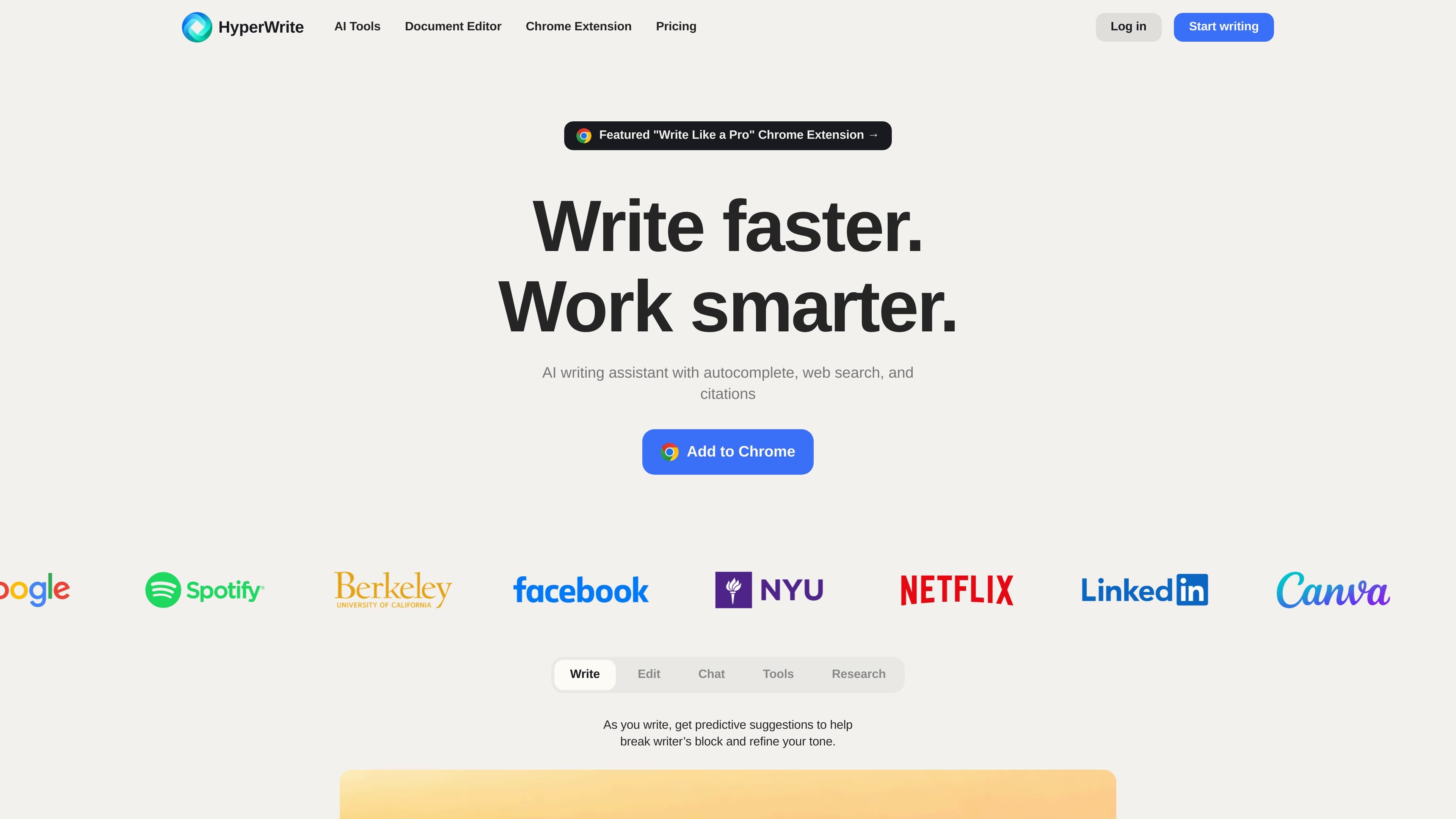
HyperWrite is an AI writing assistant and document editor that helps users generate, rewrite, summarize, research, and refine text. The site presents it as a browser-based writing companion with hundreds of AI tools, including Flexible AutoWrite, Summarizer, Explain Like I’m Five, and Email Responder.
It is built for general writing and research workflows rather than one narrow task. The product pages describe uses such as drafting paragraphs, simplifying complex topics, responding to email, creating custom AI tools, and finding citation-backed information from scholarly sources. The pricing page shows free access is available, alongside Premium and Ultra subscriptions for expanded usage and features.
Generate original writing, rewrite existing text, and ask the AI to help with a wide range of content formats from one assistant.
Create short explanations of complex ideas using simple language, analogies, and relatable examples for broader audiences.
Produce summaries and paraphrases from articles or other text to surface the main points more quickly.
Use real-time research and citation-backed responses for topics that require current information or scholarly sources.
Save common writing styles and behaviors with custom personas, with more personas available on higher-tier plans.
Access writing suggestions as you type through the HyperWrite extension, including personalized TypeAhead support.
Draft blog posts, marketing copy, technical notes, or other original content with the general writing assistant and AutoWrite tools.
Turn dense topics into plain-language explanations for students, clients, younger readers, or non-specialist audiences.
Summarize long articles or source text to extract the main points and key information more quickly.
Use the research-oriented tools to pull in current information and scholarly sources for academic or evidence-based writing.
Respond to repetitive messages faster with email-focused tools and TypeAhead suggestions inside the browser workflow.
HyperWrite offers a free plan, and its pricing page also lists Premium and Ultra subscriptions for users who want more AI messages, more advanced writing features, and additional custom personas.
The pricing page says you can upgrade from your account subscription page. It also mentions the code TRYHYPERWRITE for 50% off your first month.
Yes. The site describes HyperWrite as an AI writing assistant that can research and write about almost any topic, including blog posts, technical documents, marketing copy, and creative work.
HyperWrite says it can generate original text and also supplement writing with real-time research and links to current sources. The site recommends reviewing and editing the output before publishing or submitting it.
The site positions HyperWrite as a browser-based writing assistant with a Chrome extension, and it references use in Gmail and Docs. The available source material does not confirm broader platform support beyond that.