
Multimodal model access
Use Gemini models to generate text and images, analyze images, videos, and documents, and work with long-context inputs. The documentation states that PDF processing can cover files of up to 1,000 pages.

Gemini API is a developer API for integrating Google’s generative AI models into applications. It supports text and image generation, multimodal analysis, conversational agents, structured outputs, tool use, and related media workflows through SDKs or REST.
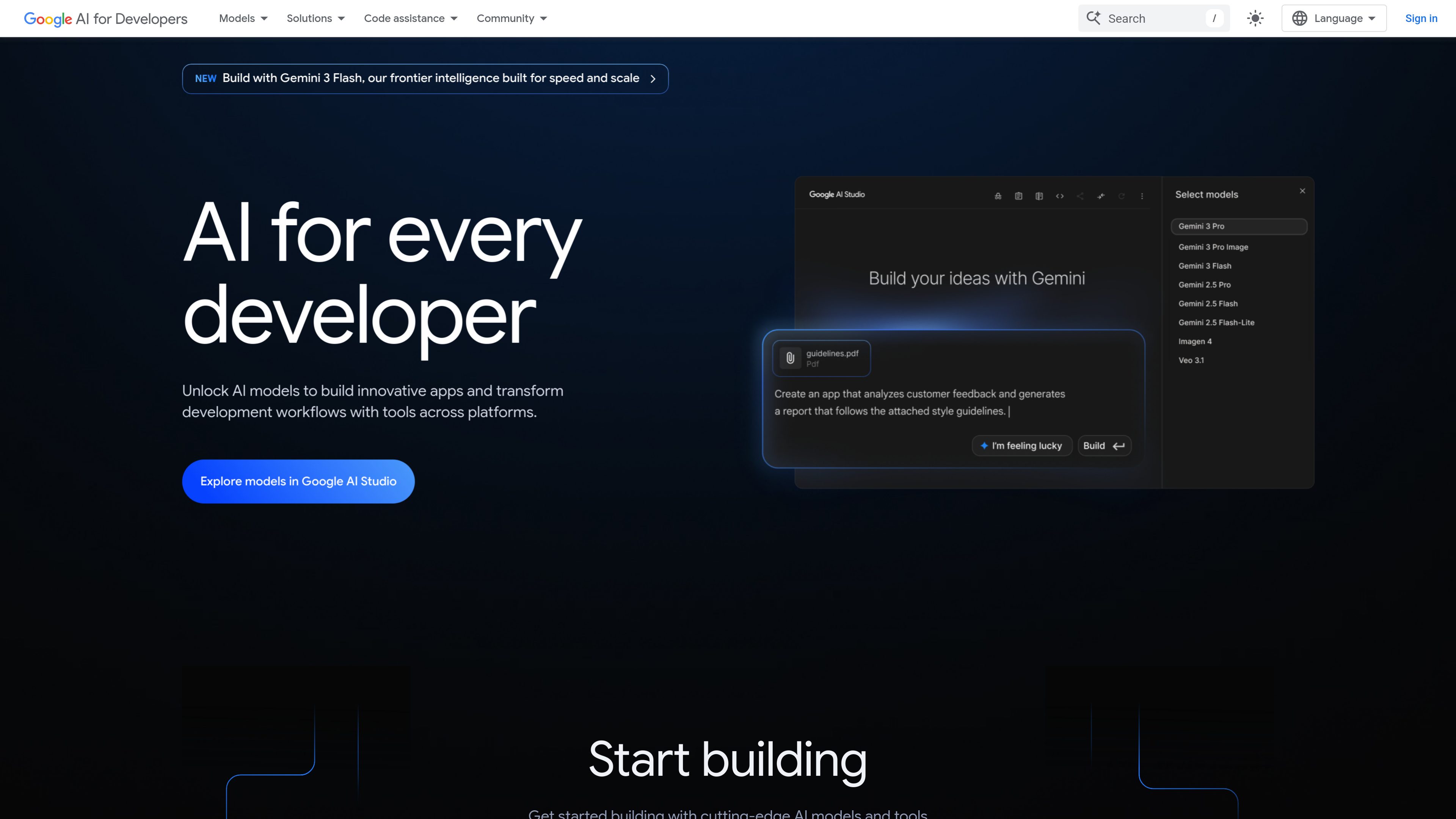
Gemini API is Google’s developer interface for using Gemini and related generative models in applications. Developers can send prompts and multimodal inputs to models for text and image generation, document understanding, conversational interactions, and agent workflows. Google AI Studio provides a browser-based environment for evaluating models and developing prompts before integration.
The API is intended to move from model experimentation to application development: users create an API key, choose a model, and call the service through a supported client library or REST. The site presents the Interactions API as the recommended interface and also documents the generateContent API.
Use Gemini models to generate text and images, analyze images, videos, and documents, and work with long-context inputs. The documentation states that PDF processing can cover files of up to 1,000 pages.
Call the service through the Interactions API or generateContent API using client libraries for Python, JavaScript, Java, and Go, or use REST requests.
Request JSON responses suitable for automated processing and connect model interactions to external APIs and tools through function calling.
Connect models to Google Search, URL Context, Google Maps, Code Execution, and Computer Use. Managed agents can plan and complete tasks in a hosted sandbox environment.
The broader model catalog includes image generation and editing with Nano Banana, video generation with Veo, and real-time voice applications with the Live API.
Use Google AI Studio to evaluate models, develop prompts, and turn ideas into code before integrating the API into an application.
Add image, video, document, or PDF understanding to an application when text-only processing is insufficient, such as extracting meaning from user-submitted files.
Build assistants and agentic workflows that maintain interactions, call external tools, and use capabilities such as search or code execution to complete tasks.
Generate JSON responses or invoke application functions so model output can feed downstream software rather than requiring manual copying from a chat interface.
Prototype image generation and editing, video generation, or real-time voice experiences by selecting the corresponding Google model or API.
Move an evaluated prompt or prototype from Google AI Studio into an application using an API key, supported SDK, or REST, then choose a pricing tier based on deployment needs.
Create an API key, choose a model, and call the API through a supported SDK or REST. Google AI Studio can be used to evaluate models and develop prompts before application integration.
The documentation provides client-library examples for Python, JavaScript, Java, and Go. REST is also available.
The platform supports text and multimodal inputs, including images, videos, and documents. Depending on the selected model or API, it can produce text, images, audio or voice interactions, video, and structured JSON responses.
Yes. Function calling connects Gemini to external APIs and tools, while documented built-in tools include Google Search, URL Context, Google Maps, Code Execution, and Computer Use.
Yes. The pricing page lists a free tier with limited access to certain models, free input and output tokens, and Google AI Studio access. Paid tiers provide higher rate limits and additional production features.

platform.openai.com
OpenAI Platform is a developer platform for building applications with the OpenAI API. It provides API access, model and pricing information, technical documentation, starter apps, and cookbooks for implementation guidance.

aistudio.google.com
Google AI Studio is a browser-based development environment for experimenting with Google’s generative models and moving prompts into applications through the Gemini API. It supports developers building text, image, video, audio, and agent experiences.

googleapis.github.io
A Python SDK for integrating Google’s generative models into applications through the Gemini Developer API and Gemini Enterprise Agent Platform APIs. It provides client libraries, typed request helpers, and synchronous or asynchronous workflows for developers building with Google’s generative AI services.

platform.claude.com
Claude Platform gives developers programmatic access to Claude models and managed agent infrastructure for building agents and applications. It includes a REST API, official client SDKs, a web Console, and documentation for direct integrations.

cortexdocs.dev
Cortex Docs is an open-source API tooling workflow that turns API specifications and Markdown into interactive documentation, typed SDKs, and MCP servers. It helps developers publish API interfaces for human users, applications, and AI agents from a shared project.

python.useinstructor.com
Instructor is a developer library for extracting structured, validated data from large language models. It uses Pydantic schemas, automatic retries, streaming, and a consistent interface across cloud, local, and routed LLM providers.