
Python-first server definition
Wrap Python functions as MCP tools, resources, and prompts so schemas, validation, and documentation are generated from the code you write.
FastMCP is a Python framework for building Model Context Protocol applications, including servers, clients, tools, and interactive UIs. It helps developers generate MCP schemas and configuration while keeping most of the protocol plumbing out of the way.
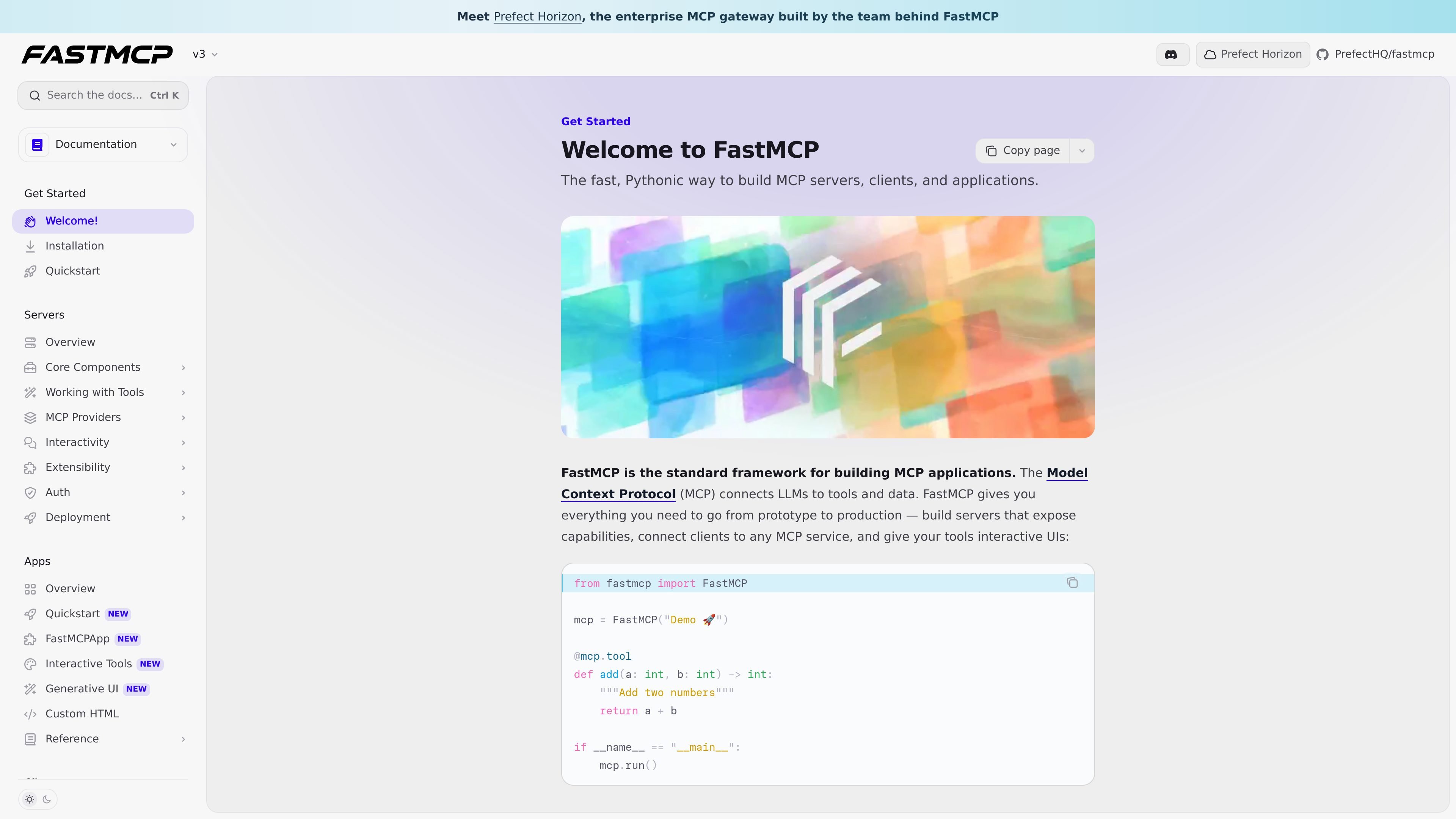
FastMCP is a Python framework for building Model Context Protocol applications, including servers, clients, and tools that can be exposed to LLMs. The documentation describes it as the fast, Pythonic way to build MCP software and shows a minimal example built around a `FastMCP` instance and a Python tool function.
The framework focuses on taking care of MCP-specific plumbing so developers can concentrate on application logic. According to the docs, it generates schemas, validation, and documentation for tools automatically, manages client connection details such as transport negotiation and authentication, and supports interactive UIs and deployment-oriented workflows through integrations like standard MCP JSON configuration.
Wrap Python functions as MCP tools, resources, and prompts so schemas, validation, and documentation are generated from the code you write.
Connect to local or remote MCP services with full protocol support, including transport negotiation, authentication, and lifecycle handling.
Provide interactive UIs for tools directly in the conversation, including FastMCP apps and generative UI patterns.
Generate standard `mcpServers` JSON for MCP-compatible clients such as Claude Desktop, VS Code, Cursor, and other applications.
Manage setup details like dependencies, environment variables, Python versions, project directories, and clipboard output from the install workflow.
Parse function docstrings into summaries and parameter descriptions using `fastmcp.utilities.docstring_parsing` with Google, NumPy, and Sphinx-style support.
Turn Python functions into MCP tools, resources, and prompts when you want to expose application logic to LLM agents without hand-writing protocol scaffolding.
Connect a client to a local or remote MCP server when you need protocol-aware access to tools and data from another application or service.
Generate `mcpServers` JSON for Claude Desktop, Cursor, VS Code, or other compatible clients when you need a standard configuration file instead of a bespoke setup.
Use docstring parsing helpers when you want structured summaries and parameter descriptions extracted from Python function docstrings for generated documentation or tool metadata.
Adopt Horizon as the deployment and governance layer when you need an enterprise gateway for running FastMCP servers with access control and operational oversight.
FastMCP is a Python framework for building MCP servers, clients, and applications. The documentation shows that you can define tools with Python functions, connect to MCP servers by URL, and use the framework to expose tools, resources, prompts, and interactive UIs.
The source shows FastMCP integrating with MCP-compatible clients through standard JSON configuration and first-class installation paths for tools such as Claude Code, Claude Desktop, and Cursor. It also notes support for generating configuration for unsupported or custom clients.
FastMCP is documented as a Python package. The examples use `from fastmcp import FastMCP`, and the utilities documentation describes Python APIs such as `parse_docstring` for working with function docstrings.
FastMCP can generate standard MCP JSON configuration files using `fastmcp install mcp-json`. The docs show support for server naming, dependencies, environment variables, Python version selection, project directories, and clipboard output.
The documentation states that FastMCP is made by Prefect, and it promotes Prefect Horizon as an enterprise MCP gateway for deploying and managing FastMCP servers in production.