
Connected workspace for apps and tools
Dvina links more than 120 apps and tools into one workspace so users can search, read, and act across systems without constantly switching tabs.

Dvina is a private AI platform for working across connected apps, live data, and large document collections from one workspace. It combines app integrations, document intelligence, and privacy-first handling for individuals, teams, and enterprises.
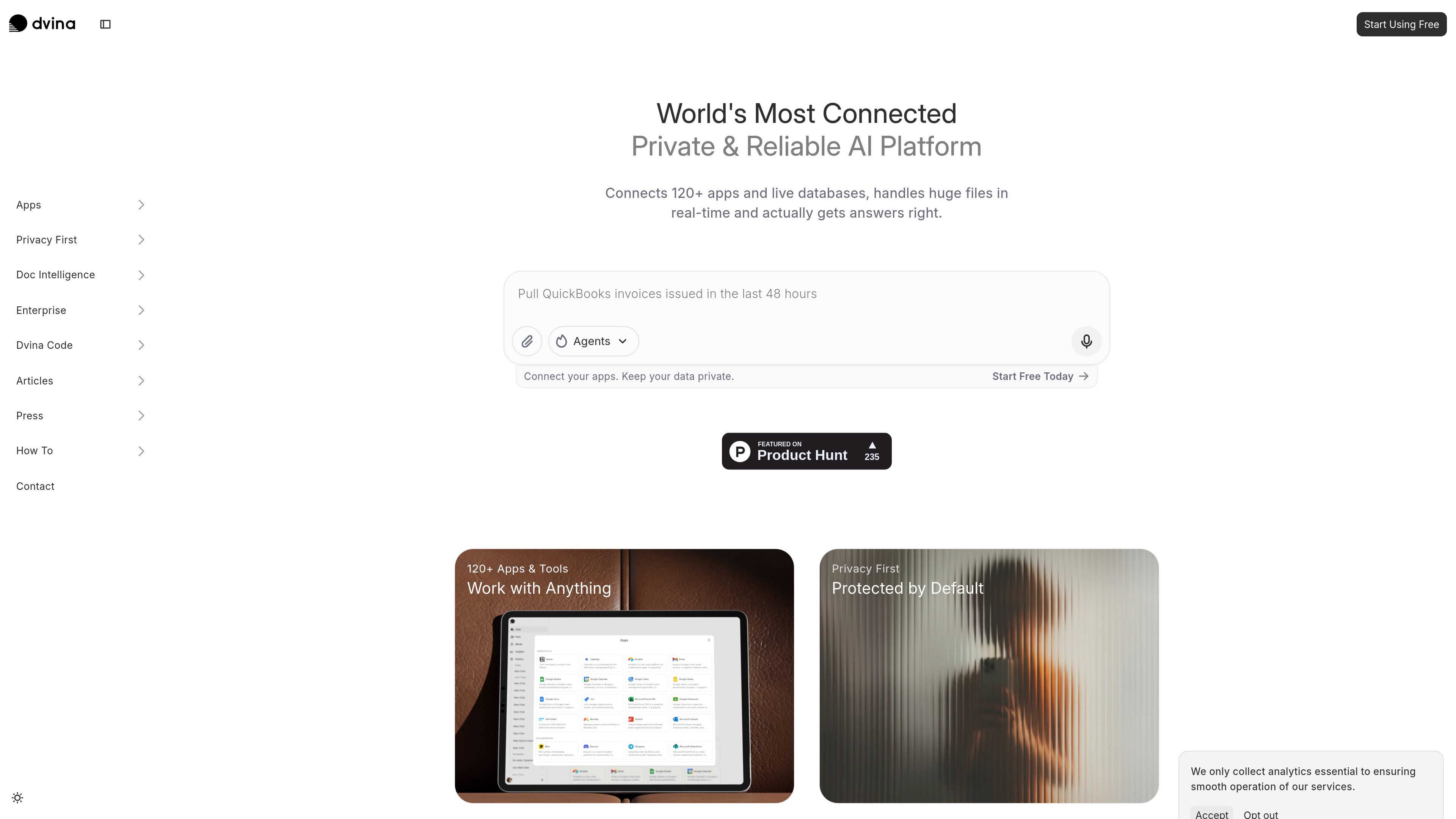
Dvina is a private AI platform for working across connected apps, live data, and large document collections from one workspace. The site presents it as a tool for analyzing information, creating outputs, and making decisions without moving between separate systems.
Its core product surface combines more than 120 app integrations, document intelligence, and privacy-first handling of sensitive data. The pricing page shows tiered plans from Free through Enterprise, while the product pages emphasize grounded answers, data access, and workspace collaboration.
Dvina links more than 120 apps and tools into one workspace so users can search, read, and act across systems without constantly switching tabs.
The platform can query large document libraries, including tens of thousands of pages across thousands of files, while keeping answers tied to the source material.
Its Deep Analyze feature adds OCR and visual understanding for scanned pages, handwritten notes, charts, blueprints, and product images.
The privacy page says Dvina detects personal information locally, replaces it with placeholders, and does not use conversations or files for model training.
Pricing lists collaboration features such as workspace collaboration, team collaboration, expanded contextual memory, and longer context windows on higher tiers.
The pricing page includes Dvina Code with every plan, with usage increasing by tier.
Use Dvina when you need to pull information from several work apps in one place, such as checking tasks, reading notes, updating records, or moving between communication and planning tools.
Use it to ask questions across large file libraries, compare documents, or review long archives without manually opening each file.
Use Deep Analyze for scanned documents, handwritten notes, charts, blueprints, and image-heavy files that need more than basic text extraction.
Use the platform to keep sensitive prompts and files private while working, especially when privacy controls matter more than a generic chat interface.
Use higher tiers when teams need collaboration, longer context windows, expanded usage, or enterprise deployment options such as private cloud support.
Dvina is a private AI platform that combines chat, document analysis, and app connections in one workspace. Its source pages position it as useful for people who need to work across documents, live data, and connected tools without switching between systems.
The pricing page lists a Free plan at $0, Plus at $15 per user/month billed yearly, Pro at $80 per user/month billed yearly, Max at $175 per user/month billed yearly, and an Enterprise plan with custom pricing.
The app overview says Dvina connects more than 120 apps and tools, including examples such as Gmail, Notion, Linear, Slack, GitHub, Jira, HubSpot, Salesforce, and several databases like PostgreSQL, MySQL, MongoDB, Oracle, BigQuery, Snowflake, and Redshift.
The document intelligence page says Dvina can process tens of thousands of pages across thousands of documents, keeping responses grounded in the source material rather than drifting when context windows overflow.
Dvina's privacy page says personal information can be detected locally, anonymized before model processing, and excluded from training. The pricing page also notes enterprise options such as compliance configuration, data connectors, DLP and SIEM integrations, and an on-premise deployment option.