
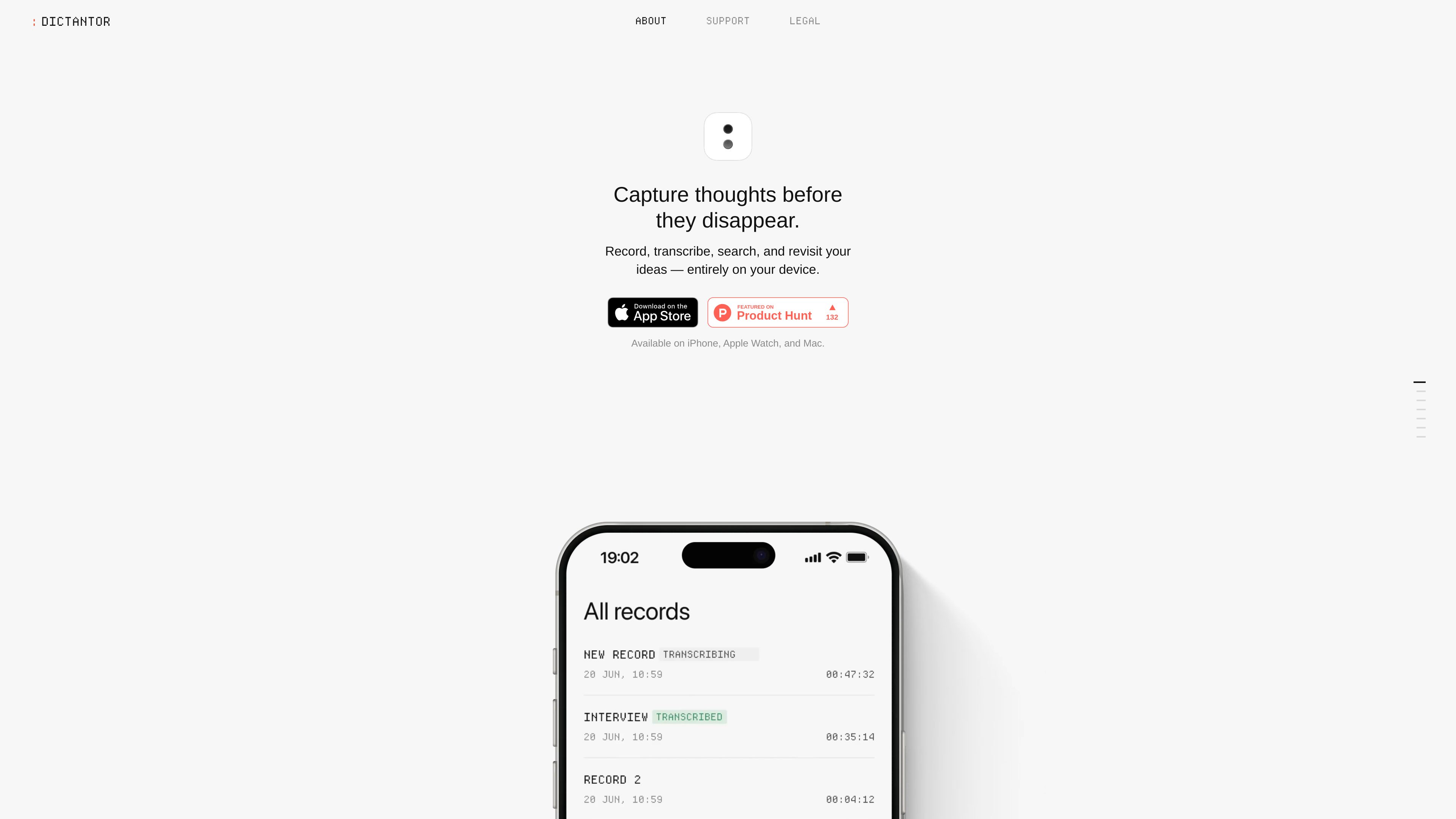
On-device transcription
Dictantor transcribes recordings on iPhone or Mac using a model included with the app. Core transcription works without an internet connection and supports 25 European languages.

Dictantor is an on-device voice notebook for recording, transcribing, searching, summarizing, and sharing voice notes. It is designed for capturing ideas and reviewing recordings across iPhone, Apple Watch, and Mac.
Dictantor is a searchable voice notebook for Apple devices. It records voice notes, transcribes them locally, and lets users search across transcripts before jumping back to the matching point in the audio. This supports a workflow from quick capture to text-based review without sending recordings or transcripts to Dictantor-operated servers.
The app is available on iPhone, Apple Watch, and Mac. Recording can start from the app, an Action Button, shortcuts, or an Apple Watch complication. Dictantor also supports exporting audio and text, plus syncing supported recordings, transcripts, and changes between iPhone and Mac through the user’s private iCloud account.
Dictantor transcribes recordings on iPhone or Mac using a model included with the app. Core transcription works without an internet connection and supports 25 European languages.
Search across saved transcripts, open a matching phrase, and jump to the corresponding timestamp in the recording instead of replaying the entire file.
Start recordings from the app, Action Button, shortcuts, or an Apple Watch complication. On iPhone, recordings can last up to 120 minutes and remain visible through Live Activities, including while the phone is locked.
Generate summaries for longer recordings such as meetings, lectures, interviews, and brainstorming sessions. Insights depend on Apple Intelligence, device compatibility, iOS 26.0 or later, and transcript-language support.
Share audio, plain transcripts, timestamped transcripts, or summaries. Recording-level export actions are available from an open recording or the main recording list.
Dictantor requires no sign-up, has no tracking, and does not use cloud storage for recordings or transcripts on its own servers. Supported content can sync between iPhone and Mac through the user’s private iCloud account.
Use iPhone recording, shortcuts, the Action Button, or Apple Watch to save a thought without preparing a note or opening a separate writing workflow.
Record a longer conversation, search its transcript for a topic or phrase, and jump directly to the relevant audio segment. Export the audio or transcript when sharing is needed.
Use transcription to scan a long recording and, when Apple Intelligence requirements are met, generate an on-device summary of the main points.
Capture a recording on Apple Watch, transfer it to the paired iPhone, and use supported iCloud syncing to make recordings, transcripts, and changes available on Mac.
Core recording and transcription do not require internet access. Transcription runs on the iPhone or Mac, while Apple Watch recordings transfer to the paired iPhone when the connection is available.
Local transcription supports 25 European languages: Bulgarian, Czech, Danish, German, Greek, English, Spanish, Estonian, Finnish, French, Croatian, Hungarian, Italian, Lithuanian, Latvian, Maltese, Dutch, Polish, Portuguese, Romanian, Russian, Slovak, Slovenian, Swedish, and Ukrainian.
Sign in to the same Apple Account and enable iCloud Drive on both devices. Supported recordings, transcripts, and changes sync through the user’s private iCloud account, though timing can vary with the connection, device state, available iCloud storage, or Apple service availability.
Insights require a compatible device with Apple Intelligence enabled, iOS 26.0 or later, and support for the transcript language. If those conditions are not met, the Insights tab is hidden, but recording, transcription, playback, search, and export remain available.
Open a recording and use its export action to share audio, a transcript, or both. You can also swipe a recording in the main list to reveal available actions; summaries can be shared as plain text.
トラフィックデータは参考情報としてご利用ください。
audionotes.app
音声、音声・動画、テキスト、画像、YouTubeリンクを構造化ノートに変換するAIノートアプリ。iOS、Android、Web、Macに対応。

yapdaily.com
Yap is a voice journal for iPhone that turns a spoken account of your day into a tidy daily page. It is designed for people who want to capture and revisit memories without typing.
ideashell.ai
闪念贝壳は、音声でアイデアを素早く記録し、AIで整理・要約・発展させて他のツールへ書き出せるアプリです。

summarize.ing
YouTube動画を短い要約、マインドマップ、Q&A形式の要点に整理

otter.ai
通話の文字起こし、検索可能なメモ、要約、アクションアイテムを作成するAI会議エージェント

photes.io
写真、PDF、音声、動画を構造化ノートに変換するAIノートアプリ。