
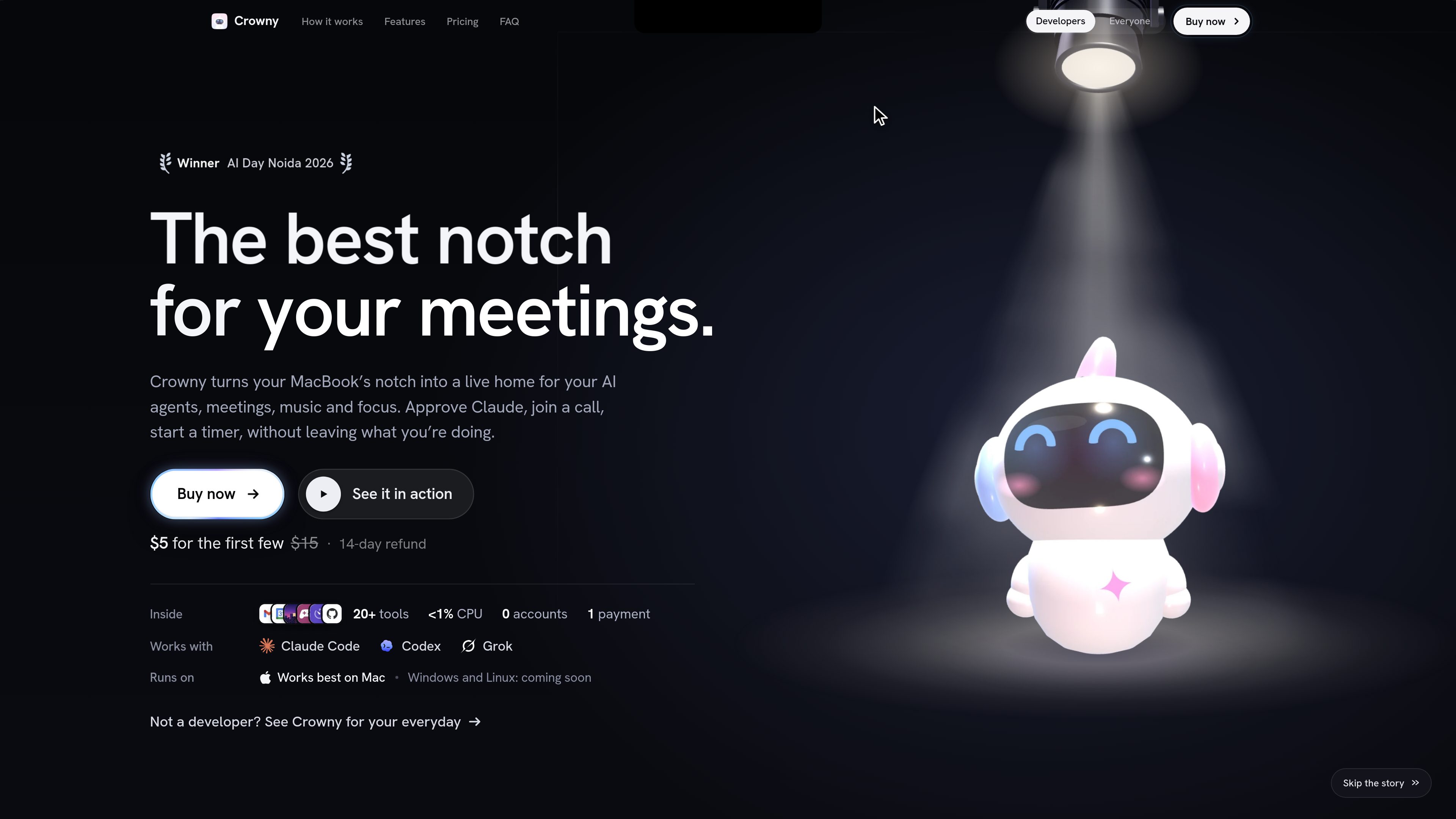
AI agent status and approvals
View Claude Code, Codex, and Grok sessions in the notch, with visual status indicators for working, waiting, or finished agents. Claude Code prompts can be approved or denied directly from the notch.
A MacBook notch workspace for AI agents, meetings, music, focus tools, and everyday tasks.
Crowny is a macOS notch app that turns the top of a compatible MacBook display into a compact workspace for AI agents and everyday tools. It shows activity from Claude Code, Codex, and Grok, including when an agent is working or needs input, and lets users approve or deny Claude Code prompts from the notch.
Alongside agent workflows, Crowny brings meetings, reminders, timers, music controls, clipboard history, files, weather, focus sessions, and shortcuts into the same interface. Users can join the next meeting, start a focus timer, inspect copied content, or check a running task without changing windows. Minimal mode can keep the notch clear while still allowing live activity to appear when needed.
Crowny is sold as a one-time licence for one Mac, with all features and updates in version 1 included. It requires no account or subscription, and the product states that user data stays on the Mac. The pricing page lists best compatibility with a notched Apple Silicon Mac running macOS 15 or later; Windows and Linux support is described as coming soon.
View Claude Code, Codex, and Grok sessions in the notch, with visual status indicators for working, waiting, or finished agents. Claude Code prompts can be approved or denied directly from the notch.
Surface the next calendar meeting, reminders, timers, alarms, a stopwatch, world clocks, and focus sessions without opening separate windows. A meeting can be joined from the notch.
Control Spotify, Apple Music, and YouTube with a compact player and visualiser. Snake, Tetris, 2048, and Flappy are included for brief breaks while a task or build is running.
Browse clipboard history, select copied items with the Option-Shift-V keyboard picker, and use a file shelf to drop files on the notch and drag them out when needed.
Pin sites, view notes from an Obsidian vault, access Home Assistant, see a GitHub contribution graph without a token, and check city weather and wellbeing reminders.
The guide says calendar, reminders, notes, clipboard, tasks, voice transcription, agent sessions, and added keys or tokens remain on the Mac. Crowny contacts its site for activation and update checks, while connected services are accessed from the user’s Mac.
Keep an eye on Claude Code, Codex, or Grok while watching a video or working in another window. The notch indicates which session needs attention and shows when work has finished.
When Claude Code asks for permission to run a command, review the prompt in the notch and approve or deny it there, then continue with the rest of the task.
Use the notch to see the next meeting, join a call, review today’s reminders, and track timers without repeatedly opening calendar or task windows.
Start a 25-, 50-, or 90-minute focus session from the notch. Crowny can hold pings until the session ends, helping separate scheduled focus time from incoming alerts.
Play music, inspect clipboard content, move files through the shelf, or play a short game while waiting for a build, test run, or agent task to complete.
The pricing page says Crowny is best on a MacBook with a notch, Apple Silicon, and macOS 15 or later. Windows and Linux support are listed as coming soon.
No. Crowny is sold with a one-time licence, requires no account, and includes every feature and update in version 1. The licence covers one Mac and can be reinstalled on that Mac.
The guide describes two options: run the provided Terminal command, which downloads and opens the app, or download the disk image and drag Crowny into Applications. Manual installation may require allowing the app in macOS Privacy & Security.
The guide says the app’s calendar, reminders, notes, clipboard, tasks, voice transcription, agent sessions, and added keys or tokens stay on the Mac. Crowny contacts its website for licence activation and daily update checks; connected services are accessed directly from the Mac.
No. A licence is tied to the first Mac it activates on. A second Mac needs its own licence, while reinstalling on the originally activated Mac is allowed. The site says users moving to a new Mac can contact support.
トラフィックデータは参考情報としてご利用ください。

xorviex.ai
Xorviex is a workspace for delegating research, analysis, writing, and connected-app tasks to coordinated AI agents. You describe an objective in natural language; the agents plan the work, use available tools, and a separate Supervisor AI audits the result.

cue.im
Personal AI agents with individual digital identities for handling real-world tasks.

construct.computer
Construct Computer is an AI employee workspace for solo founders and small teams. It combines a persistent cloud computer, browser and terminal tools, memory, workflows, schedules, email, and connected apps so agents can complete work while users are away.

www.tinyfish.ai
TinyFish is web infrastructure for AI agents that searches, fetches, browses, and completes tasks on live websites. It helps developers and enterprise teams gather current web data, use authenticated portals, and automate browser-based workflows.

getbb.app
bb is a local-first, open-source IDE for running coding agents in parallel, organizing their work in threads, and extending the workspace with plugins. It is designed for developers and teams that want to coordinate provider-based agents and customize their software workflow.

busabase.com
An open-source database and workspace for connecting AI agents with reusable data, documents, skills, and apps.