CoIsland logo

CoIsland

Freemium
訪問

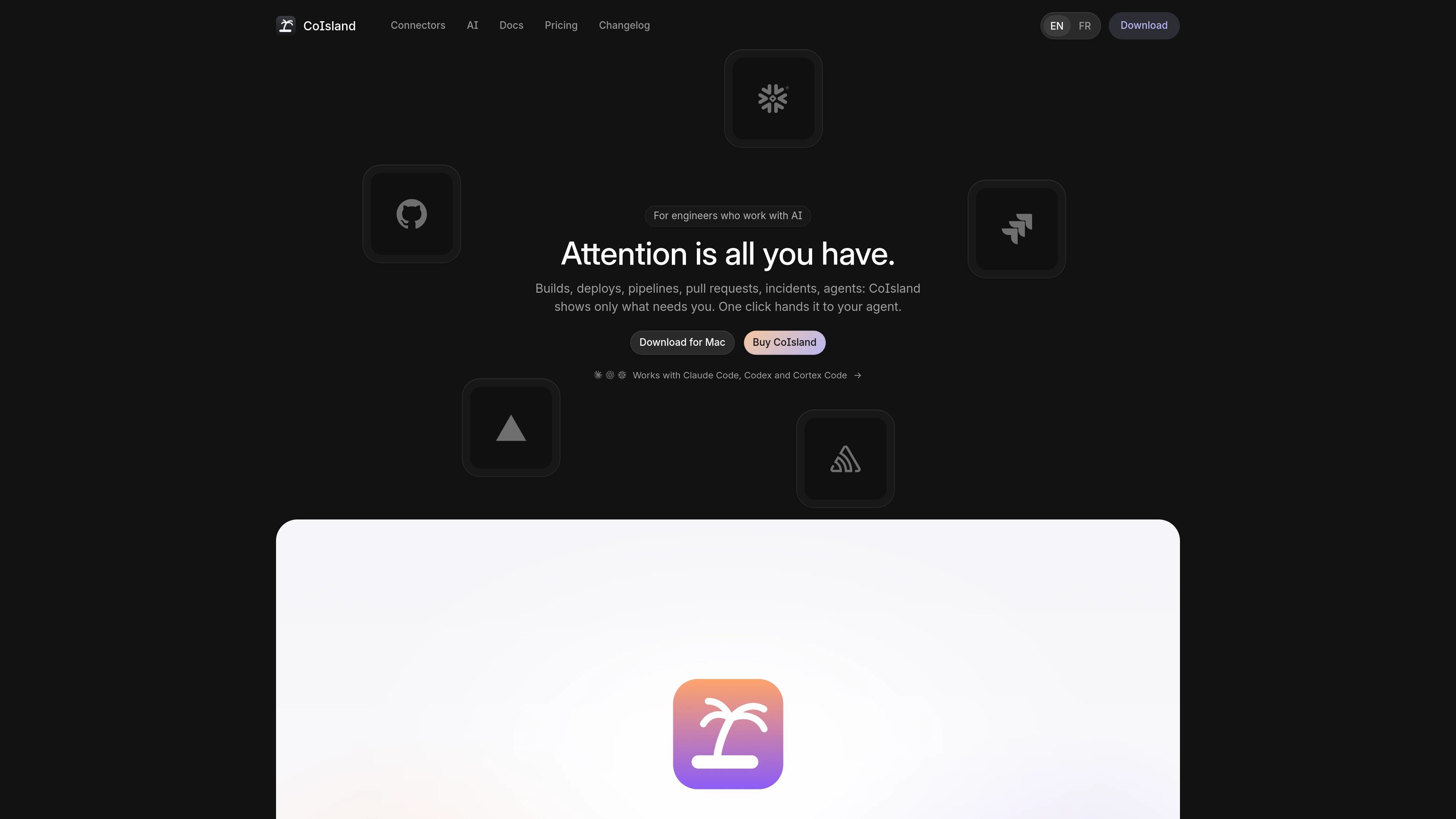
CoIsland is a native macOS monitoring app that brings alerts from code, deploys, data tools, tickets, mail, and on-call services into the Mac's notch. Engineers can schedule tool-specific queries, review matching items, and hand an alert's context to Claude Code, Codex, or Cortex Code while retaining approval control.

CoIslandとは?

CoIsland is a native macOS monitoring app for engineers who need to follow activity across code, deployments, data systems, tickets, email, and on-call tools. It displays monitored activity in the Mac's notch rather than requiring a browser dashboard or a collection of open service tabs.

A monitor runs a query, search, filter, or threshold check against one connected tool on a schedule selected by the user. When a check produces a new match or crosses a configured threshold, CoIsland surfaces the alert with its matching rows or items, monitor context, and activity. Users can acknowledge, annotate, and resolve alerts from the app.

CoIsland also provides a one-click handoff to Claude Code, Codex, or Cortex Code. The agent receives the alert facts, query, retained results, and activity; it can investigate and request approval before acting, while the user keeps control over the alert's final resolution. Connections are made directly from the Mac, with credentials stored in the macOS Keychain.


CoIslandでできること

Scheduled tool monitors

Create monitors that ask one connected service a query, search, filter, or threshold question. Check intervals range from 15 minutes by default up to 30 days, and examples are available for tools such as GitHub, Jira, and Snowflake.

Notch-based alert view

The Mac's notch shows one ring per monitor, the time until the next check, and the number of matching rows or items. New matches are distinguished from existing results so the current attention queue stays visible.

Alert history and activity

Open an alert to review its matching items, monitor query, connector, and activity. Users can acknowledge alerts, add notes, and resolve them manually; CoIsland does not close alerts on the user's behalf.

Agent handoff with context

A button in an alert opens Claude Code, Codex, or Cortex Code in a terminal. The handoff includes the alert's facts, monitor query, retained rows, and activity, and the agent asks before actions that require approval.

Direct local connections

CoIsland communicates with connected tools directly from the Mac rather than through a CoIsland server or account. Tokens are stored in the macOS Keychain, and Snowflake CLI connections using programmatic access tokens can be imported from connections.toml.

Editable local watch files

Monitors are saved as .sql files in ~/.coisland/watches and can be edited by hand. The setup flow supports testing a monitor before saving it, configuring alert conditions, and selecting an optional sound.

利用シーン

“Follow build and deployment failures”

An engineer can monitor GitHub Actions, Vercel, GitLab, Cloudflare, Render, or similar deployment sources for failed runs and receive the relevant build or production item in the notch.

“Keep review and issue work visible”

GitHub review requests and Jira or Linear queries can surface work assigned to the user, helping them see new reviews, tickets, or sprint-related changes without repeatedly checking each service.

“Watch data pipelines”

A Snowflake monitor can run a SELECT, WITH, or SHOW statement such as a failed-task query and alert when new matching task records appear. Other listed data connectors include Databricks, dbt, PostHog, Supabase, PostgreSQL, MySQL, and ClickHouse.

“Route an incident to an AI coding agent”

When a monitored error, deployment, or data failure appears, the user can hand the alert's context to Claude Code, Codex, or Cortex Code for investigation while retaining approval over actions and final alert resolution.

“Separate several workspaces”

The notch can consolidate monitors from different work contexts, such as a job, side project, or coursework, with each alert retaining its source and connector context.

よくある質問

Which platforms does CoIsland support?

CoIsland runs on Macs with Apple Silicon, including M1, M2, M3, M4, or later, running macOS 14 Sonoma or later. It does not run on Intel Macs.

What can CoIsland monitor?

The site lists 35+ connectors, including GitHub, Vercel, GitLab, Jira, Linear, Sentry, PagerDuty, Datadog, Snowflake, Databricks, Gmail, Calendar, HTTP/JSON, RSS/Atom, status pages, and shell commands. The complete capabilities depend on the connector and its available monitor types.

How does a monitor decide when to alert?

A monitor runs its configured query or filter on a schedule. It can alert when new rows or items appear, or when a count crosses a threshold such as count greater than zero. Existing matches on the first check do not count as new for row-based alerts.

Can an AI agent act on an alert automatically?

CoIsland can hand an alert to Claude Code, Codex, or Cortex Code in a terminal. The agent receives the alert context and asks before actions that require approval. CoIsland does not close the alert automatically; the user resolves it.

Can I use CoIsland before buying a license?

Yes. Without a license, the two oldest monitors run with no stated time limit. The purchase page describes a one-time license for up to two Macs, a year of updates, and a 30-day refund period.

クイック情報

Category
Developer tool; monitoring and alerting
Platform
Apple Silicon Mac; macOS 14 Sonoma or later
Interface
Native macOS app with a notch-based alert view
Connectors
35+ listed, covering code, deploys, data, tickets, mail, errors, on-call, and web inputs
Agent support
Claude Code, Codex, and Cortex Code
License model
Unlicensed mode supports the two oldest monitors; paid license is a one-time purchase for up to 2 Macs with one year of updates

CoIslandの代替品

Middleware logo

Middleware

middleware.io

ログ、メトリクス、トレース、インフラ、アプリ、ユーザー体験を一元監視するフルスタック可観測性。OpsAIで問題検知と修復を支援。

CanyonTechs AI logo

CanyonTechs AI

canyontechs.ai

CanyonTechs AIは、LLMを活用した自動修復製品です。本番環境のログを解析してインシデントを検知し、署名付きプルリクエストとして修正を提出します。ワークスペースベースのサービスで、個人・企業ユーザー向けの登録とログインに対応しています。

Mezmo logo

Mezmo

mezmo.com

ログ、メトリクス、トレースを絞り込み・ルーティング・分析するAIテレメトリ基盤

DrDroid logo

DrDroid

drdroid.io

クラウドやコード、CI/CD、テレメトリをつなぐAI SREエージェント

Coldtea logo

Coldtea

www.coldtea.ai

Coldteaは、QA、本番環境の監視、バグ検出、タスク作成、修正を一元管理したいチーム向けのAI搭載ソフトウェアデリバリー環境です。マシン上で動作し、コード作成後のリグレッションや本番障害を検知します。

Rootly logo

Rootly

rootly.com

エンジニアリングチーム向けAIネイティブなインシデント管理