
Grammar correction
Corrects grammar in typed text so users can clean up messages, drafts, and longer writing before sending or publishing.

CleverType is an AI keyboard and writing assistant for iOS, Android, desktop, and browser workflows. It helps users correct grammar, change tone, and use AI writing tools without leaving the app they are typing in.
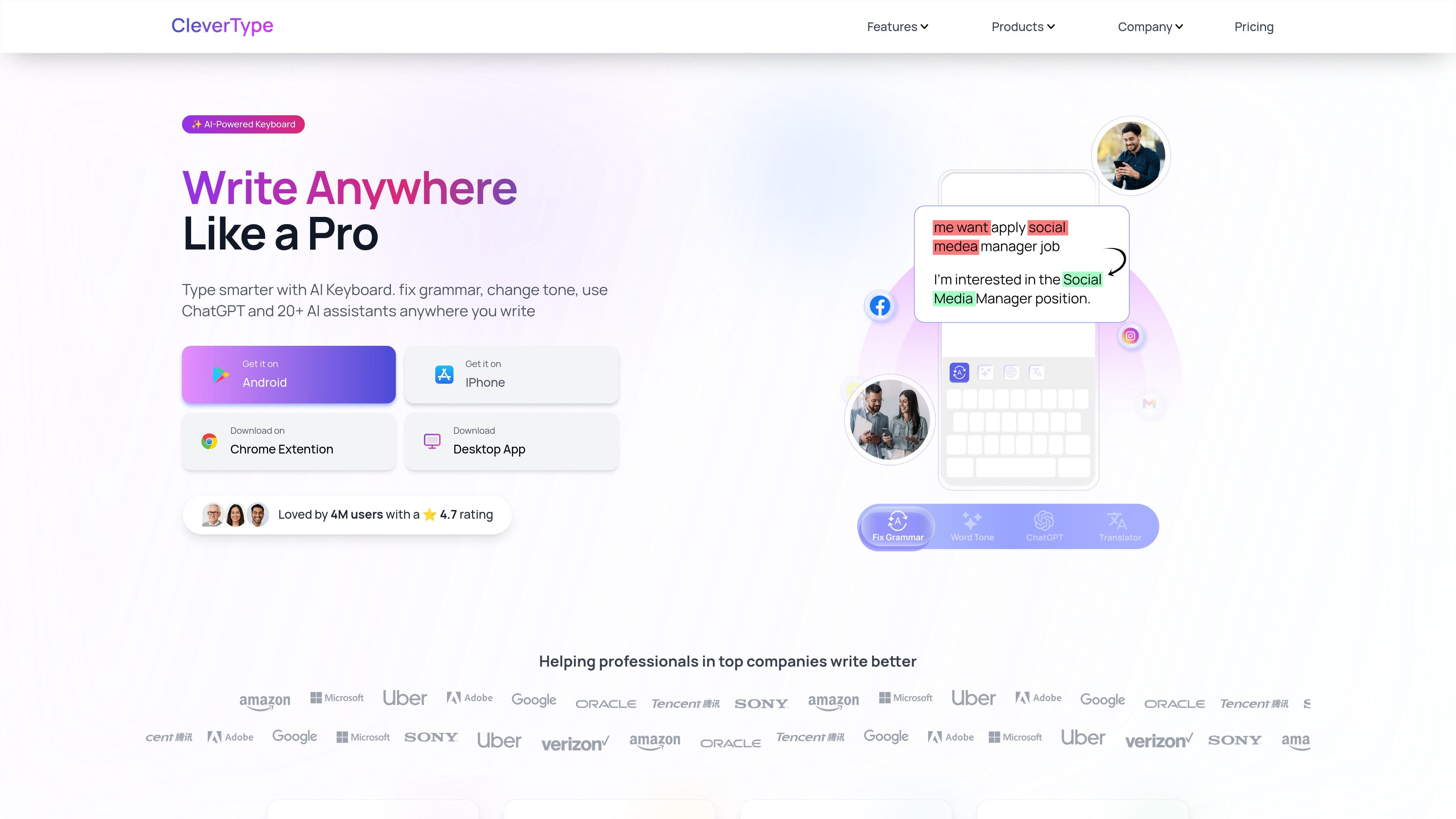
CleverType is an AI-powered keyboard and writing assistant for iOS, Android, desktop, and browser-based workflows. It focuses on helping people fix grammar, adjust tone, ask AI questions, and write faster from the place where they are already typing.
The site positions CleverType as a privacy-conscious communication tool with support for multiple languages and a broad feature set that includes grammar enhancement, tone adjustment, smart suggestions, and translation. Its core job is to reduce editing friction for everyday messages, professional writing, and other short-form communication.
Pricing information shows a paid premium plan for unlimited AI writing features, with access across mobile and desktop. The site also presents the product as suitable for professionals and teams that want a keyboard-based writing helper rather than a separate editor.
Corrects grammar in typed text so users can clean up messages, drafts, and longer writing before sending or publishing.
Adjusts the tone of a message or paragraph, helping users make writing sound more formal, concise, friendly, or otherwise better suited to the situation.
Provides ChatGPT-style help inside the keyboard experience, letting users ask questions or generate text without leaving the app they are typing in.
Offers smart reply and writing-assistant tools listed on the pricing page, aimed at faster responses and lighter drafting work.
Includes AI translation among the listed features, supporting multilingual writing workflows.
Works across mobile and desktop surfaces, with the pricing page listing mobile and desktop access plus Android, iOS, browser, and desktop products.
Users can draft or revise messages in place, using grammar correction and tone changes before they hit send. This is useful for emails, DMs, and other everyday communication where speed matters.
People writing in a second language can use the keyboard to improve phrasing and reduce obvious grammar issues. The About page’s language support and the homepage’s grammar tools both point to multilingual writing support.
Professionals who need quick replies or short-form drafts can use the built-in AI assistants instead of switching to a separate writing app or browser tab.
Writers, students, and professionals can use the product for tone adjustment when a draft needs to sound more formal, more direct, or better aligned with the situation.
Teams or individuals who work across phones and computers can use the same product on mobile and desktop, which helps keep the writing workflow consistent across devices.
CleverType is available as an AI keyboard for mobile and desktop use, and the FAQ says it supports installation and usage on compatible devices. The source also lists Android Keyboard, iOS Keyboard, browser extensions, and a Desktop App in its product navigation.
The FAQ indicates CleverType supports multiple languages, and the About page says the platform supports 40+ languages.
The FAQ includes a question about offline use, but the provided source text does not include a confirmed answer. Based on the available evidence, its offline behavior should be verified before relying on it.
The pricing page shows a monthly premium plan and states that premium usage is available on mobile and desktop. It also says secure payment, cancel anytime, and no hidden fees.
The FAQ says users can switch back to their system keyboard easily, which suggests the app is designed to sit alongside the default keyboard rather than replace it permanently.