ClassPoint logo

ClassPoint

Freemium
訪問

インタラクティブクイズやLive Q&A、プレゼンツール、ゲーミフィケーションを備えたPowerPointベースの教育ツール。

ClassPointとは?

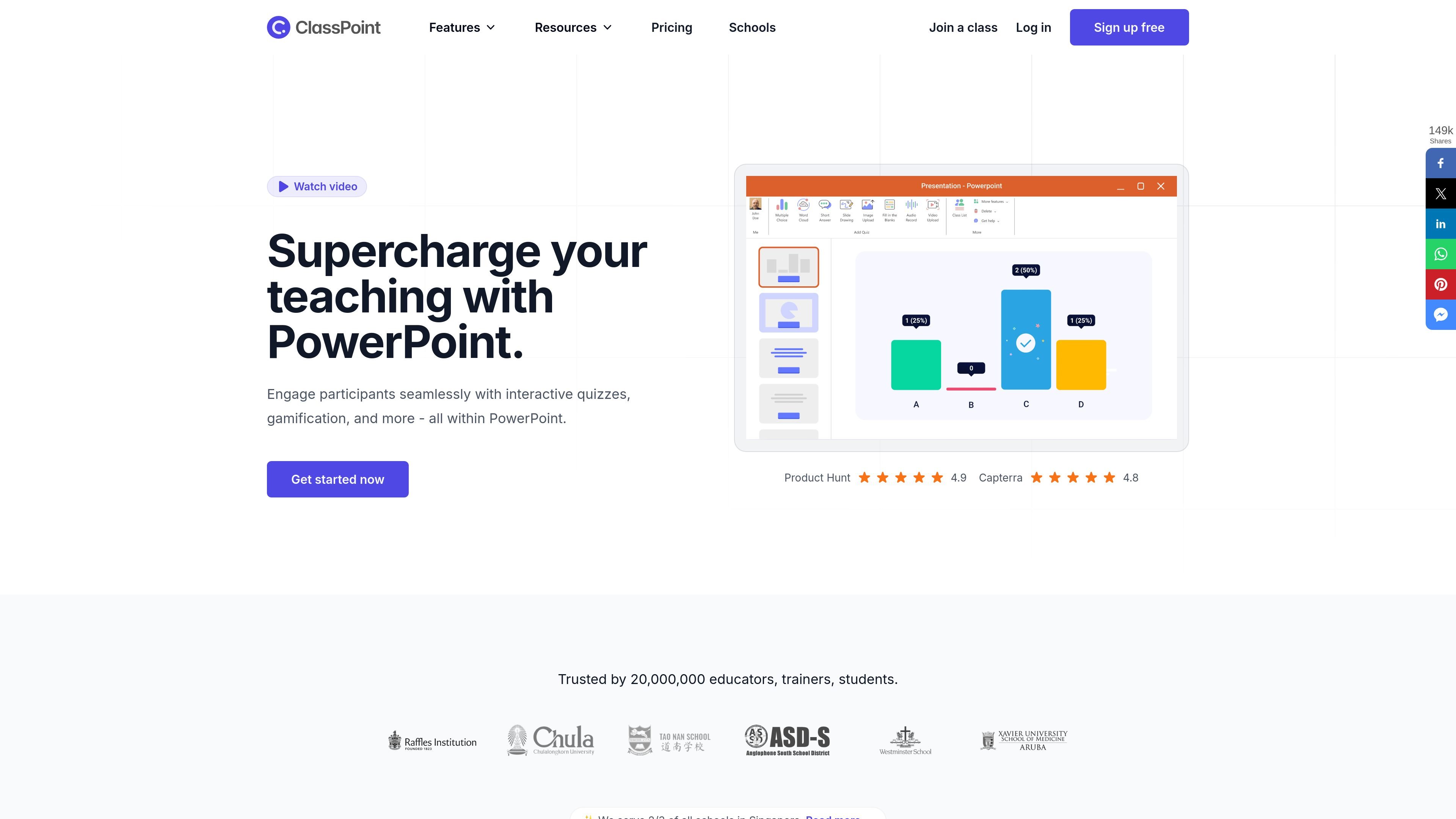
ClassPoint is a teaching tool that works inside PowerPoint and is built for live classroom interaction. The source pages describe it as an all-in-one teaching and student engagement tool that lets teachers turn existing slides into interactive quizzes, use presentation tools during a slideshow, and gather feedback without leaving PowerPoint.

It is designed for teachers, trainers, schools, and districts that want to keep lesson delivery in one place while adding participation features such as quiz questions, gamification, Live Q&A, grouping, and class reports. The pricing page shows a free Basic plan, a paid Pro plan, and a Premium school plan with additional admin and support features.

ClassPointでできること

Interactive quiz questions

Create and run quizzes directly inside PowerPoint with multiple question formats, including multiple choice, word cloud, short answer, slide drawing, image upload, fill in the blanks, audio record, and video upload. The product also includes quiz mode and class reports for review.

AI quiz generation

Generate quiz questions from slides with AI. The pricing page shows Basic includes 20 free AI quiz credits, Pro includes 500 AI quiz credits per month, and Premium includes unlimited AI quiz credits.

Gamification and participation tracking

Manage live classroom interaction with tools such as awarding stars, levels and badges, leaderboards, saved classes, and class-size limits that vary by plan. The school page also describes real-time feedback and participation tracking.

Presentation tools inside PowerPoint

Use presentation tools during a slide show without switching apps, including a timer/stopwatch, random name picker, drag and drop, pen and highlighter, laser pointer and spotlight, text box, whiteboard background, and PDF sharing.

Live Q&A for classes

Collect and manage live questions from students with Live Q&A. The school page says participants can ask from any device and upvote questions, while teachers can mark items answered or dismiss them.

Grouping for classroom activities

Organize students into groups for collaborative work. The school page says grouping can be done manually or automatically, which supports team-based activities during a lesson.

利用シーン

“Classroom quizzes and formative assessment”

Teachers can keep a lesson in PowerPoint and add quick checks for understanding, such as multiple choice, short answer, or slide drawing questions, without rebuilding the deck in another app.

“Interactive teaching and presenting”

In a live presentation or training session, presenters can use the timer, stopwatch, random name picker, drag-and-drop objects, pen, spotlight, text box, and whiteboard background to keep the session interactive.

“School-wide deployment”

Schools and districts can standardize a shared teaching workflow across many teachers, while using Premium features such as custom branding, grouping, webhook access, and dedicated support.

“Audience questions during lessons”

Teachers can run Live Q&A sessions so students submit questions from any device, then answer them in real time or later and manage them by marking or dismissing items.

“Collaborative and gamified activities”

In group activities, educators can assign students manually or auto-group them for collaborative tasks, then use stars, levels, badges, and leaderboards to track participation.

よくある質問

What does ClassPoint do?

ClassPoint works as a PowerPoint teaching tool: the source materials show that teachers present from PowerPoint and use interactive quiz questions, presentation tools, and class reports during the lesson.

Does ClassPoint offer a free plan and paid plans?

Yes. The pricing page lists a Basic plan with free sign-up, and paid Pro and Premium options. Premium is for schools and districts and requires contacting sales.

Do I need to install anything to use ClassPoint?

The source material shows that ClassPoint is used within PowerPoint, but it does not provide a full installation or platform compatibility guide in the collected pages.

Do students or participants need to install ClassPoint?

No. The pricing page says participants do not need to install ClassPoint, and the school page says students can respond from any device for Live Q&A.

What features are included in school and district plans?

For school and district plans, the source lists custom branding, webhook access, live Q&A, grouping, unlimited AI quiz credits, lifetime class reports, onboarding, and dedicated support.

クイック情報

Category
Teaching tool / presentation software
Primary platform
PowerPoint
Main users
Teachers, trainers, schools, and districts
Pricing model
Free Basic plan plus paid Pro and Premium plans
Source domain
classpoint.io
Plan notes
Premium for schools and districts requires contacting sales

ClassPoint のトラフィック分析

トラフィックデータは参考情報としてご利用ください。

ドメイン評価
61

ClassPointの代替品

Quenti logo

Quenti

quenti.io

フラッシュカード、テスト、ゲーム、AI採点に対応した学習 platform

Limbiks logo

Limbiks

limbiks.com

学習資料をデッキに変換するAIフラッシュカード生成ツール

Solvely logo

Solvely

solvely.ai

宿題、ノート、クイズ、暗記カード、試験対策を支援するAI学習ツール

Sumazon logo

Sumazon

sumazon.com

動画や文書を要約、模擬試験、フラッシュカード、正誤クイズに変えるAI学習ツール

Alice logo

Alice

alice.tech

Aliceは、アップロードした授業資料を構造化された概要や練習問題、試験対策にまとめるAI学習アシスタントです。大学生と高校生向けに、無料のBasicプランと有料のProプランを提供します。

Questgen logo

Questgen

questgen.ai

さまざまなコンテンツから問題を作成するAIクイズ生成ツール