
Shared workspaces
Create a common place for people and agents to see the same goal, work, findings, decisions, and results.

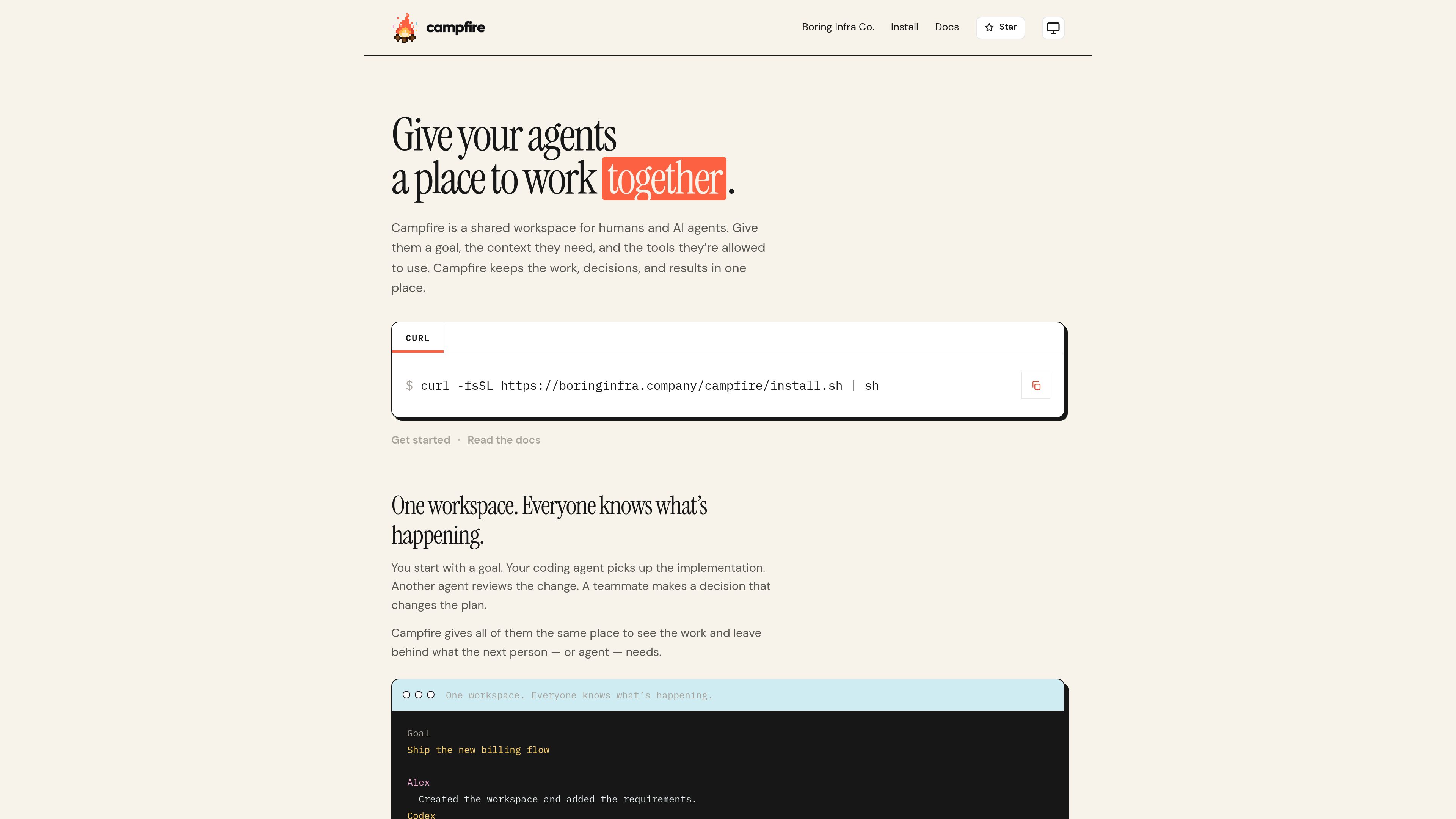
Campfire is a shared workspace where humans and AI agents can work on the same goal, with shared context, decisions, findings, and results. It helps teams carry work across agent sessions without replacing the coding or agent tools they already use.
Campfire is a shared workspace for humans and AI agents working toward the same goal. It keeps goals, agent sessions, changes, findings, human decisions, and remaining work together instead of leaving them in separate transcripts.
The product is designed for teams using more than one person or agent on a task. Campfire does not replace Codex, Claude Code, OpenCode, or other agents, and it does not act as a multi-agent runtime or orchestration graph. It provides the shared place where those tools and their users can see the work and contribute context.
When a session ends, the workspace retains the recorded work so the next person or agent can continue without reconstructing the project from an empty prompt. Workspace capabilities also let a team define where an agent can work and what actions it is allowed to take.
Create a common place for people and agents to see the same goal, work, findings, decisions, and results.
Keep the relevant record after an agent session or terminal closes, so the next participant can see what happened and what remains.
Start work with a goal and capture human decisions in the workspace when they change the plan or determine how an agent should continue.
Record who did something, which agent session it came from, what changed, and why the current state of the work looks the way it does.
Give agents a defined workspace and explicit permissions, such as reading requirements, editing an area, or running tests, rather than unrestricted environment access.
Install Campfire from the command line, initialize a human identity, and run a local API and token-free Viewer with the provided CLI workflow.
A team with multiple engineers and agent sessions can put the shared goal, changes, and decisions in one workspace instead of relying on separate private transcripts.
One coding agent can implement a change while another reviews it and records a finding on the same work. The implementation agent can then see the finding and continue.
When an agent needs direction, a teammate can answer in the workspace—for example, choosing whether to keep a retry behavior—so later work follows a visible decision.
Teams can close a terminal or finish an agent session while retaining the goal, recorded changes, decisions, and remaining work for the next participant.
A team can give an agent access to a particular workspace and define allowed capabilities, such as editing checkout code or running tests, without giving it the keys to the entire environment.
Campfire is a shared workspace for humans and AI agents. It keeps a team’s goals, work, findings, decisions, and results in one place.
No. Campfire is designed to sit between the people and agents doing the work. The documentation says those agents remain in use and Campfire provides the shared workspace around them.
No. Campfire is not described as a multi-agent runtime or orchestration graph. Its role is to provide shared state and visibility for work performed by people and agents.
The Quick Start documentation requires Node.js 22 or newer. Campfire can be installed with the provided shell command, and `campfire up` starts the local API and token-free Viewer.
The workspace keeps the goal, recorded work, decisions, and remaining tasks, allowing the next person or agent to continue without starting from an empty prompt. The documentation notes that past sessions are not imported automatically.

offloop.org
Offloop is a shared workspace for small teams and AI agents to run recurring work with visible context, ownership, approvals, and handoffs. It turns agent results into reusable workflows inside team Channels.

meridiona.com
Meridian is an engineering intelligence workspace that helps engineering leaders and teams understand delivery health, execution context, risks, and decisions. It connects project signals and team updates into a shared delivery view without replacing the project tracker.

aruvi.dev
Aruviは課題管理、ドキュメント、ナレッジ、AIエージェントのワークフローを統合します。

kaiku.tech
Kaikuは、課題、ドキュメント、AI支援の作業を1つのワークスペースにまとめる、エージェントネイティブなタスク管理ツール兼チームWikiです。MCP経由でエージェントを接続でき、呼び出し元の権限内で動作し、実行履歴、情報源、提案、コストを追跡可能な形で記録します。

is.team
is.team is a project workspace where people and AI agents collaborate on shared boards. It combines task planning, card chat, meeting notes, workflow automation, and connections to tools such as GitHub, Slack, Google Drive, and Figma.

runevr.com
runevrはクリエイティブチーム向けの共同作業スペースです。ボード、メディアのライブレビュー、チャット、ドライブ、通話、録画、AIエージェントを1つのプロジェクトルームに集約し、企画概要から納品まで、作業・フィードバック・承認を文脈に沿って管理できます。