
Common image formats
Uploads support JPEG, PNG, and WEBP files, with a stated maximum file size of 10MB.

BestColoringPages is a web-based AI tool that turns uploaded photos into printable coloring pages. It helps parents, teachers, artists, and hobbyists create custom line art from images in a few steps.
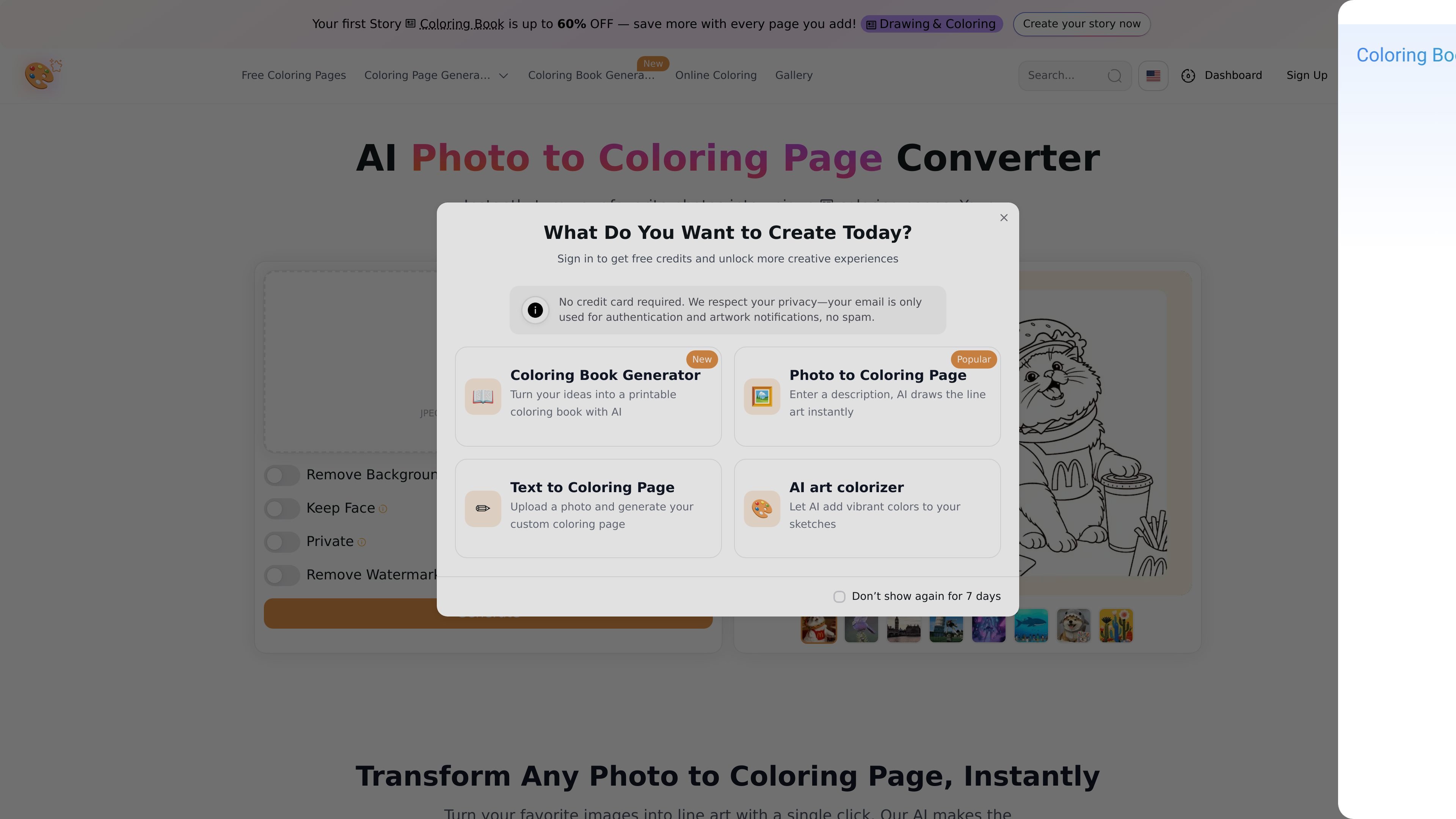
BestColoringPages is a web-based photo to coloring page converter that turns uploaded photos into printable line art. The homepage and pricing page describe a simple workflow: upload an image, let the AI generate an outline, and download the result.
The product is positioned for people who want custom coloring pages from personal photos, reference images, or classroom visuals. The source pages also show themed coloring-page categories such as animals, fairy, fish, ice cream, mushroom, garbage truck, gymnastics, and boys, which suggest the site combines photo conversion with browsing-ready coloring page content.
Uploads support JPEG, PNG, and WEBP files, with a stated maximum file size of 10MB.
The tool turns an uploaded photo into a line-art preview and says the process takes only a few seconds.
The site says its AI detects the subject and removes clutter for cleaner coloring-page output.
Controls shown on the page include options such as Remove Background, Keep Face, Private, and Remove Watermark.
The page says users can choose from several artistic styles, ranging from simple bold lines to more detailed designs.
Paid plans are described as unlocking unlimited access and watermark-free downloads.
Turn family photos or vacation snapshots into custom coloring activities for children, with the option to keep the process simple and web-based.
Convert reference photos into clean outlines that can be used as a starting point for sketching, digital painting, or other illustration work.
Create classroom coloring sheets from historical images, science diagrams, or lesson-related photos to make teaching materials more engaging.
Generate themed coloring pages from uploaded images when you want a quick printable page rather than drawing one from scratch.
The tool uses a trained neural network to identify the key lines in an uploaded photo and render them as line art. The page says the conversion takes just a few seconds and produces a high-quality preview before download.
Yes. The pricing page says users can get started for free and create their first photo to coloring page on a free trial. It also says flexible paid plans are available for unlimited access.
Yes. The site says free trial downloads include a small watermark, and that watermark-free downloads are available on paid plans.
The page says the tool works on any device, including smartphones and tablets, because it is fully web-based.
The site says the generated pages are based on the image you upload, and that you are responsible for the rights to the original photo. It describes the feature as intended for personal use.