
Named agents for different workflows
The interface shows multiple agents, including Scout, Support, Reach, Billing, Reports, and Triage, each appearing to handle a different work stream.

xpander.ai è un’app web per gestire agenti AI nei flussi di lavoro aziendali, tra cui il monitoraggio della pipeline, lo smistamento delle richieste di assistenza, la fatturazione e la reportistica. Consente di consultare i dati di lavoro, preparare azioni di follow-up e monitorare attività e conversazioni automatizzate.
xpander.ai is a web application for coordinating AI agents around operational work such as pipeline review, support triage, billing tasks, reporting, and follow-up planning. The interface presents agents, conversations, and task summaries in one workspace so users can ask for analysis, receive drafted next steps, and track what has been automated.
The product examples on the site show an agent pulling sales pipeline data, flagging deals that have been idle for more than 30 days, grouping them by blocker, and drafting follow-up emails and scheduled check-ins. That makes the product most relevant for teams that want AI-assisted execution rather than a simple chat interface.
The interface shows multiple agents, including Scout, Support, Reach, Billing, Reports, and Triage, each appearing to handle a different work stream.
Users can start a conversation with an agent, ask for a specific task, and review the result in the same thread.
One example asks Scout to review Q3 pipeline data, identify deals slipping past 30 days, and produce a follow-up plan with emails and check-ins.
The workspace includes items such as refund digest, pipeline sync, and KPI rollup, indicating support for recurring status updates and summaries.
The page shows metrics such as tasks automated and recent activity, which suggests a way to monitor ongoing agent work.
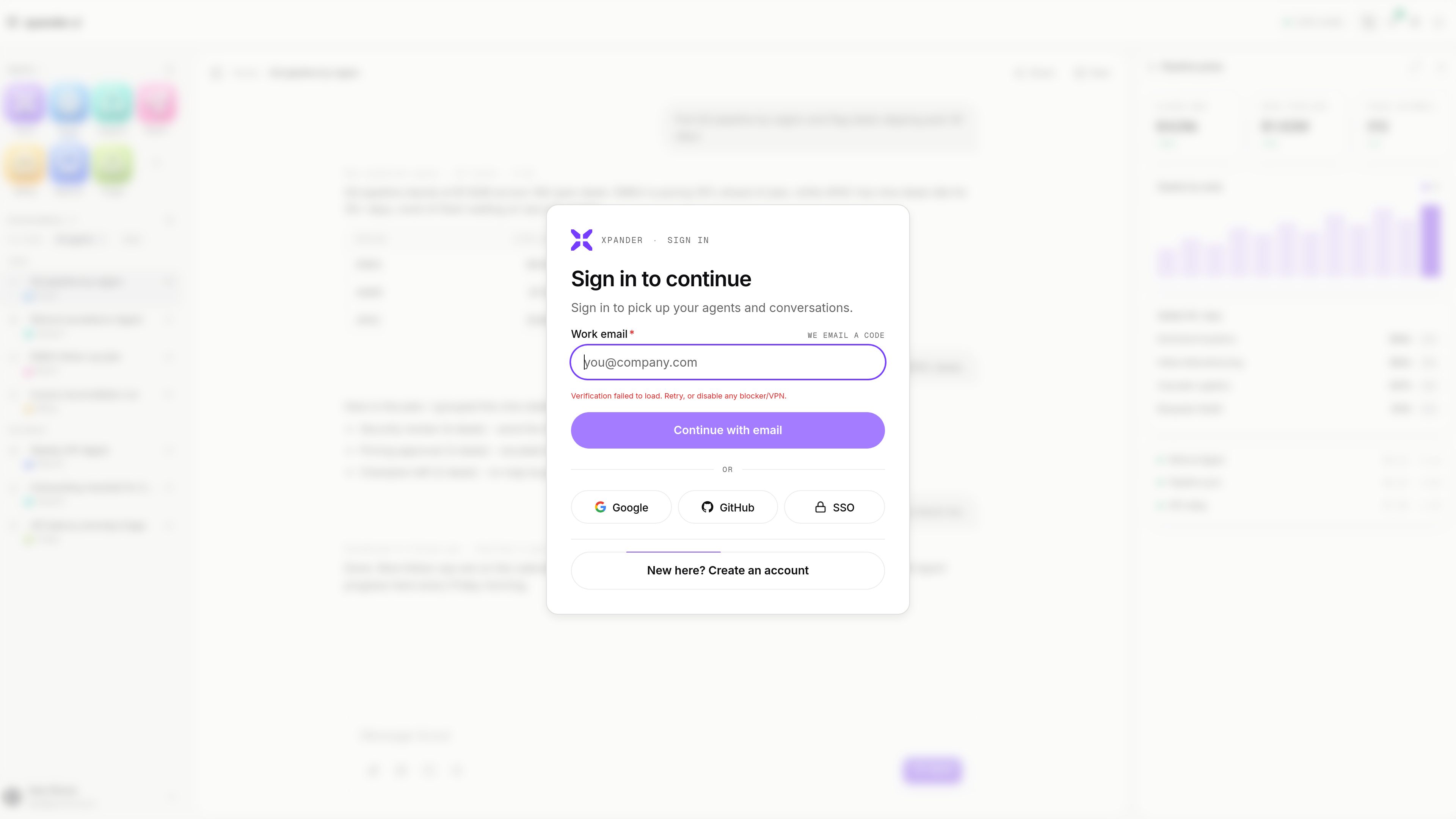
The sign-in flow supports email login and mentions Google, GitHub, and SSO options for returning users.
Ask an agent to pull open deals, group stalled opportunities by blocker, and surface regions or segments that are behind pace.
Use the agent to turn pipeline findings into concrete next steps such as email drafts, scheduled follow-ups, and escalation notes.
Route operational questions or incident-style work into a support or triage agent so summaries and next actions stay in the same workspace.
Use the billing-oriented views and digests to review recurring finance tasks such as reconciliation or refund-related updates.
Generate periodic summaries and rollups for ongoing performance tracking instead of assembling each report manually.
It provides a workspace for running AI agents on business operations such as pipeline analysis, support triage, billing, reporting, and follow-up tasks.
Yes. The example on the site shows an agent analyzing pipeline data and then drafting follow-up emails and scheduling check-ins.
Yes. The page lists agents such as Scout, Support, Reach, Billing, Reports, and Triage.
A pricing page exists, but the rendered text provided here does not show plan names, prices, or limits.
The sign-in flow shown on the site includes email login and mentions Google, GitHub, and SSO options.
I dati sul traffico sono solo a scopo di riferimento.

cekura.ai
Cekura è una piattaforma di valutazione vocale e osservabilità per i team che sviluppano agenti vocali AI. Consente di simulare chiamate prima del lancio, monitorare le conversazioni in tempo reale e analizzare gli indicatori di qualità nei flussi di lavoro in produzione.

getodin.ai
Piattaforma agentica aziendale per creare agenti AI, automatizzare i flussi di lavoro e collegare i dati aziendali

www.trychert.com
Chert è un prodotto di agenti video con IA per FaceTime che consente ai team di rispondere ed effettuare chiamate con assistenti in grado di interpretare le immagini della videocamera. È pensato per flussi di lavoro in cui chi chiama deve mostrare qualcosa, come supporto, onboarding o revisioni guidate.

zaro.ai
Workspace AI per creare app interne, agenti e flussi di lavoro con i dati aziendali, con crediti condivisi, prova gratuita e piani a pagamento per un utilizzo maggiore.

ramain.ai
RamAIn è una piattaforma di agenti AI che automatizza le attività manuali dell’interfaccia in portali web, sistemi legacy e app desktop, trasformando i flussi di lavoro dimostrati in automazioni riutilizzabili senza codice personalizzato o riprogettazione della piattaforma.

www.quaso.ai
Quaso è un agente di automazione AI che trasforma istruzioni in inglese semplice in flussi di lavoro basati sul browser e attività collegate alle app. È pensato per persone e team che automatizzano report periodici, smistamento, monitoraggio, ricerca e attività amministrative.