
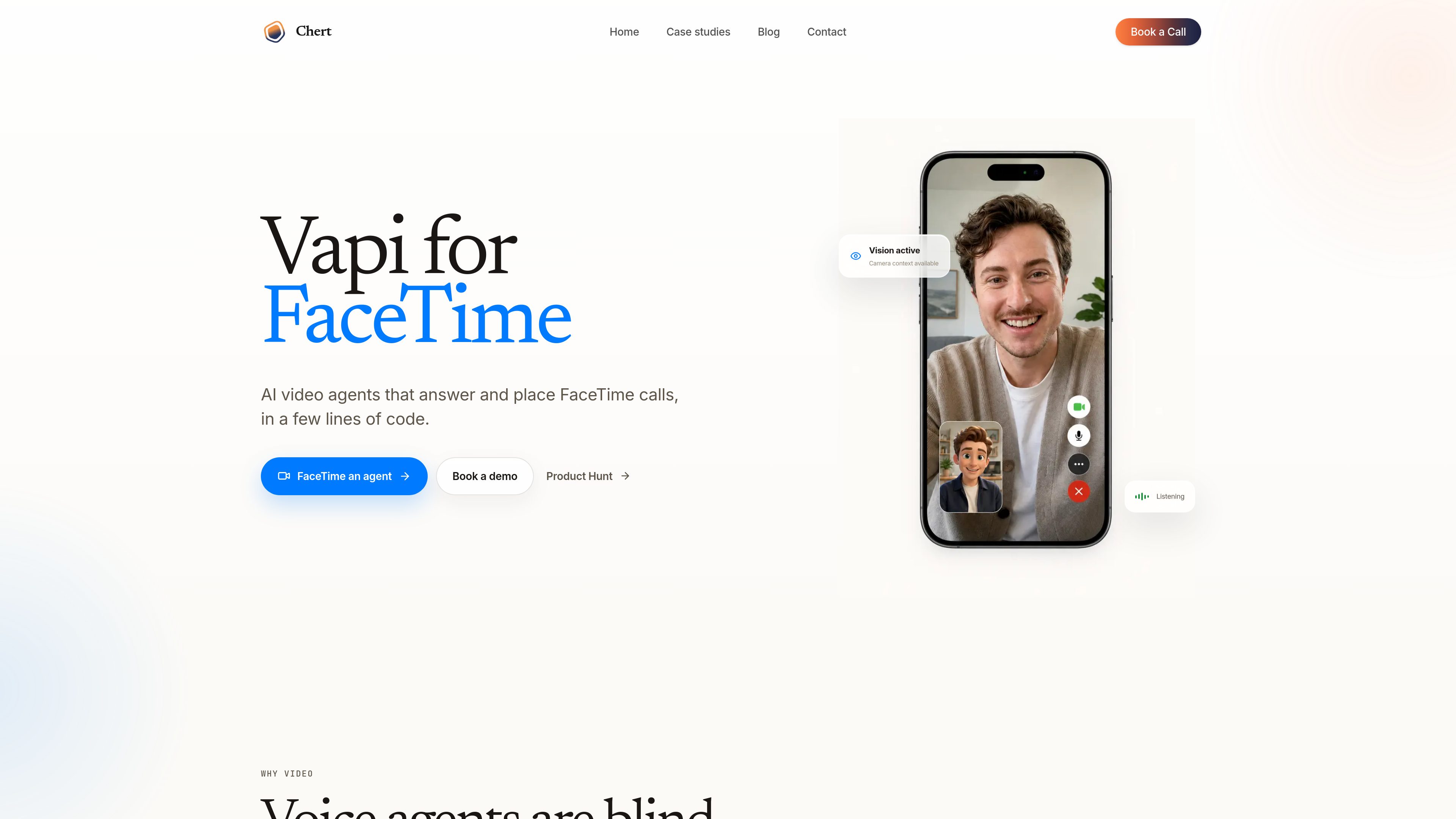
Camera-aware call handling
The product is built around the idea that an agent can use what the caller is showing on camera to understand a problem or next step more directly than voice alone.

Chert è un prodotto di agenti video con IA per FaceTime che consente ai team di rispondere ed effettuare chiamate con assistenti in grado di interpretare le immagini della videocamera. È pensato per flussi di lavoro in cui chi chiama deve mostrare qualcosa, come supporto, onboarding o revisioni guidate.
Chert is a FaceTime-focused AI video agent product that lets teams configure an assistant, assign it to a managed line, and publish it for controlled calling workflows. The page positions it as “Vapi for FaceTime,” with a focus on agents that can use camera context during calls instead of relying only on voice.
It is designed for situations where seeing the problem matters as much as hearing it. The source highlights remote support, field service, telehealth intake, guided onboarding, visual inspections, and customer success as examples of work that can benefit from a video agent. The product also emphasizes a controlled private preview, so the FaceTime offering is not described as generally available yet.
The product is built around the idea that an agent can use what the caller is showing on camera to understand a problem or next step more directly than voice alone.
Users can define the assistant’s instructions, realtime model, voice, and behavior before a call is placed.
The setup flow includes choosing an avatar persona and framing style, such as a mid-shot presentation.
A browser-based preview is available to check the prompt, voice, microphone behavior, interruption handling, avatar, and cleanup before going live.
The assistant can be deployed by publishing it and assigning it to a provisioned FaceTime line.
The control plane supports bounded inbound and outbound test workflows, with live execution described as provisioned and explicitly authorized.
Guide a caller through a problem they can show on camera, such as a cable, device, or environment issue.
Help users or technicians walk through a physical setup or repair step by step when visual confirmation is useful.
Use a video agent for intake workflows where a person may need to show symptoms, equipment, or surroundings.
Walk new users through a process visually, reducing the need for them to describe every detail from memory.
Support review workflows where the agent needs to see an object, location, or setup in order to proceed.
No. The page says the FaceTime product is being onboarded through a controlled private preview while production media and line readiness are validated.
Yes. The browser preview is meant for checking the prompt, voice, microphone, interruption behavior, avatar, and cleanup before publishing.
The page says the control plane supports bounded inbound and outbound test workflows. Live execution is provisioned and explicitly authorized, and accepting mode is not enabled by default.
The page says you can configure the assistant instructions, realtime model, voice, avatar, framing, publishing state, and managed line assignment.
The product is presented for situations where a caller needs to show a problem or environment, including remote support, field service, telehealth intake, guided onboarding, visual inspections, and customer success.
I dati sul traffico sono solo a scopo di riferimento.

www.skippr.ai
Skippr è una piattaforma di agenti AI in tempo reale per onboarding, demo, supporto e flussi di lavoro interni. Puoi integrarla nel tuo prodotto o usarla in sessioni live per rispondere alle domande e completare attività con gli utenti.

cekura.ai
Cekura è una piattaforma di valutazione vocale e osservabilità per i team che sviluppano agenti vocali AI. Consente di simulare chiamate prima del lancio, monitorare le conversazioni in tempo reale e analizzare gli indicatori di qualità nei flussi di lavoro in produzione.

www.betterclaw.io
BetterClaw è uno strumento no-code per creare, distribuire e gestire agenti AI tramite un’interfaccia visiva, con supporto BYOK e controlli di sicurezza integrati. È pensato per i team che vogliono eseguire flussi di lavoro pianificati tra strumenti collegati senza dover mantenere un’infrastruttura.

venice.ai
Venice è una piattaforma di IA privata per chat, immagini, video, audio, codice, ricerca e flussi di lavoro con agenti. Offre un piano gratuito, piani a pagamento e un’API compatibile con OpenAI con diverse modalità di privacy.

superagent.com
Hyperagent è una piattaforma di agenti AI per i team che devono gestire ricerca, sviluppo e consegna tramite flussi di lavoro continui. Si collega a Slack, Telegram, webhook o pianificazioni e crea siti web, dashboard, presentazioni, documenti e video.

chat.xpander.ai
xpander.ai è un’app web per gestire agenti AI nei flussi di lavoro aziendali, tra cui il monitoraggio della pipeline, lo smistamento delle richieste di assistenza, la fatturazione e la reportistica. Consente di consultare i dati di lavoro, preparare azioni di follow-up e monitorare attività e conversazioni automatizzate.