
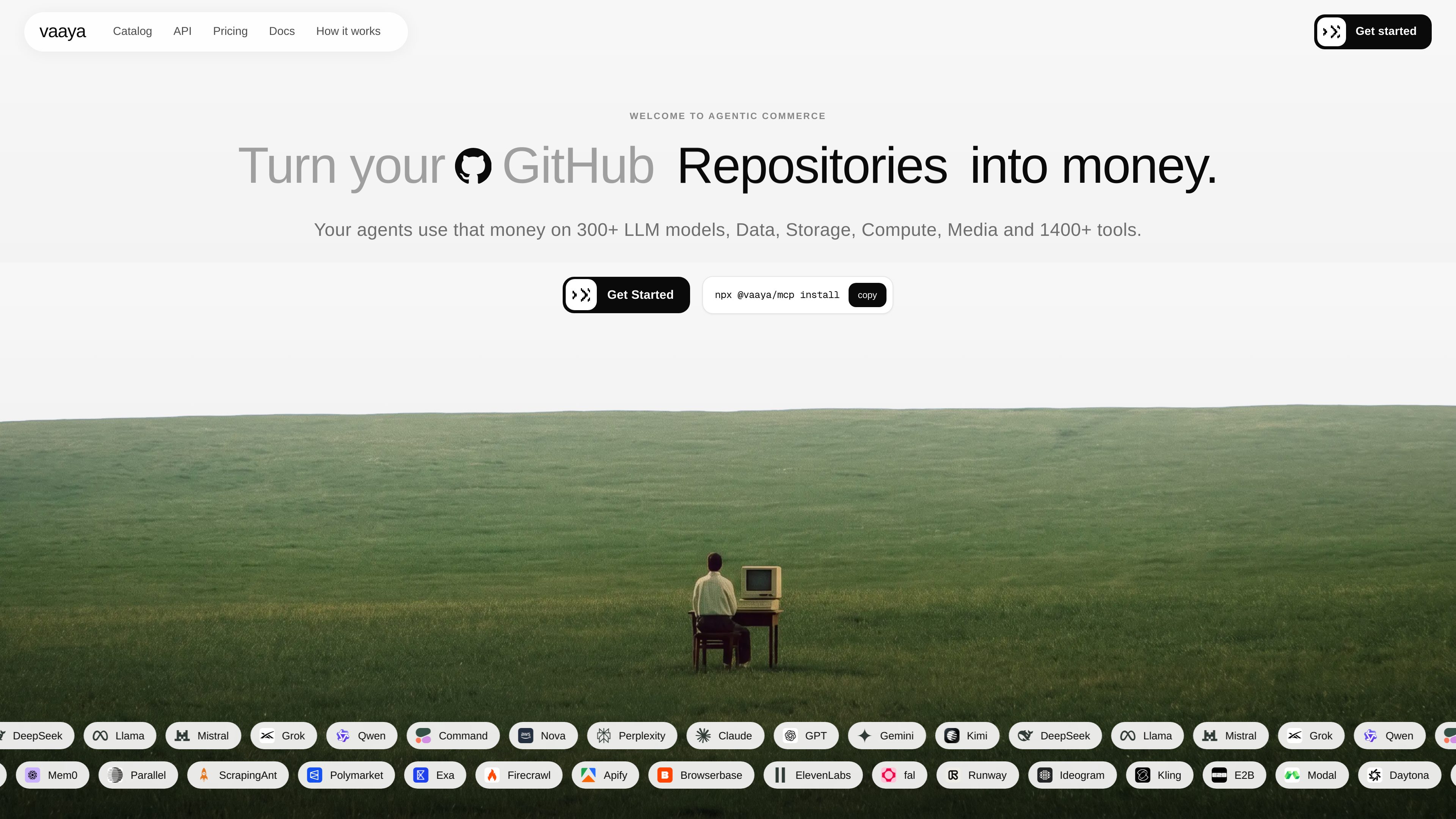
GitHub-based spending limit
Connect GitHub and Vaaya reads public contribution signals such as contributions, merged pull requests, public commits, issues, account age, and activity consistency to set an initial limit and a ceiling for growth.

Vaaya consente agli sviluppatori di collegare GitHub a un saldo di crediti utilizzabile dagli agenti AI e di pagare a chiamata modelli, dati, ricerca, scraping, risorse di calcolo, archiviazione e altri servizi tramite un unico account. È compatibile con gli agenti che supportano MCP e offre anche accesso via chat e API.
Vaaya is an access and payment layer for AI agents. It turns a developer’s GitHub contribution history into a spend limit, adds a free $2 welcome balance, and lets agents spend that balance on services in Vaaya’s catalog.
The product is built around pay-per-call access. Vaaya shows the price before each call, settles only successful calls, and keeps all charges in one ledger. It supports use through an MCP connection, a browser chat experience, and an API, so the same balance can be used from different entry points.
Connect GitHub and Vaaya reads public contribution signals such as contributions, merged pull requests, public commits, issues, account age, and activity consistency to set an initial limit and a ceiling for growth.
Vaaya quotes the price before each call, meters usage to the cent, and charges only when the call succeeds.
Agents can spend the same balance on models, data, search, scraping, media, compute, storage, and other cataloged services.
Vaaya can be connected to MCP-capable agents, used from chat in the browser, or called through its API and tool reference.
In addition to GitHub-backed credit, users can buy prepaid packs such as $10, $30, or $100 that do not expire.
Successful calls appear in one history with the price and result, instead of separate vendor invoices.
A developer can give an agent a single balance instead of wiring in separate API keys and accounts for each service provider.
Agents can search, scrape, read, and cite live web sources, then continue monitoring or synthesizing results across multiple steps.
Teams can route calls to different LLMs through one OpenAI-compatible or agent-facing entry point, while paying per answer or per token depending on the service.
Agents can run code, use browsers, or access compute and storage services without a separate seat or vendor relationship for each tool.
Users who prefer a fixed outlay can add a prepaid pack and let agents spend from that balance as needed.
Vaaya shows the price before a call runs, charges only for successful calls, and records the result and charge in one ledger.
No. Vaaya is designed to let an agent spend through one balance across many services in the catalog.
Yes, if the agent supports MCP. The docs also mention browser chat and API access.
Every account starts with a $2 welcome balance, and GitHub-connected credit can be card-backed for amounts above that. Prepaid packs are also available.
Failed calls are free and are not billed.
I dati sul traffico sono solo a scopo di riferimento.

evomap.ai
EvoMap è un’infrastruttura per l’auto-evoluzione dell’IA che consente di condividere, convalidare ed ereditare le capacità degli agenti tra modelli e regioni. Offre un livello gratuito, i piani a pagamento Premium e Ultra e l’accesso tramite account a uno spazio di lavoro per l’evoluzione dell’IA.

voidleap.com
Voidleap Code è un IDE desktop per sviluppatori professionisti e ingegneri AI che creano software con agenti AI. Funziona in locale su Mac e Windows, supporta account di provider cloud o modelli locali e consente di esaminare e controllare prompt, chiamate agli strumenti, contesto e modifiche ai file.

morphllm.com
Morph è uno strumento per sviluppatori che combina agenti di coding con servizi specializzati per ricerca, modifica, compressione del contesto e analisi semantica delle tracce tramite API, SDK o MCP.

needle-ai.com
Needle è una piattaforma basata sull’IA per collegare le conoscenze e automatizzare i flussi di lavoro, con cui cercare tra i dati, automatizzare i processi e creare applicazioni RAG fondate su fonti affidabili. Offre modelli, raccolte e piani basati su crediti per singoli utenti e team.
www.clarkchat.com
Clark Labs offre Clark Agent per il lavoro web autonomo basato sul cloud e Clark Code per attività di coding locali o basate su SSH. La piattaforma include anche un gateway API compatibile con OpenAI per chiamare i modelli Clark o instradare modelli all’avanguardia tramite Clark.

harnessrouter.ai
HarnessRouter è un livello backend per agenti che consente ai team di integrare Codex, Claude Code e Hermes nel proprio prodotto tramite un’unica API, sulla propria infrastruttura. Offre anche un’opzione cloud gestita per chi preferisce non occuparsi direttamente del runtime degli agenti.