
Live call listening
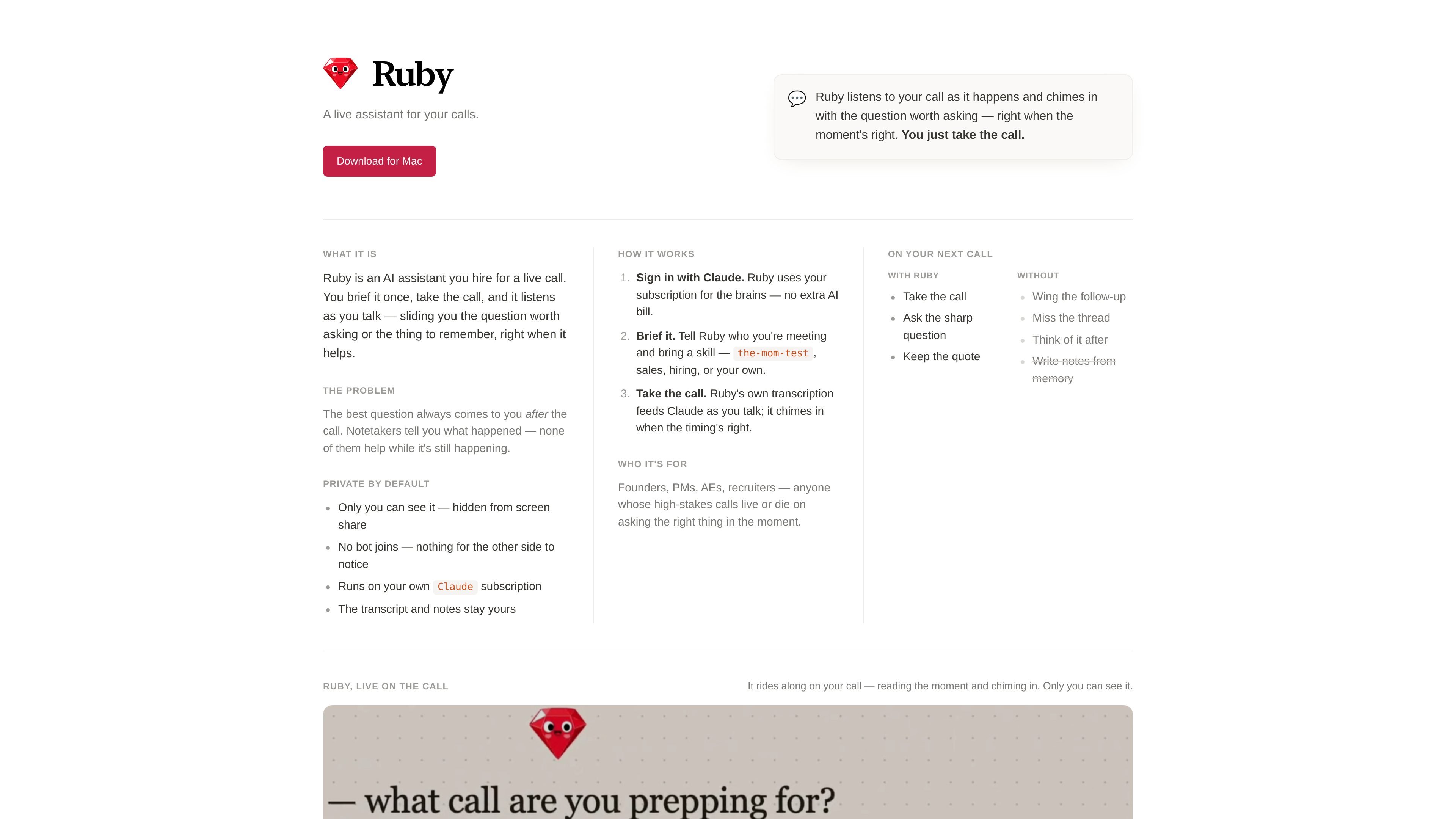
Ruby listens to the conversation in real time and watches for moments where a question or reminder may help.

Assistente per chiamate IA su Mac, con domande e promemoria al momento giusto
Ruby is an AI call assistant that runs on Mac and helps during live conversations. It listens to the call as it happens, then surfaces a question, reminder, or follow-up at the moment it may be most useful.
The workflow is simple: sign in with Claude, brief Ruby with the meeting context and a skill, then take the call. Ruby uses the user's Claude subscription for the AI layer and keeps the assistant private to the user during the call.
Ruby listens to the conversation in real time and watches for moments where a question or reminder may help.
Before the call, you can tell Ruby who you are meeting and assign a skill such as the-mom-test, sales, hiring, or a custom prompt.
Ruby surfaces the question worth asking when the timing fits, instead of waiting until the call is over.
Only the user can see Ruby, and it is hidden from screen share so the assistant is not visible to other participants.
Ruby does not join the call as a bot, which keeps the interaction on the user's side of the conversation.
Ruby uses the user's Claude subscription for the AI work, and the transcript plus notes stay with the user.
Use Ruby to keep high-stakes customer conversations moving and ask the question that would otherwise come to mind only after the call.
Brief Ruby with the interview context so it can prompt for a useful follow-up while the discussion is still active.
Keep Ruby on hand during sales conversations to help surface the next question or the point worth remembering in the moment.
Use Ruby to stay present in interviews while still having a prompt available for a missing detail or follow-up question.
If your call style does not fit a preset use case, Ruby can be briefed with your own skill and used as a personal call assistant.
You sign in with Claude, brief Ruby with the meeting context, and then take the call. Ruby listens in real time and surfaces a question or reminder when the moment seems right.
No. The site says there is no bot joining the call.
Ruby is described as private by default and hidden from screen share, so only the user can see it.
Ruby uses the user's Claude subscription for the AI work, so the site describes it as not adding a separate AI bill.
The download is for Mac, and the site notes macOS 14.4+ with support for Apple Silicon and Intel Macs.
I dati sul traffico sono solo a scopo di riferimento.

parakeet-ai.com
Assistente AI per colloqui con risposte in tempo reale durante interviste e chiamate di coding

huddlemate.ai
Assistente per riunioni con IA in tempo reale per colloqui, chiamate, riunioni e quiz

tryassistly.com
Assistly è un assistente per riunioni in diretta per macOS e Windows: offre indicazioni in tempo reale durante le chiamate e ne prepara un riepilogo al termine. Funziona direttamente dal computer senza partecipare come bot e rende disponibile la cronologia delle chiamate alle app collegate tramite un server MCP.