
Design system support
Bring an existing design system into Polymet, create new pages and components, and iterate on existing ones without starting from scratch.

Polymet trasforma descrizioni o immagini in pagine, componenti, prototipi e codice frontend.
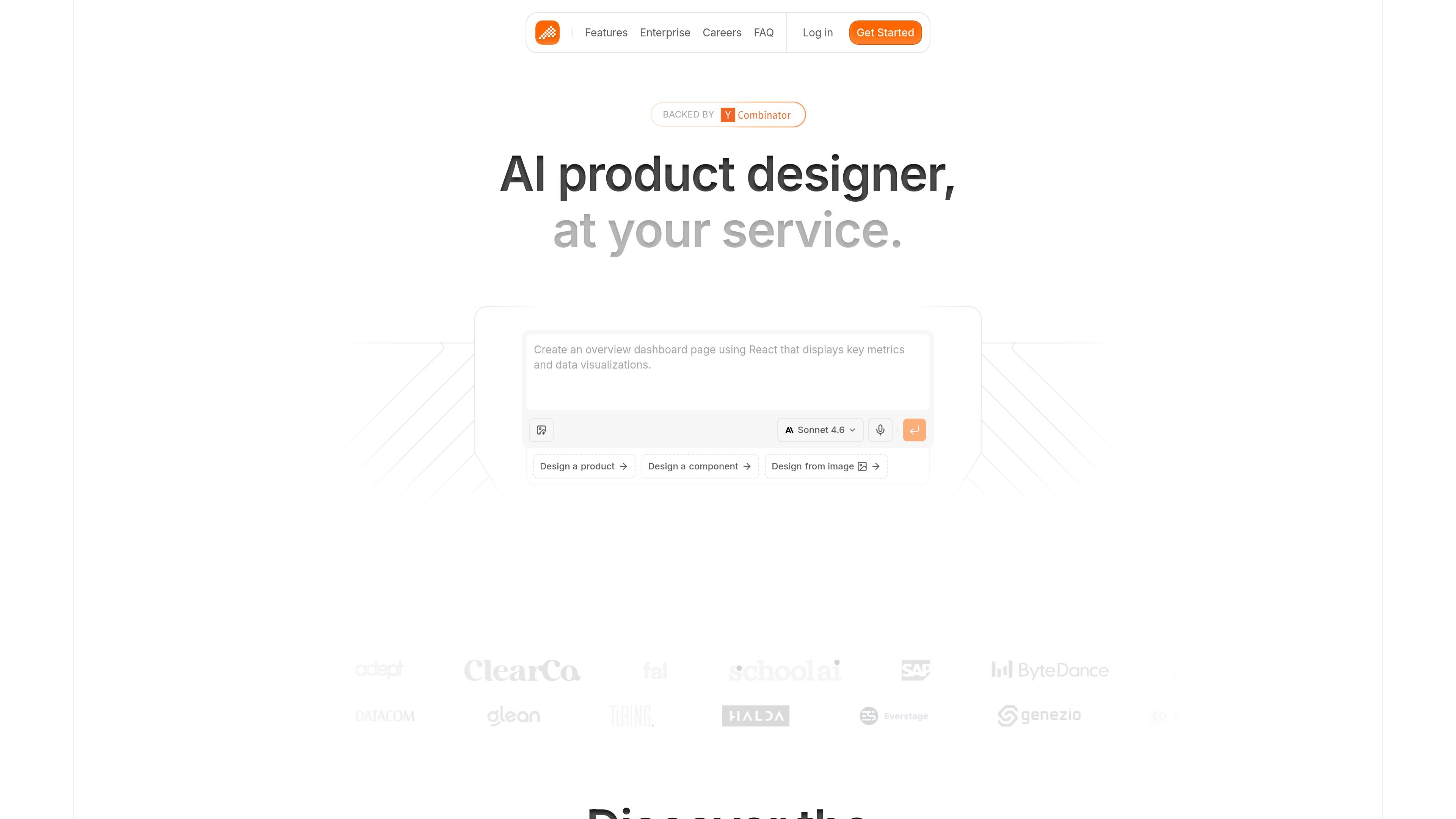
Polymet is an AI product designer that helps teams create pages, components, prototypes, and frontend code from a description or an image. The site positions it as a tool for moving from idea to design to implementation in one workflow.
Its interface includes options to design a product, design a component, or design from an image, and it highlights visual editing, code editing, Figma import and export, and collaboration features for teams that need to refine work before shipping.
Bring an existing design system into Polymet, create new pages and components, and iterate on existing ones without starting from scratch.
Import and export Figma files to move design work between Polymet and existing design workflows.
Work with GitHub, public and private npm packages, and Storybook so the product fits into development workflows.
Adjust layouts, spacing, colors, and other details visually for more direct control over the interface.
Edit code directly when you need fine-grained control over the generated frontend output.
Collaborate with teammates in real time and share live demos with stakeholders for review.
Use Polymet when you need to turn a product idea into a page or component that can move from concept to implementation without switching tools.
Start from a screenshot, mockup, or other image when you want the interface recreated or adapted from visual reference.
Use the visual editor and code editor together when designers and developers want to tune spacing, color, structure, and implementation details.
Share live demos and collaborate in real time when a team needs to review design changes and refine them with stakeholders.
Bring in Figma files and connect work to GitHub, npm packages, and Storybook when the design process needs to fit into a broader front-end workflow.
Polymet is an AI product designer for creating pages, components, and prototypes, and it can output production-ready frontend code.
The source says you can explain what you want or provide an image, and Polymet will design and implement the interface.
The site includes a pricing page, but the rendered text provided here does not show plan names, billing periods, or exact prices.
The site indicates team collaboration features, including design review and sharing live demos with stakeholders.
The source references design systems, Figma import and export, and workflow connections to GitHub, npm packages, and Storybook.
I dati sul traffico sono solo a scopo di riferimento.

shotcandy.app
Shotcandy è uno strumento gratuito e open source per browser che trasforma screenshot, registrazioni dello schermo e frammenti di codice in immagini o video pronti da condividere. Aggiungi sfondi, cornici, dimensioni e movimento senza caricare file né creare un account.

flowstep.ai
Flowstep è un assistente di design AI che trasforma i prompt in UI modificabili, copia in Figma, esporta codice e collega gli IDE tramite MCP.

gaoding.com
稿定设计 è una piattaforma di design online per creare rapidamente poster, PPT, pagine H5, immagini e video con modelli, risorse e strumenti di IA.

animaapp.com
Piattaforma AI attenta al design che trasforma file Figma, URL, prompt e cloni di siti web in app e codice pronti per la produzione, con integrazione API e SDK.

banani.co
Banani è uno strumento di progettazione UI con IA che trasforma prompt, riferimenti e PRD in design e prototipi modificabili.

codia.ai
Piattaforma AI che converte screenshot, PDF, slide, immagini e file Figma in design modificabili e codice pronto per la produzione