
Multi-format file analysis
Upload files in common business and research formats, including CSV, XLSX, JSON, PDF, PPTX, Word documents, and images, then work across them in one analysis flow.

Pandada AI è uno strumento di analisi dei dati basato su browser per pulire file, porre domande e creare grafici o report. Supporta i formati comuni di documenti e fogli di calcolo, con un piano Basic gratuito e un livello Plus a pagamento.
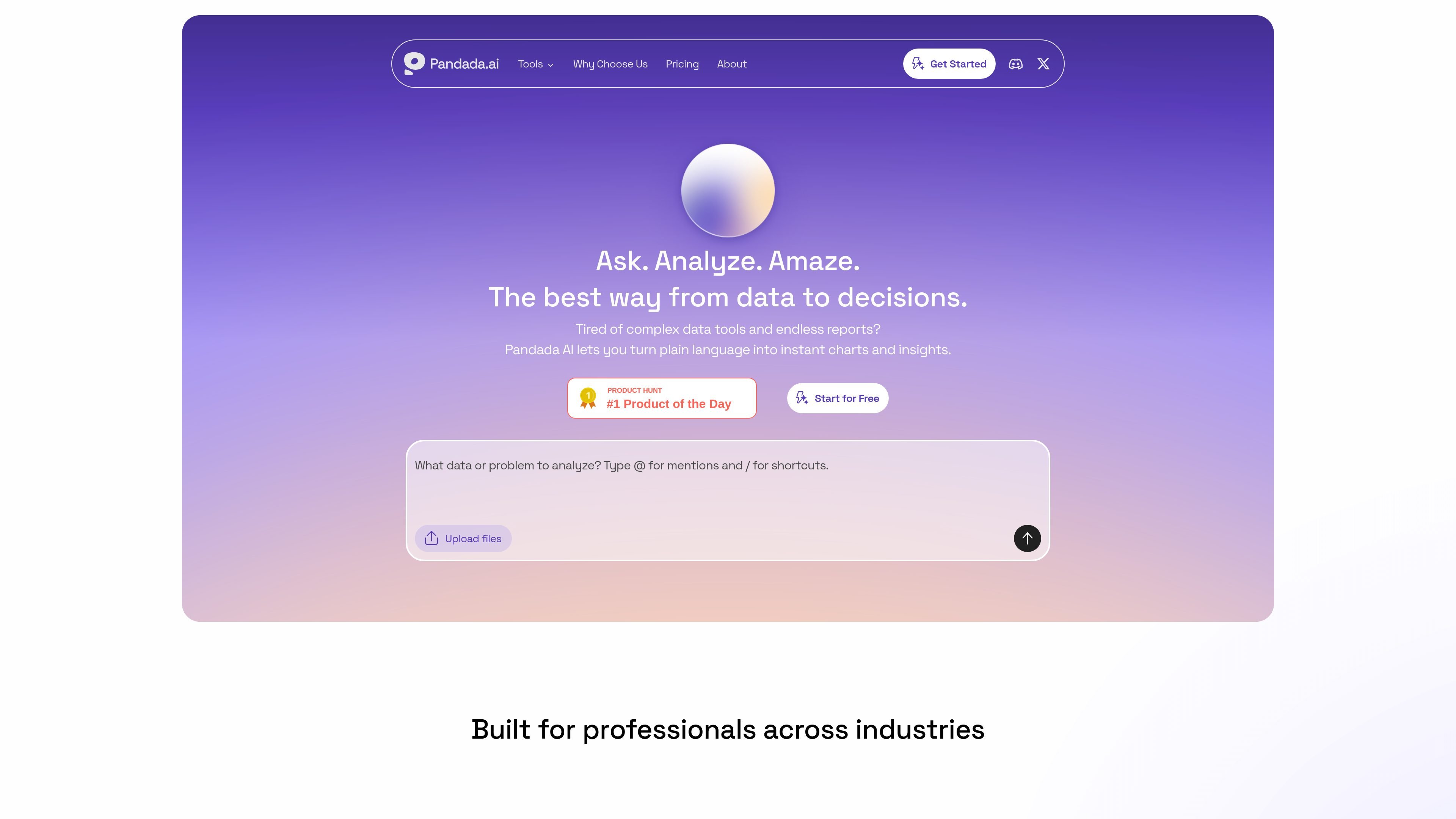
Pandada AI is an AI data analysis assistant for people who need to turn messy files into structured insight without using code. It is positioned for students, researchers, and professionals who work with spreadsheets, documents, and other local files.
The product combines natural-language questioning, data cleaning, chart generation, and report creation in one browser-based workflow. You can upload multiple files, ask follow-up questions, and receive reasoning, visualizations, and exportable reports that are intended to support business analysis, academic work, and similar research tasks.
Upload files in common business and research formats, including CSV, XLSX, JSON, PDF, PPTX, Word documents, and images, then work across them in one analysis flow.
Ask questions in plain language instead of writing formulas or code, and let the system map fields and produce answers, explanations, and calculations.
Use one-click actions for recurring tasks such as generating charts, merging Excel files, or converting PDFs to Word and Excel.
Clean, standardize, and repair messy data by handling formatting inconsistencies, duplicates, missing values, outliers, whitespace, and common entry errors.
Generate charts and reports from uploaded data, with export options that include Markdown, PDF, Google Docs, PNG, JPG, SVG, and, for Plus users, PowerPoint.
Work with multiple files at once, cross-reference content across sources, and keep the analysis inside a single workspace rather than restarting for each file.
Upload spreadsheets or mixed files, ask questions in plain language, and use the tool to identify trends, calculate metrics, or explain results without building formulas manually.
Work from papers, datasets, and supporting documents to clean up sources, compare fields, and generate concise outputs for assignments or literature-backed analysis.
Clean irregular spreadsheets by standardizing dates, text case, and number formats, removing duplicates, and handling missing values before handing the dataset to another workflow.
Turn raw data into charts and exportable reports when you need a shareable summary for stakeholders, classmates, or internal review.
Combine multiple files in one session to compare tables, align definitions, and cross-reference information that would otherwise live in separate folders or documents.
Pandada AI supports CSV, XLSX, JSON, PDF, PPTX, Word documents, and images on the main product site. The pricing page also states that files can be uploaded in multi-file chats, with limits that vary by plan.
The core workflow is to upload files, ask questions in plain language, and use shortcuts for common actions such as cleaning, merging, charting, and report generation. The product also presents visualizations and polished reports as outputs.
Yes, but collaboration appears limited. The site says it is currently designed for individual use, while shared analysis results can be sent via links; real-time team collaboration is listed as coming in a future update.
Basic is the free plan, and the pricing page describes Plus as the paid tier with higher usage limits, more web searches, larger storage, report generation, and PowerPoint export.
All files are encrypted during upload and storage, and the site says it does not use customer data to train AI models. The data-cleaning page also says uploaded files are processed securely and are not stored on its servers for that tool.
I dati sul traffico sono solo a scopo di riferimento.

graphy.app
Graphy è uno strumento web per creare grafici che trasforma i dati di fogli di calcolo, file, API o ricerche AI in grafici e dashboard condivisibili, ideali per visual personalizzati, report rapidi e contenuti incorporabili.

formulabot.com
Analisi dei dati con AI per domande, grafici, fogli di calcolo e report

excelmatic.ai
Strumento di analisi dei fogli di calcolo con IA nel browser, che trasforma Excel, CSV, tabelle PDF e screenshot in grafici, dashboard, riepiloghi e report da verificare.

datasquirrel.ai
DataSquirrel.ai è una piattaforma web di analisi dei dati con AI per utenti aziendali non tecnici. Consente di pulire, analizzare, visualizzare e condividere fogli di calcolo e dati connessi senza formule, tabelle pivot, SQL o programmazione.

chat2csv.com
Chat2CSV trasforma le richieste in linguaggio naturale in visualizzazioni di dati a partire da file CSV. Crea rapidamente grafici senza programmare, con una gestione dei dati attenta alla privacy e un livello di accesso gratuito.

gptexcel.uk
Assistente IA per fogli di calcolo, formule, SQL, script e analisi dei dati