
Multiple interfaces
OpenCode can be used as a terminal interface, a desktop app, or an IDE extension, so teams can keep the same agent workflow across different environments.

OpenCode è un agente di programmazione AI open source per terminale, IDE e desktop, che aiuta gli sviluppatori a comprendere le codebase, pianificare modifiche e usare più provider LLM.
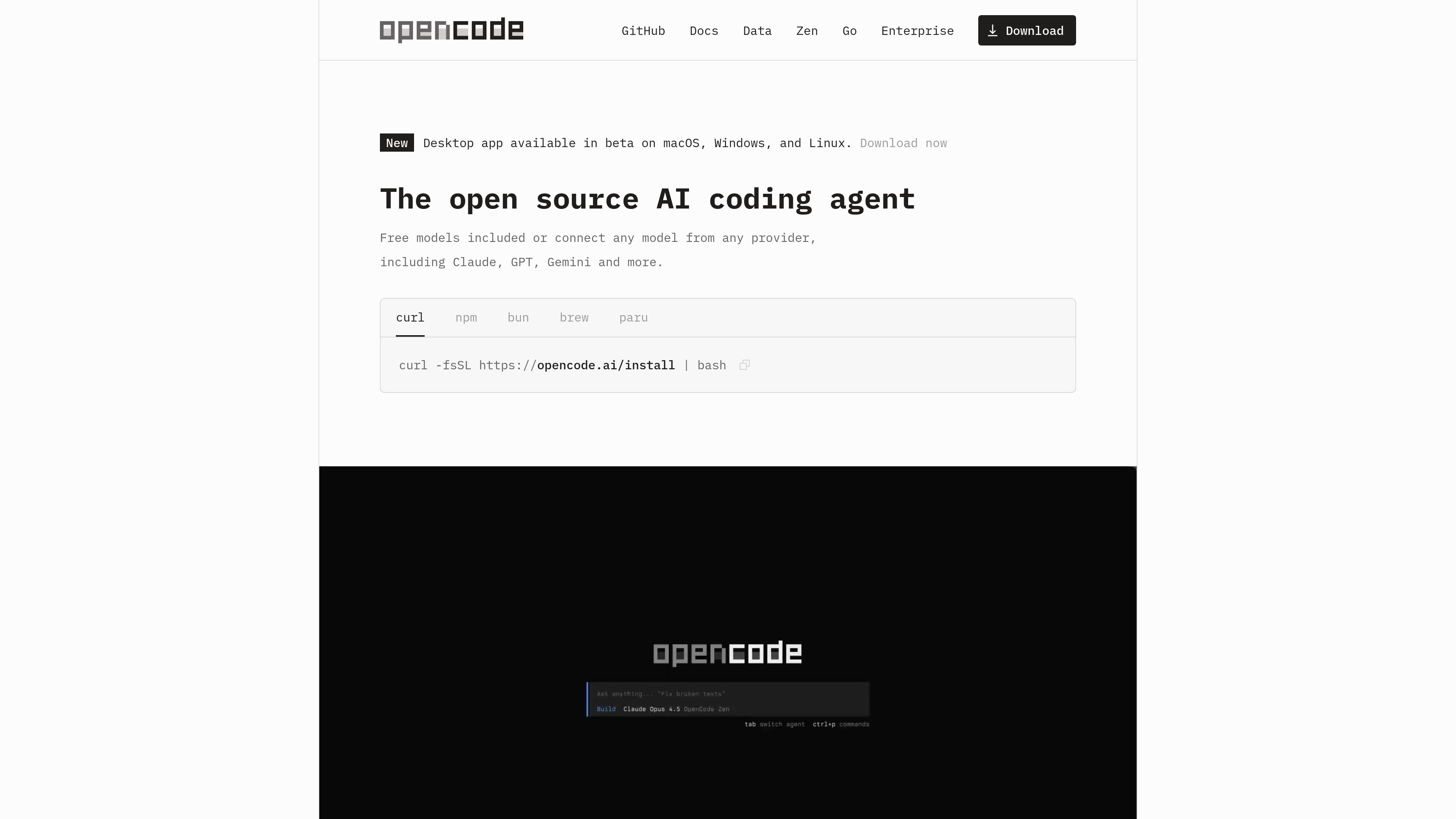
OpenCode is an open source AI coding agent for people who want to work with an agent in the terminal, an IDE, or a desktop app. The product is positioned as a general coding assistant that can help explain code, plan changes, and make edits inside a project.
The docs describe a setup flow where you install OpenCode, configure an LLM provider, enter a project, and run /init so the tool can analyze the codebase and create an AGENTS.md file in the project root. OpenCode also emphasizes privacy-first operation and says it does not store your code or context data.
OpenCode can be used as a terminal interface, a desktop app, or an IDE extension, so teams can keep the same agent workflow across different environments.
It supports 75+ LLM providers through Models.dev, including local models, and the docs explain that you can connect provider API keys during setup.
The system automatically loads the relevant language server protocol integrations for the model so it has project context when working in codebases.
You can run more than one agent session in parallel on the same project, which helps when comparing approaches or working on separate tasks.
Sessions can be shared through links, making it easier to review a conversation, hand off work, or debug a run later.
OpenCode includes login paths for GitHub Copilot and ChatGPT Plus or Pro accounts, letting users connect existing subscriptions where supported.
Start a session in a codebase and ask OpenCode to explain unfamiliar functions, files, or workflows before making changes.
Describe a feature, switch to plan mode, review the proposed approach, and then let OpenCode implement the changes when you are ready.
Run multiple agent sessions on the same project when you want to compare approaches or keep separate tasks moving at once.
Share a session link with a teammate so they can review the conversation, reproduce a decision, or debug what happened in the agent run.
Connect an existing provider account or use Zen when you want to work with configured models instead of manually managing every provider setup.
OpenCode is an open source AI coding agent available as a terminal interface, desktop app, and IDE extension. The docs describe installing it with a shell script or package managers, then configuring an LLM provider before running it in a project and initializing it with `/init`.
OpenCode can work with any LLM provider as long as you configure the provider’s API key. The docs also recommend OpenCode Zen as a curated set of models that have been tested and benchmarked for coding agents.
No. The homepage says OpenCode works in the terminal, IDE, or desktop, and the docs list the terminal app, desktop app, and IDE extension as supported interfaces.
The source does not list exact prices for OpenCode itself. The download and docs pages present it as available in beta, while the pricing URL returns a 404.
OpenCode says it does not store your code or context data, which it presents as a privacy-oriented design choice for sensitive environments.
I dati sul traffico sono solo a scopo di riferimento.

continue.dev
Continue è un agente di programmazione open source per sviluppatori, con una codebase ancora disponibile come base per altri progetti.

kilo.ai
Kilo Code è un plugin di programmazione AI multi-agente per JetBrains IDE. Aiuta gli sviluppatori a eseguire e gestire agenti di programmazione AI, esaminare le modifiche in worktree isolati e scegliere da un ampio catalogo di modelli senza uscire dall’IDE.

pi.dev
Pi Coding Agent è un agente di coding basato su terminale per sviluppatori che cercano un flusso di lavoro CLI estensibile, con uso interattivo e programmatico, istruzioni di progetto, diramazione delle sessioni e supporto per numerosi provider di modelli.

tiptap.dev
AI Toolkit aiuta gli sviluppatori a creare agenti AI in grado di comprendere i documenti e modificare i contenuti rich text direttamente sul posto, mantenendo le modifiche verificabili. Supporta workflow lato server, collaborazione in tempo reale ed elaborazione backend senza richiedere una sessione di Tiptap Editor.

superset.sh
Superset è uno strumento desktop per eseguire in parallelo più agenti di coding AI sul proprio computer. Permette agli sviluppatori di separare il lavoro in Git worktree isolati, rivedere le modifiche e far avanzare le attività senza aspettare un agente alla volta.

ponytail.dev
ponytail è un insieme di regole per agenti di programmazione AI che li guida verso la modifica di codice minima che funziona. Aiuta sviluppatori e utenti degli agenti a evitare l’eccesso di progettazione, riutilizzare le funzionalità della piattaforma e mantenere concise le modifiche.