
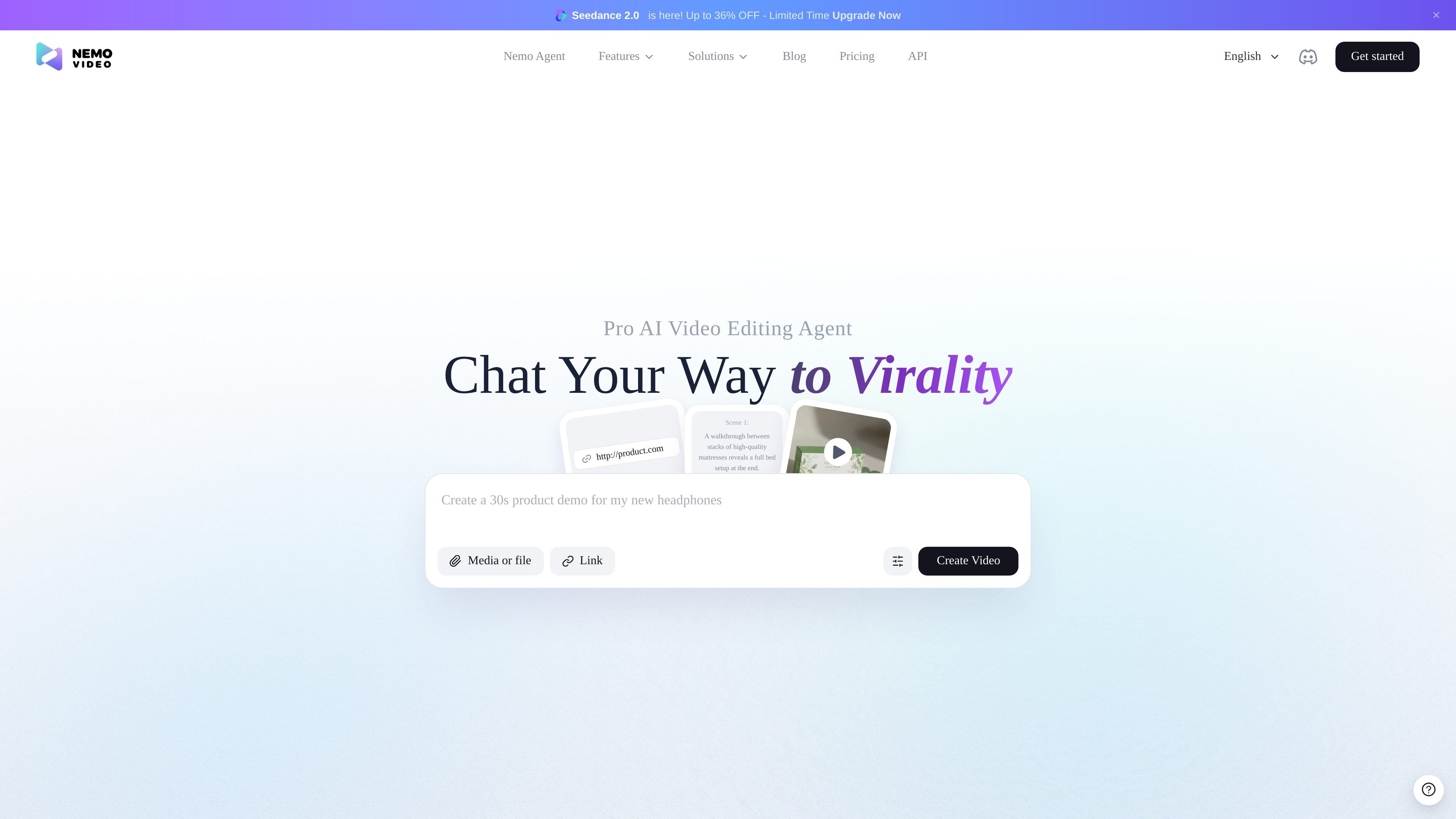
Chat-based editing workflow
Describe the edit you want in plain language and the agent is positioned to handle the workflow end to end, rather than requiring manual timeline work.

NemoVideo è un agente AI per il montaggio video che consente di descrivere le modifiche in linguaggio naturale, creare script, analizzare tendenze e generare video, con piano gratuito e livelli a pagamento basati su crediti.
NemoVideo is an AI video editing agent that turns natural-language prompts into editing and generation tasks. Across the homepage, pricing page, and workspace, the product is presented as a chat-driven assistant for creators who want to produce videos without working directly in complex editing software.
The core workflow is simple: describe the change you want, let the agent handle the editing steps, and use the product to search for viral inspiration, write scripts, generate or refine clips, and prepare content for publication. The source pages position it around short-form and social video creation, with examples ranging from talking-head edits to product showcases and stylized scene prompts.
Describe the edit you want in plain language and the agent is positioned to handle the workflow end to end, rather than requiring manual timeline work.
The homepage says the agent can hunt viral videos, analyze trends, and recreate winning patterns for inspiration and planning.
The product supports writing scripts from prompts, including a dedicated example for generating a viral script.
The source pages show examples for cutting silence, removing filler words, adding captions, inserting b-roll, applying transitions, and checking the video for remaining issues.
The pricing page says Free and paid plans can produce at least two video outputs and support multi-language compatibility.
The workspace page shows prompt starters for editing product showcases and talking-head videos, which suggests a guided setup for common creator workflows.
Use NemoVideo when you want to turn a rough idea into an edited video by telling the agent what to cut, add, or refine in plain language.
Use the trend-search and analysis workflow when you need inspiration from viral content before creating a new piece of short-form video.
Use the scripting workflow when you need a faster starting point for social content and want the agent to generate or refine a script before production.
Use the prompt starters for product showcases or talking-head videos when you already know the format and want a guided path into the edit.
Use the generation and post-production workflow when you need multiple outputs, language variation, or a quicker path from prompt to publishable content.
NemoVideo is an AI video editing agent that lets you describe edits in plain language and have the system carry out the workflow for you. The homepage and workspace pages show examples such as cutting silence, removing filler words, adding captions, generating scripts, and editing talking-head or product videos.
The pricing page shows a Free plan and paid Starter and Pro plans. The Free plan includes 100 credits, while Starter and Pro add more monthly credits and features such as export without watermark and pay-as-you-go options.
The source pages show chat-driven editing, viral video search and analysis, scripting, and video generation. They do not provide detailed integration documentation, so any external platform support should be checked directly on the site before relying on it.
The workspace page presents prompt-based starting points for tasks like editing a product showcase, generating a viral script, linking a script, and editing a talking-head video. That suggests it is designed for both solo creators and anyone producing short-form content who wants a conversational workflow.
The pricing page includes an FAQ area that references credits, failed generations, adding credits separately, credit validity, cancellation and refunds, legacy subscriber migration, and confirmation prompts from the AI agent. The exact policy details are not included in the rendered text, so they should be verified on the pricing page or with support.
I dati sul traffico sono solo a scopo di riferimento.

cybercut.ai
CyberCut è un editor video web basato sull’IA che trasforma filmati o script in video montati con meno lavoro manuale. Supporta l’editing in linguaggio naturale, la conversione da video lunghi a brevi e i flussi script-to-video.

openchatcut.com
OpenChatCut è un editor video gratuito, open source e local-first per il montaggio conversazionale assistito dall’IA su una vera timeline multitraccia. Trasforma i prompt in tagli modificabili mantenendo il controllo su progetti, esportazioni e modifiche alla timeline.

diffusion.studio
Diffusion Studio è un editor video basato su browser con canvas infinito, editing sulla timeline, flussi di lavoro assistiti dall’IA ed esportazione in 4K. Il piano gratuito offre progetti illimitati, nessun watermark e uso commerciale.

kapwing.com
Piattaforma web per creare e modificare video con IA, sottotitoli, traduzione, doppiaggio e collaborazione.

animiz.cn
万彩动画大师 è un software desktop per creare video animati e microcorsi con timeline, libreria di risorse, importazione PPT e assistenza AI.

devmotion.app
DevMotion è una piattaforma browser per creare e modificare video con l’AI, pensata per lanci di prodotto, demo, annunci e presentazioni di funzionalità. Trasforma prompt o URL di prodotti in progetti video HTML modificabili con animazioni, voiceover, musica, sottotitoli e controlli della timeline.