
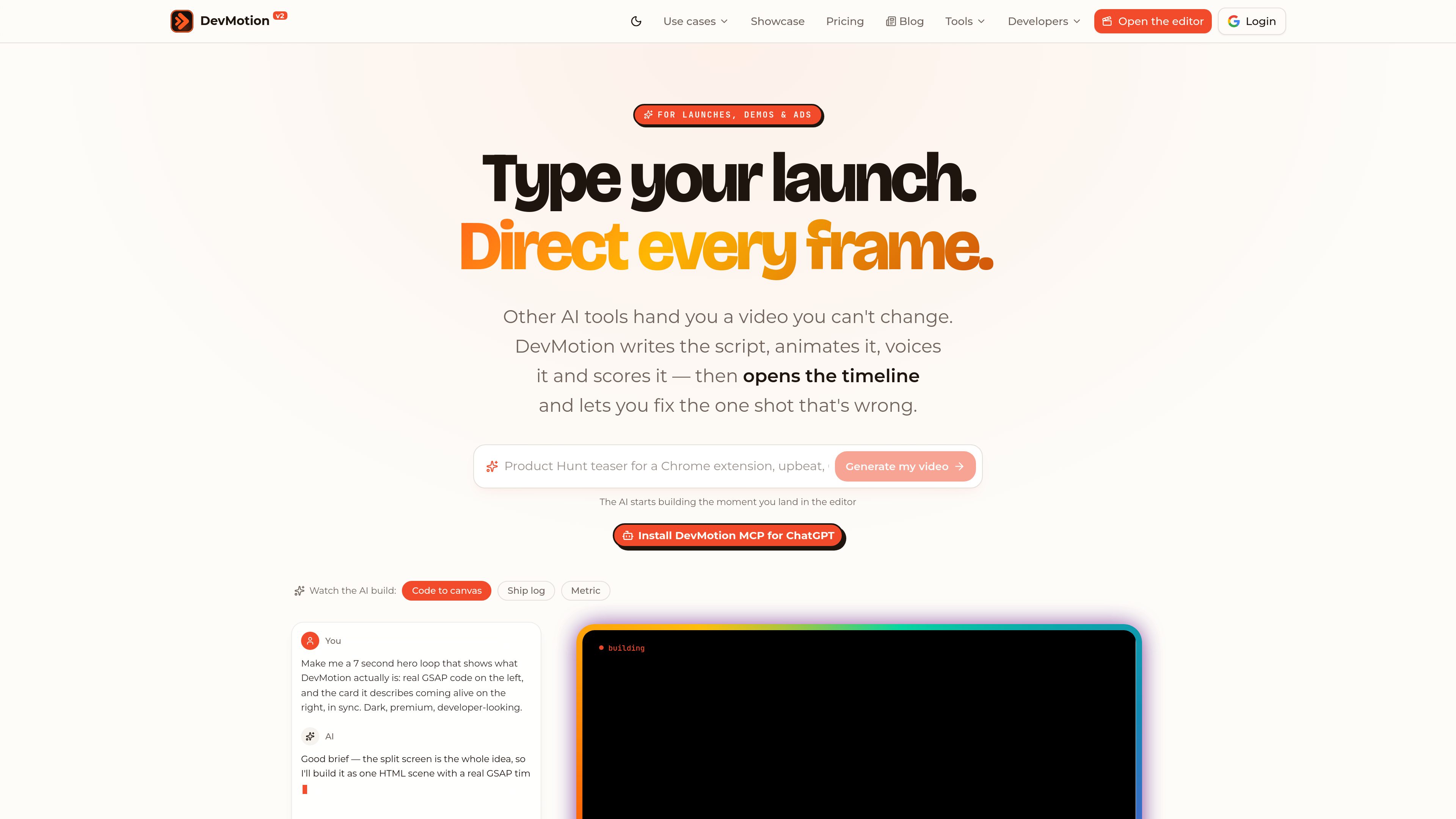
Prompt-based video generation
Describe the intended video and DevMotion creates an animation project, with REST API support for asynchronous generation and rendering.

DevMotion è una piattaforma browser per creare e modificare video con l’AI, pensata per lanci di prodotto, demo, annunci e presentazioni di funzionalità. Trasforma prompt o URL di prodotti in progetti video HTML modificabili con animazioni, voiceover, musica, sottotitoli e controlli della timeline.
DevMotion is a browser-based AI video creation platform for product launches, demos, advertisements, and feature announcements. A user can describe a video in a prompt or provide a product URL; DevMotion can use the URL to pull brand elements such as a logo, colors, and screenshots, then assemble a video project.
The generated project includes script, scenes, motion design, device mockups, text animation, AI voiceover, music, sound effects, and captions. The result is placed on an editable timeline so users can adjust layers, wording, colors, timing, keyframes, and easing before exporting.
Describe the intended video and DevMotion creates an animation project, with REST API support for asynchronous generation and rendering.
AI-created elements remain editable on a timeline with keyframes and bezier easing, allowing targeted changes without regenerating the entire video.
Projects can include device mockups, kinetic text and logo animation, AI voiceover, licensed background music, sound effects, and styled captions.
Paste a product URL to pull its logo, colors, and screenshots, or set brand assets manually. Fonts, colors, and assets can be edited at the layer level.
Switch a project between 16:9 landscape, 9:16 portrait, and 1:1 square formats for channels including YouTube, TikTok, Instagram, and Reels.
Projects are plain HTML with data-dm-* attributes and can be reviewed or versioned in Git. The hosted Studio, REST API, and OAuth-connected MCP server support browser, automated, and AI-agent workflows.
Turn a product description or URL into a launch video with a hook, device mockups, animated branding, narration, and soundtrack, then refine the timing before release.
Present a software interface inside laptop or browser mockups, using feature callouts and a narrated walkthrough for a landing page or sales asset.
Create portrait cuts with phone mockups and product visuals for iOS or Android promotion on social platforms.
Produce short release videos for new features instead of relying only on a written changelog, while retaining control over the words and beats on the timeline.
Use the REST API, templates, uploads, and webhook callbacks to generate and render videos in server-side workflows. AI clients such as Codex, Claude, Cursor, and Windsurf can also create or edit projects through MCP.
DevMotion is an AI-assisted video creation and editing platform. It generates product videos from prompts or product information and places the result on an editable timeline in the browser.
Yes. AI decisions are represented as editable layers, and the Studio includes a timeline with keyframes and bezier easing. Users can change elements such as text, colors, assets, and timing.
Yes. A product URL can provide the logo, colors, and screenshots, or users can add those elements manually. Fonts, colors, and assets remain editable on the project layers.
Paid Launch, Studio, and Scale plans provide access to the REST API. The API can generate or edit projects, render videos, accept uploads, run templates, and return results through polling or webhook callbacks. DevMotion also provides an OAuth-connected MCP server for supported AI clients.
Users can build and preview videos for free. Exporting MP4 files is available on paid plans, which also have a 14-day money-back guarantee according to the pricing page.
I dati sul traffico sono solo a scopo di riferimento.

openmotion.design
OpenMotion è uno strumento di motion design basato su prompt per creare scene modificabili, video di lancio, video esplicativi e clip per i social. Combina la pianificazione delle scene con AI con canvas, timeline e controlli audio, ed esporta in video, WebM con trasparenza e HTML autonomo.

openchatcut.com
OpenChatCut è un editor video gratuito, open source e local-first per il montaggio conversazionale assistito dall’IA su una vera timeline multitraccia. Trasforma i prompt in tagli modificabili mantenendo il controllo su progetti, esportazioni e modifiche alla timeline.

kapwing.com
Piattaforma web per creare e modificare video con IA, sottotitoli, traduzione, doppiaggio e collaborazione.

www.dina.so
Dina è uno strumento per macOS per registrare lo schermo e modificare video, che perfeziona automaticamente le registrazioni con zoom, movimenti del cursore, sottotitoli, layout ed effetti cinematografici. Crea demo, tutorial, presentazioni e altri video curati, pronti da mostrare.

isolate.video
isolate.video è un'app di editing video che trasforma le registrazioni dello schermo in video di prodotto curati con zoom automatico, musica AI ed effetti spotlight. Aiuta chi crea demo di prodotto e altri video registrati sullo schermo a ottenere più rapidamente un'esportazione pronta.

podfyai.com
Strumento video IA nel browser per creare video brevi da testo, audio e musica.