
Prompt-to-editable drafts
Create an AI-generated starting point from a story, copy, timing, and assets, then continue editing the project instead of replacing it with a frozen render.

Motionly è un editor open source di motion graphics nativo per l’AI che trasforma prompt e risorse in progetti di animazione modificabili. Supporta un flusso di lavoro locale con editing su canvas e timeline, file sorgente .motion leggibili ed esportazione locale in MP4.
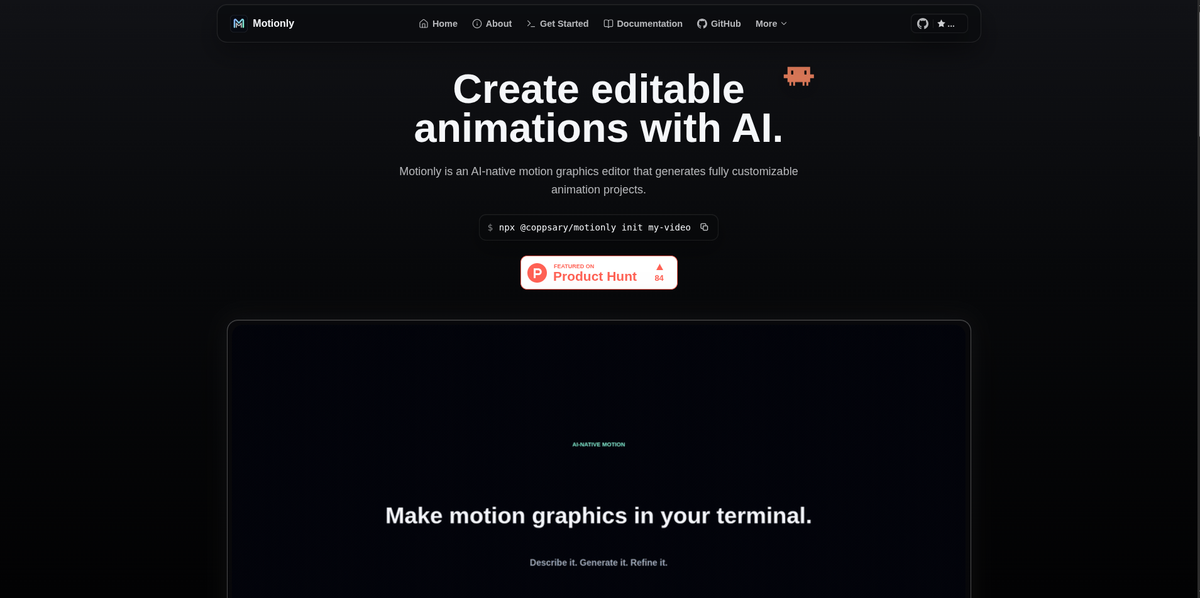
Motionly is an open source, AI-native motion graphics editor for building editable animation projects. The site describes it as a way to generate a first draft from prompts and assets, then refine that draft visually instead of treating the AI output as final.
The core workflow stays local and source-friendly: Motionly writes projects into a readable .motion file, supports canvas and timeline editing, and exports finished motion graphics to MP4. The product is positioned for product videos, launch animations, social clips, SVG motion graphics, and other short-form motion design work that benefits from iterative editing.
Create an AI-generated starting point from a story, copy, timing, and assets, then continue editing the project instead of replacing it with a frozen render.
Work with the draft on a canvas and timeline, where you can adjust layers, timing, easing, and playback by hand after the initial generation.
Inspect and iterate on a readable .motion file so project changes stay version-friendly and follow-up prompts stay precise.
Export finished motion graphics to MP4 locally after the visual pass, without moving the project away from your source tree.
Keep images, video, SVGs, GIFs, Lottie files, and audio inside a project assets folder and reference them from the project file.
Use Motionly with agentic AI tools by installing the Motionly skill for Codex, Claude Code, Antigravity, and other providers mentioned on the site.
Generate a first pass for a short product video, then adjust the layers, timing, and playback manually until the motion matches the intended message.
Build launch animation drafts for new features where the animation needs to be specific to the product and easy to revise after review.
Create SVG-based motion graphics, keeping the source editable so shape motion and timing can be refined rather than recreated.
Keep animation projects close to code, assets, and Git history when you want a local workflow that can be reviewed and versioned.
Use an AI agent to generate an editable draft, then continue in the Motionly editor for hands-on refinement before exporting MP4.
Motionly is designed for prompt-to-editable-animation workflows. You can start from an AI-generated draft, then refine the project on a canvas, timeline, and source view before exporting MP4 locally.
The getting-started page says Motionly runs locally and requires Node.js 20.19.0 or newer, npm, and FFmpeg on PATH for MP4 export. The quick-start command shown is npx @coppsary/motionly init my-video.
Motionly keeps its source in a readable .motion file and supports local MP4 export after visual editing. The getting-started page also notes support for assets such as images, videos, SVGs, GIFs, Lottie files, and audio in the project assets folder.
The site positions Motionly for editable animation projects such as product videos, feature launch animations, social clips, and SVG motion graphics. It is built for product teams, developers, and creators who want AI-generated drafts that remain editable.
The source describes Motionly as open source and local-first. Projects live with your code and assets, and changes can be reviewed in Git.
I dati sul traffico sono solo a scopo di riferimento.

shotcandy.app
Shotcandy è uno strumento gratuito e open source per browser che trasforma screenshot, registrazioni dello schermo e frammenti di codice in immagini o video pronti da condividere. Aggiungi sfondi, cornici, dimensioni e movimento senza caricare file né creare un account.

thebrief.ai
The Brief è una piattaforma di generazione di annunci basata sull’IA che consente ai team di creare, adattare, pubblicare e ottimizzare gli annunci in un unico flusso di lavoro. Supporta la generazione creativa addestrata sul brand, l’esportazione in più formati e la collaborazione tra marketer, designer, agenzie e aziende.

slidespeak.co
Creatore di presentazioni AI che trasforma prompt e file in deck PowerPoint modificabili

framenet.ai
FrameNet è un generatore di motion graphics con IA che trasforma prompt, immagini o dati in animazioni per designer, marketer e creator.

animaapp.com
Piattaforma AI attenta al design che trasforma file Figma, URL, prompt e cloni di siti web in app e codice pronti per la produzione, con integrazione API e SDK.

canva.cn
Canva è uno strumento di progettazione visiva basato sul web per creare e condividere risorse digitali e stampate con modifica tramite trascinamento, modelli e funzionalità assistite dall’AI. Supporta i flussi di lavoro individuali, dei team e aziendali per presentazioni, post sui social, loghi, poster e altro.