
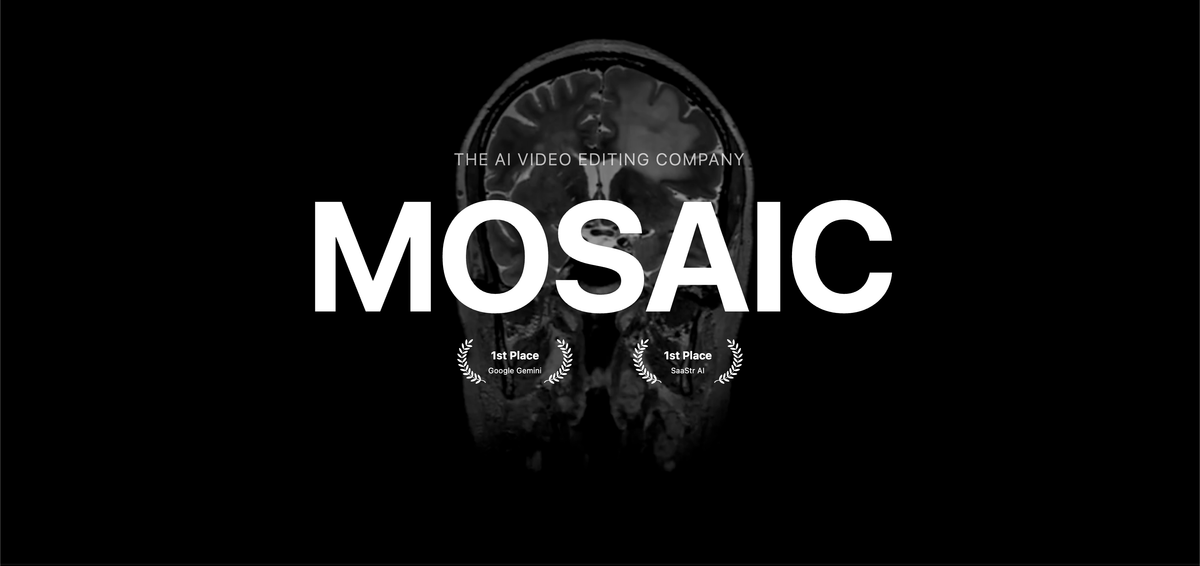
Autopilot editing
Run video edits on autopilot, using Mosaic's agentic workflow to handle editing tasks without starting every step manually.

Mosaic è un editor video AI con montaggio automatico, test A/B e controllo tramite timeline.
Mosaic is an agentic AI video editing platform built around a canvas workflow. It is designed to run video edits on autopilot, generate multiple variants from the same raw footage, and then let editors move into a timeline editor for direct adjustments.
The product combines automated editing with manual control, so it can support both early-stage versioning and later-stage refinement in one workflow. The site also indicates that Mosaic offers pricing plans aimed at creators, teams, and enterprises.
Run video edits on autopilot, using Mosaic's agentic workflow to handle editing tasks without starting every step manually.
Create multiple versions from the same raw footage so you can compare different edits from a shared source project.
Switch into a familiar timeline editor when you want direct, hands-on control over the edit.
Work on a canvas designed around agentic video editing rather than a traditional single-track-only workflow.
Choose from pricing options intended for creators, teams, and enterprises, according to the pricing page.
Create several edits from one source clip set and compare which version best fits the content goal before committing to a final cut.
Let the platform handle initial editing work, then step in to refine pacing, structure, or transitions in the timeline editor.
Produce content for a team that needs a shared editing workflow and plan structure that can accommodate different organization sizes.
Move from rough raw footage to a more finished edit without rebuilding the project from scratch each time.
Mosaic is positioned as an agentic AI video editing platform. It lets you run edits on autopilot and then move into a timeline editor for hands-on control.
The source says Mosaic supports creators, teams, and enterprises through its pricing page, but it does not describe separate product editions or feature differences by plan.
The homepage describes two workflows: automated editing on autopilot and a familiar timeline editor for manual creative control.
The pricing page confirms that Mosaic offers pricing plans, but the source text does not provide plan names, limits, or prices.
I dati sul traffico sono solo a scopo di riferimento.

videogen.io
Generatore ed editor video AI basato su browser per creare rapidamente video brevi e lunghi.

wondercraft.ai
Wondercraft è uno studio nativo dell’IA per creare video, podcast e contenuti vocali con flussi guidati ed editor integrato.
focalml.com
Focal è una piattaforma di creazione video con AI che trasforma idee o script in video, programmi e scene cinematografiche finiti, combinando immagini, voiceover e montaggio in un unico flusso di lavoro.

www.buzzy.now
Buzzy AI è un motore video professionale per creare video AI di lunga durata, inclusi film e spot pubblicitari. I flussi di lavoro sono progettati per mantenere le scene coerenti e modificabili, offrendo un controllo più strutturato sulla generazione video rispetto a un semplice strumento che trasforma prompt in clip.

vidtoon.com
Crea online video esplicativi, di marketing e altre animazioni 2D con editor drag-and-drop, risorse multimediali e sintesi vocale.

medeo.app
Medeo è un generatore video AI per creare e modificare video tramite chat da testo, audio, immagini, video o link, con esportazione in 16:9 e 9:16.