
Multiple starting points
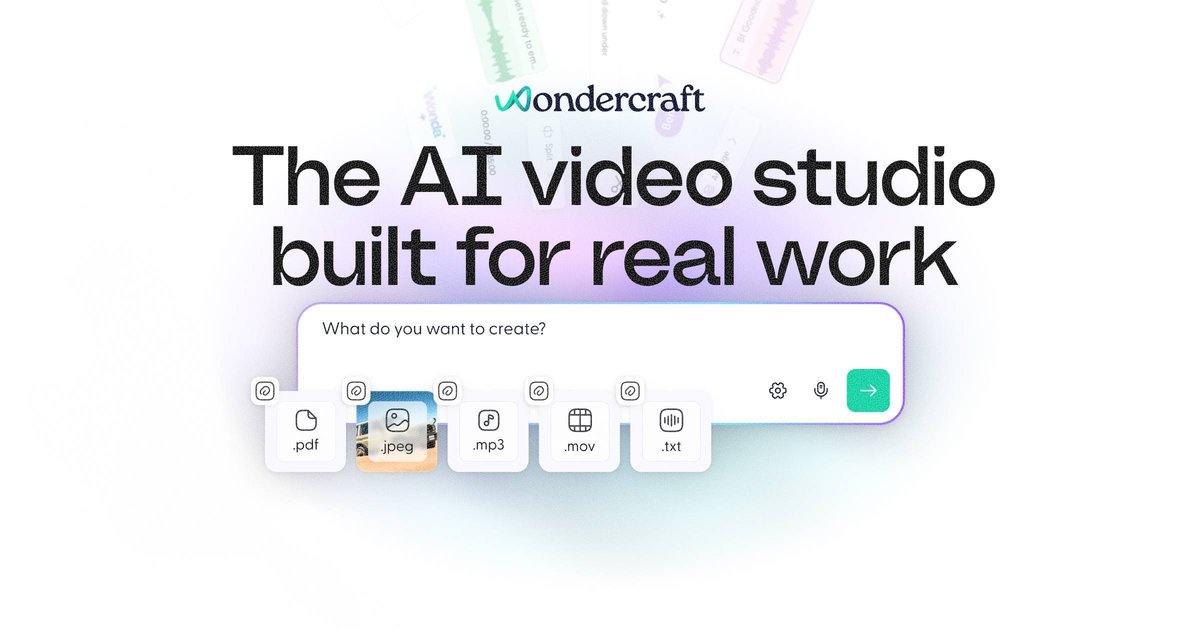
Create videos from prompts, scripts, URLs, podcasts, PDFs, images, or your own audio, then open the result in Wondercraft Studio for refinement.

Wondercraft è uno studio nativo dell’IA per creare video, podcast e contenuti vocali con flussi guidati ed editor integrato.
Wondercraft is an AI-native video studio that combines generation, editing, and publishing workflows in one place. The site positions it as a tool for creating business-ready videos, podcasts, and other audio or visual content by chatting with AI and then refining the result in a real editor.
The product brings together multiple AI creation tools, including video generation, text-to-speech, voice cloning, avatars, image-to-video, and text-to-video. Rather than exposing these as isolated tools, Wondercraft organizes them into guided workflows for tasks such as training, onboarding, product explainers, promotions, and internal communications.
Create videos from prompts, scripts, URLs, podcasts, PDFs, images, or your own audio, then open the result in Wondercraft Studio for refinement.
Generate clips and B-roll with AI motion rather than static slideshows, with an editor-ready result you can adjust on a timeline.
Edit on a real timeline with drag, trim, layering, captions, text, stickers, shapes, backgrounds, music, voiceovers, and AI-generated sound effects.
Add voices and avatars, with support for 140+ languages and accents on the video generator page and a beta avatar workflow for presenters.
Use AI voice cloning to create a personal voice clone for narration, dubbing, and versioning, or use the TTS tool for lifelike speech from text.
Upgrade into team workflows with collaboration, branded share pages, concurrent generations, and enterprise controls on higher plans.
Teams can turn training materials, onboarding docs, or internal policy content into video lessons with AI-generated visuals, captions, and voiceover.
Marketers and product teams can draft explainers, launches, and promos from scripts, PDFs, or existing assets, then refine the edit in Studio before publishing.
Creators and publishers can generate podcast-style audio, then use text-to-speech or voice cloning to produce narration, alternate versions, or translated variants.
Teams that already have raw footage can upload it and use Wonda to create highlight reels, add branding, captions, and polish the cut.
Businesses that need distributed publication can export standard MP4s in multiple resolutions and aspect ratios or share via link and branded video pages.
Yes. The pricing page shows a Free plan for individuals with 150 credits and limited access to AI models, plus upgrade paths for more capacity and premium features.
Yes. The Creator plan includes API access, and the site also has a dedicated API section that says generation, models, and editing can be integrated via API.
Yes. The site describes the studio as a real editor with timeline, canvas, layouts, captions, branding, resizing, layers, and export tools inside Wondercraft Studio.
Wondercraft says videos open in Wondercraft Studio after generation, where you can preview, edit, and create variations before exporting or publishing.
The AI video generator page says exports are available in standard MP4 formats with multiple resolutions and aspect ratios, and the pricing page notes up to 720p on Free and 4K upscaling on Pro.
I dati sul traffico sono solo a scopo di riferimento.

domoai.app
DomoAI è uno strumento web di video AI per creare contenuti animati o stilizzati da video, immagini, fotogrammi e prompt testuali.

videogen.io
Generatore ed editor video AI basato su browser per creare rapidamente video brevi e lunghi.
www.buzzy.now
Buzzy AI è un motore video professionale per creare video AI di lunga durata, inclusi film e spot pubblicitari. I flussi di lavoro sono progettati per mantenere le scene coerenti e modificabili, offrendo un controllo più strutturato sulla generazione video rispetto a un semplice strumento che trasforma prompt in clip.

usenotch.ai
Notch è una piattaforma AI per la pubblicità video che aiuta i marketer a creare annunci pronti all’uso partendo da asset di prodotto, brief o creatività esistenti, con editing integrato, avatar personalizzati e clonazione degli annunci per creator, team performance e agenzie.

deepbrain.io
Generatore ed editor video AI per creare, tradurre, doppiare e pubblicare video da testi, URL e file.

creatorkit.com
Piattaforma di contenuti AI per creare video, annunci e immagini di prodotto da semplici risorse