
Project-aware creative agent
An intelligent creative partner helps users explore and iterate on ideas before moving into production. The page positions the agent as part of the creative workflow, not just a standalone generator.

Studio creativo AI per creare e perfezionare risorse video e immagini con i modelli generativi di Google.
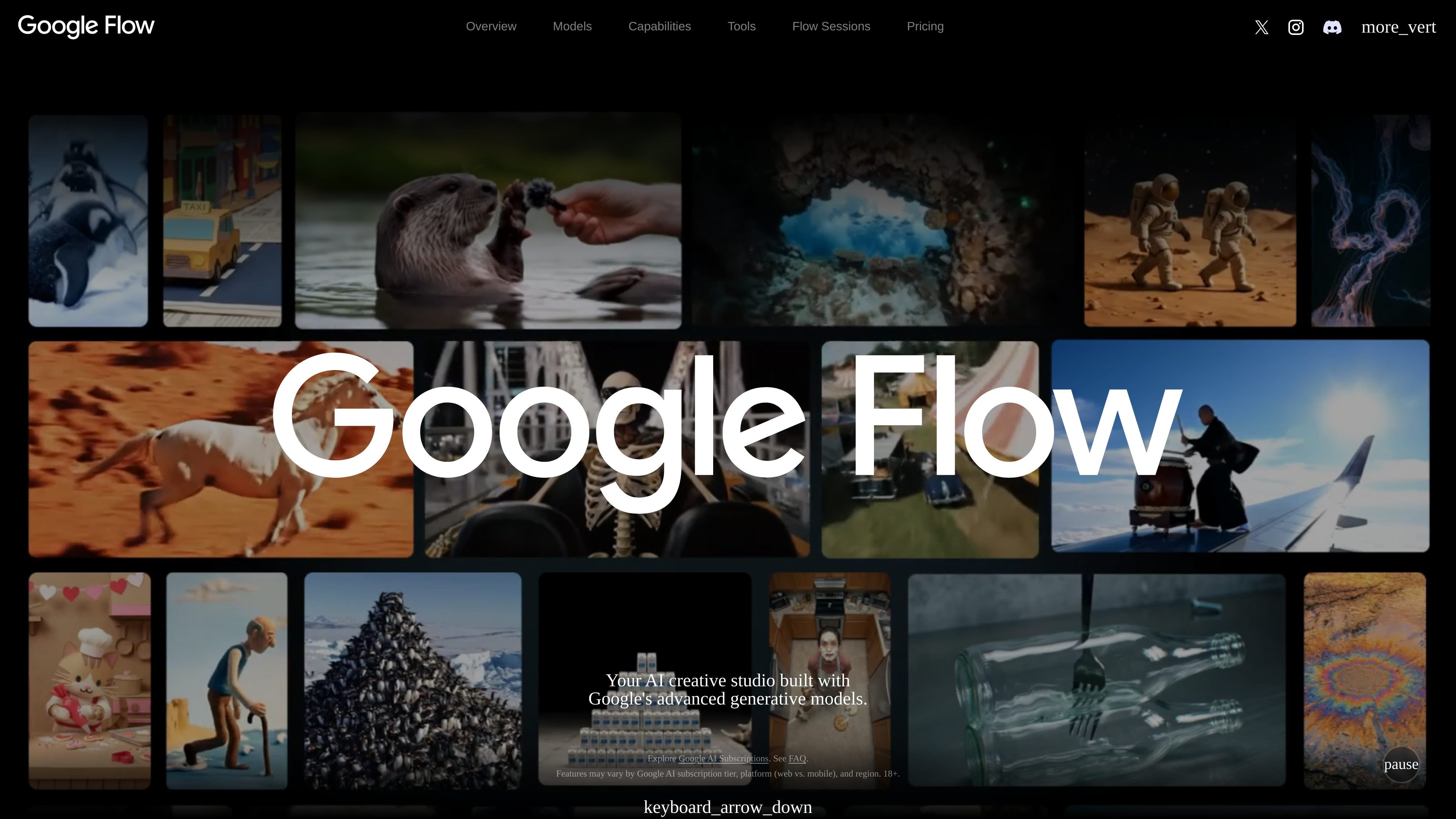
Google Flow is an AI creative studio built on Google’s generative models for video, images, and custom tools. It is presented as a workspace for creatives who want to plan ideas, generate assets, and refine results in one place.
The product combines an agent for ideation, model-driven creation, and natural-language editing. It also includes a tools area for building and remixing task-specific workflows such as storyboarding, resizing, overlays, mockups, and visual effects.
An intelligent creative partner helps users explore and iterate on ideas before moving into production. The page positions the agent as part of the creative workflow, not just a standalone generator.
Users can blend text, image, and video inputs or build custom tools on an adaptable canvas. The product is designed to move from inspiration to generated output within one workspace.
Natural-language editing supports iterative changes to images and videos, with professional controls for asset-level refinement. The source also says changes can be scaled across a project.
Google Flow includes model-specific capabilities for different media tasks: Gemini Omni for video editing from references, Nano Banana for image generation and precise edits, and Veo 3.1 for higher-control video generation with native audio.
Users can build, share, and remix creative tools for specific workflows. The examples shown include animated text overlays, aspect-ratio resizing, storyboard generation, shader effects, mockups, sketch rendering, and character exploration.
Use Flow to move from an early concept to a workable direction with an agent that helps explore and iterate on ideas before production starts.
Use the workspace to generate or edit cinematic video and still images from text, image, or video references, depending on the model selected.
Use natural-language refinement when you need iterative edits, such as adjusting parts of an asset and carrying those changes across a project.
Use the built-in tool system to create workflow-specific utilities such as overlays, resizing, storyboards, shader effects, mockups, or character exploration.
Use the Flow Sessions program to experiment on a passion project and collaborate directly with Google as a selected creative participant.
Google Flow is presented as a web-based AI creative studio. The page notes that features may vary by Google AI subscription tier, platform (web vs. mobile), and region.
The homepage describes three main capabilities: planning ideas with an agent, creating with Google’s generative models, and refining assets with natural-language editing and professional controls.
The page highlights Google’s models for different tasks, including Gemini Omni for video editing from text, image, and video inputs; Nano Banana for image generation and precise editing; and Veo 3.1 for creative video controls and native audio.
The source shows a set of buildable creative tools inside Flow, including overlays, video resizing, image editing, storyboarding, shader effects, mockups, sketch rendering, character development, grid creation, and 360-degree capture.
The pricing page does not show specific prices or plan limits in the provided text. It only points users to Google AI subscriptions and the FAQ.
I dati sul traffico sono solo a scopo di riferimento.

yapper.so
Yapper è uno studio web di contenuti con IA per creare video, immagini e altri media con strumenti, modelli e piani a crediti mensili integrati.

stability.ai
Piattaforma di media generativi per aziende, per creare immagini e video, con workflow Brand Studio e opzioni di distribuzione.

youart.ai
YouArt è uno studio creativo con IA per generare immagini e video, organizzare i flussi di lavoro e monetizzare i contenuti, con piani team per risorse condivise e controlli basati sui ruoli.

magic3d.io
Studio creativo AI per generare modelli 3D, immagini e video da testo, immagini o file

quickmaker.ai
Add-on per Blender che integra la generazione di immagini, contenuti 3D e video con AI in un unico flusso di lavoro, per creare e perfezionare risorse da prompt, schizzi, screenshot e riferimenti.

pixelbin.io
Pixelbin è uno studio AI basato sul web per creare e modificare immagini e video e automatizzare i flussi multimediali.