
Generates multiple asset types
Generate 2D images, 3D models, and video from prompts, sketches, screenshots, and references without leaving Blender.
Add-on per Blender che integra la generazione di immagini, contenuti 3D e video con AI in un unico flusso di lavoro, per creare e perfezionare risorse da prompt, schizzi, screenshot e riferimenti.
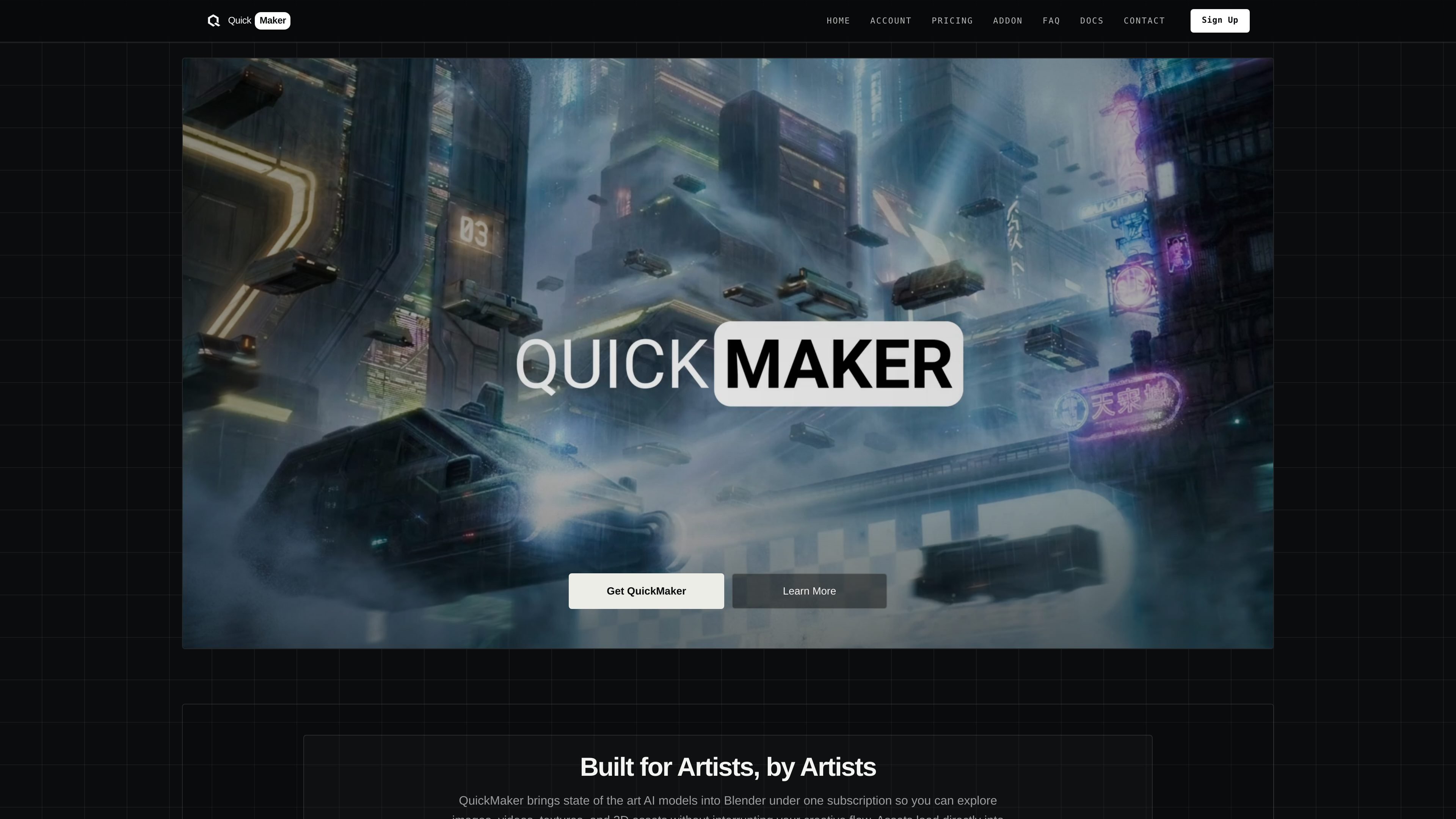
QuickMaker brings AI image, 3D, and video generation into Blender, helping users create and refine assets from prompts, sketches, screenshots, and references.
The product is built around staying in one place while iterating on assets. Generated outputs are imported back into the scene, while tools such as prompt suggestions, prompt templates, projections, moodboards, and multi-view 3D support are designed to help artists refine compositions, textures, and asset variations without switching between separate provider sites.
Generate 2D images, 3D models, and video from prompts, sketches, screenshots, and references without leaving Blender.
Supports selected Blender assets, screenshots, sketches, image planes, and moodboards as inputs so generation can start from existing scene work.
Automatically imports generated images, videos, and 3D models into the scene and keeps Blender responsive while downloads continue in the background.
Includes prompt suggestions and curated prompt templates to help refine prompts before generation.
Provides specific workflows for projections, depth maps, alpha cards, multi-view 3D, and first/last-frame video generation.
Offers plan-based access with credits, unused credit rollover on subscriptions, and optional credit packs for subscribers.
Turn prompts, sketches, and viewport captures into generated images or asset concepts while keeping the Blender scene open for immediate iteration.
Generate 3D assets from prompts, image references, or multi-view inputs, then continue refining the result in the same scene.
Create quick renders, camera flythroughs, turntables, or storyboard frames to explore composition, motion, and presentation ideas.
Convert generated or imported images into alpha cards, texture projections, or depth-based meshes for scene integration.
Use prompt suggestions and templates to speed up drafting for characters, environments, props, vehicles, and variations.
No. The FAQ says the Blender addon is completely free, but the product itself uses a subscription and credit system for generations.
Yes. The FAQ says QuickMaker works on Mac and Windows PCs, and it is not available offline because it requires an internet connection.
Yes. The FAQ says the user retains full ownership of generated assets and that QuickMaker can be used for commercial work.
Generation time depends on the model and connection. The FAQ gives a typical 2D image generation time of about 10 seconds and a typical 3D model generation time of about 2 minutes.
QuickMaker says it supports up to 10 generations per minute on a single account, and the FAQ recommends checking that you have enough credits if a job does not generate.
I dati sul traffico sono solo a scopo di riferimento.

kaze.ai
Kaze AI è una piattaforma creativa basata sul browser per generare immagini, modificare foto con prompt di chat e creare video in un unico flusso di lavoro.

omnigenai.org
OmniGen AI è un generatore web di immagini e video con AI per creare, modificare e trasformare contenuti visivi da prompt e risorse di riferimento. Supporta flussi da immagine a immagine e da immagine a video, con abbonamenti e pacchetti di crediti una tantum.

freecreate.app
FreeCreate riunisce in un unico spazio di lavoro nel browser la creazione di immagini e brevi video da prompt o immagini statiche. Puoi iniziare senza creare un account.

kolbo.ai
Kolbo.AI è una piattaforma di creazione di contenuti con AI per generare immagini, video, musica, audio, contenuti 3D, chat e flussi di lavoro per il codice in un unico spazio di lavoro, con opzioni desktop, MCP e terminale per creator, team e configurazioni basate su agenti.

higgsfield.ai
Higgsfield AI crea e modifica immagini, video e contenuti vocali con AI, prompt, riferimenti e workflow Supercomputer e MCP.

remaker.ai
Remaker AI è una piattaforma per modificare e generare immagini, creare, migliorare o ricreare contenuti visivi con prompt ed effetti preimpostati, oltre a rimuovere sfondi e oggetti, aumentare la risoluzione e usare strumenti video AI.