
Silence cutting
Automatically removes silences with both a simple one-slider mode and an advanced mode that includes waveform preview, threshold control, padding, and J-cuts.

Editor video AI per Premiere Pro e DaVinci Resolve, con creazione di Shorts nel browser
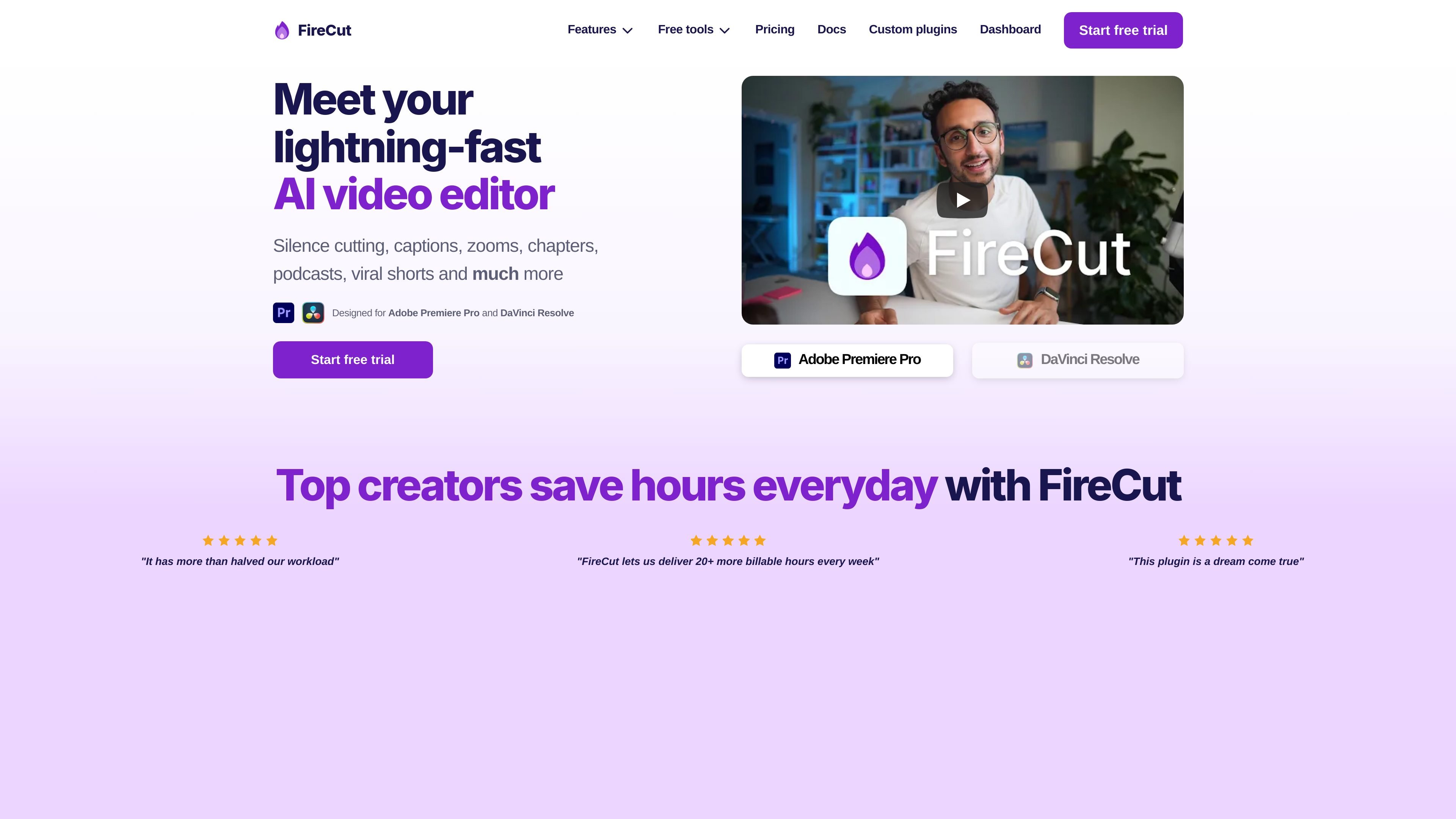
FireCut is an AI video editor for Adobe Premiere Pro and DaVinci Resolve that focuses on repetitive editing work. The product is positioned around faster cleanup and assembly tasks such as silence cutting, filler removal, captions, zoom cuts, chapter detection, and podcast editing assistance.
The site also includes FireCut Shorts, a browser-based product for creating short-form videos without installing an editor. Pricing pages show individual plans for Premiere Pro and DaVinci Resolve, a team plan for agencies and social media teams, and a free-trial or limited-free entry point depending on the product.
Automatically removes silences with both a simple one-slider mode and an advanced mode that includes waveform preview, threshold control, padding, and J-cuts.
Finds and removes filler words, repeated phrases, alternate takes, and profanity, with options for timing adjustment, marker output, and custom allowlists/blocklists.
Generates styled captions with typography controls, live preview, emoji support, word-by-word animations, custom presets, and export options such as SRT and VTT.
Detects chapter structure from speech and can generate YouTube titles, descriptions, timestamps, and markers for review workflows.
Adds zoom cuts, title moments, B-roll, music, voiceover, and podcast-oriented edits from transcript and timeline cues.
Supports both Adobe Premiere Pro and DaVinci Resolve, with a browser-based FireCut Shorts product for short-form video creation.
Use FireCut to remove pauses, filler words, repetition, and profanity before polishing a long-form edit in Premiere Pro or DaVinci Resolve.
Use the caption tools to generate styled subtitles with preset typography, animations, emojis, and export options for social or published video work.
Use chapter detection and transcript-based outputs to create YouTube chapters, timestamps, and supporting metadata for long-form content.
Use the podcast tools to handle multitrack audio, silence cuts, camera switching, and other edits that reduce the manual work in interview workflows.
Use FireCut Shorts in the browser when you want to create short-form clips without installing a desktop editor.
FireCut is designed for editors working in Adobe Premiere Pro and DaVinci Resolve, and it also offers FireCut Shorts for browser-based short-form video creation. The source pages show plugins for Premiere Pro and DaVinci Resolve, plus a separate Shorts product that runs in the browser.
The pricing pages show a 7-day free trial for individual plans. FireCut Shorts also has a free plan with limits, and the site notes a lifetime license option is available by request for the Premiere Pro and DaVinci Resolve plugins.
FireCut’s tools include silence cutting, filler-word removal, repetition removal, profanity handling, captions, zoom cuts, chapter detection, podcast editing helpers, B-roll and music additions, voiceover, and shorts creation. The exact toolset varies by plan and product.
Yes. The pricing page includes a Team plan with usage monitoring by seat, admin controls, centralized billing, priority support, and both Premiere Pro and DaVinci Resolve plugins.
The site lists English as fully supported and many additional languages in experimental support. For captions, the pricing page specifically notes support for 90+ languages.
I dati sul traffico sono solo a scopo di riferimento.

autocut.com
Plugin di editing video AI per Premiere Pro e DaVinci Resolve che automatizza silenzi, sottotitoli, zoom e tagli per podcast.

clipchamp.com
A browser-based video editor for recording, editing, and sharing videos, with a Windows app option.

diffusion.studio
Diffusion Studio è un editor video basato su browser con canvas infinito, editing sulla timeline, flussi di lavoro assistiti dall’IA ed esportazione in 4K. Il piano gratuito offre progetti illimitati, nessun watermark e uso commerciale.

yiqijian.com
一起剪 è un editor video online e strumento di creazione con IA per trasformare testi in video, gestire sottotitoli e voce, elaborare nel cloud e pubblicare con un clic.

www.supercut.cc
Supercut is a private AI video editor that runs in a browser or desktop app, letting creators describe edits such as trimming, reframing, captioning, color grading, and audio cleanup in plain English. It also includes a multitrack timeline and screen recorder for local video workflows.

www.getrescript.com
Rescript è un editor gratuito e open source basato su trascrizioni, pensato per contenuti video e audio incentrati sulla voce. Usalo nel browser o nell’app desktop per modificare i filmati intervenendo su una trascrizione generata localmente ed esportare dal tuo dispositivo video, audio, trascrizioni o sottotitoli.