
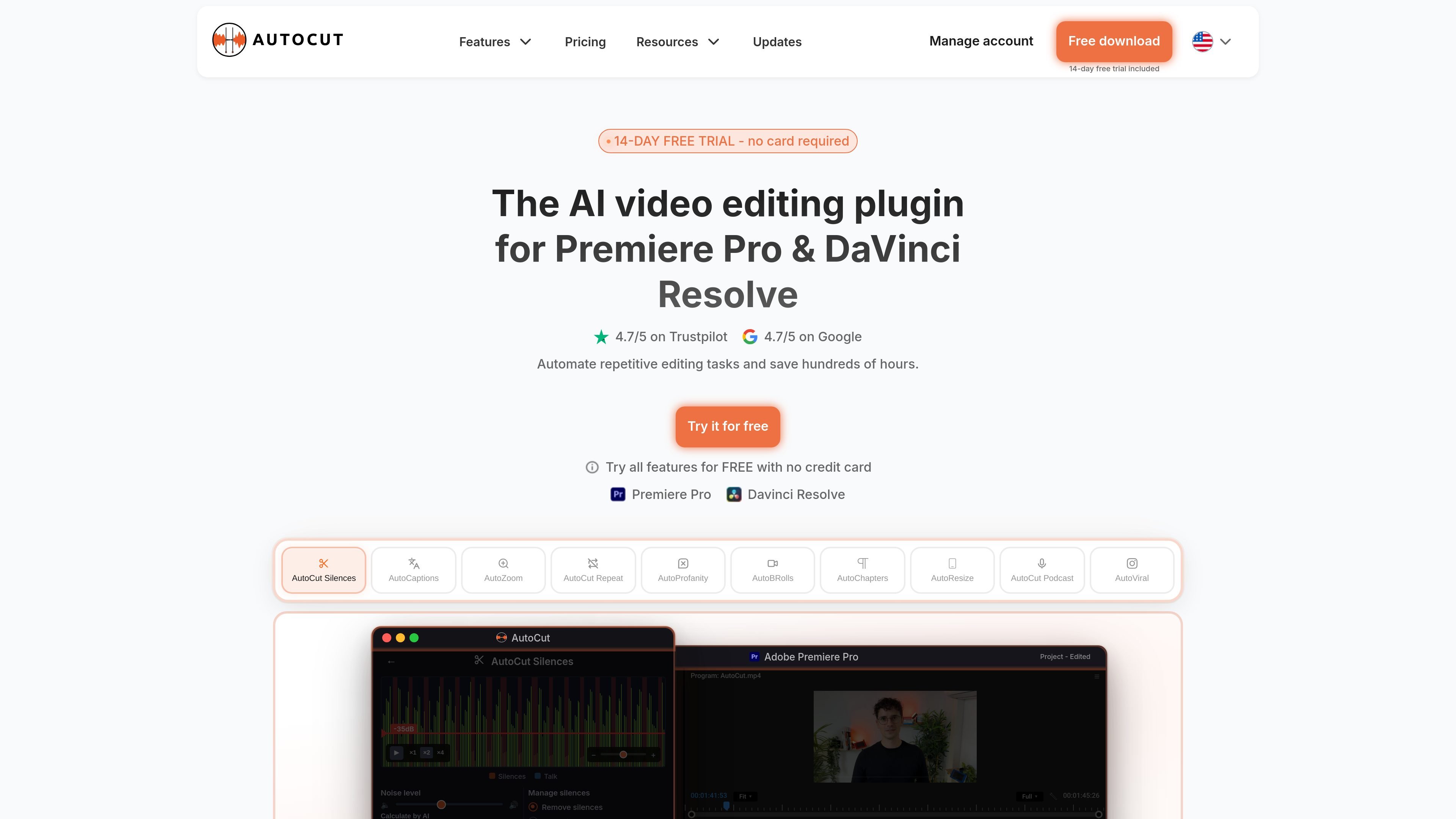
AutoCut Silences
Removes silences automatically so long pauses do not need to be cut by hand.

Plugin di editing video AI per Premiere Pro e DaVinci Resolve che automatizza silenzi, sottotitoli, zoom e tagli per podcast.
AutoCut is an AI video editing plugin for Premiere Pro and DaVinci Resolve that automates silences, captions, zooms, podcast cuts, and repetitive editing tasks.
The site positions AutoCut as a desktop workflow tool for creators, editors, teams, and enterprises that want to stay inside their editor while automating time-consuming steps. The pricing page also shows a 14-day free trial with no credit card required, alongside paid plans for individual users and organizations.
Removes silences automatically so long pauses do not need to be cut by hand.
Generates animated captions and can translate them, with styling controls and community presets for faster caption setup.
Identifies speakers and automates camera switching for multicam podcast editing.
Adds timed zooms to footage to help emphasize moments without manual keyframing.
Finds short-form highlights in long videos, adds stock B-rolls, repeats takes, filters profanity, adds chapters, and resizes videos for social platforms.
Use AutoCut Silences to shorten talking-head videos, interviews, or lessons by removing long pauses and dead space before export.
Use AutoCaptions to create animated subtitles, translate captions, and apply styles for videos that need clearer on-screen text.
Use AutoCut Podcast to identify speakers and automate camera switching for multi-camera interview or podcast episodes.
Use AutoViral, AutoB-Rolls, and AutoResize when turning longer footage into short-form clips and social-ready versions.
Use AutoProfanity Filter, AutoChapters, and AutoZoom to clean up dialogue, segment content, and emphasize key moments in polished exports.
AutoCut is designed to run inside Premiere Pro and DaVinci Resolve on desktop. The pricing page states it works on both macOS and Windows.
Yes. The pricing page says the 14-day free trial includes access to all 10 AI features and does not require a credit card.
The pricing page describes a Basic plan with silence removal, an AI Plan that unlocks the full feature set, and an Enterprise plan for teams and organizations with centralized license management and priority support.
Yes. The pricing page says you can switch between plans from your account dashboard and that changes take effect immediately with billing adjusted accordingly.
The site presents AutoCut as a plugin for Premiere Pro and DaVinci Resolve, so setup appears to start by choosing the desktop editor you use before receiving the trial.
I dati sul traffico sono solo a scopo di riferimento.

cutback.video
Cutback aiuta a preparare i rough cut e a gestire le attività di editing ripetitive. Selects organizza i filmati, mentre Premiere Assistant automatizza sottotitoli, rimozione dei silenzi, taglio, montaggio multicam e traduzione in Adobe Premiere Pro.

firecut.ai
Editor video AI per Premiere Pro e DaVinci Resolve, con creazione di Shorts nel browser

tellers.ai
Piattaforma AI di editing video e storytelling per trasformare script, registrazioni e podcast in video

www.dina.so
Dina è uno strumento per macOS per registrare lo schermo e modificare video, che perfeziona automaticamente le registrazioni con zoom, movimenti del cursore, sottotitoli, layout ed effetti cinematografici. Crea demo, tutorial, presentazioni e altri video curati, pronti da mostrare.

isolate.video
isolate.video è un'app di editing video che trasforma le registrazioni dello schermo in video di prodotto curati con zoom automatico, musica AI ed effetti spotlight. Aiuta chi crea demo di prodotto e altri video registrati sullo schermo a ottenere più rapidamente un'esportazione pronta.

riverside.com
Riverside è uno studio online per registrare, modificare, riutilizzare e pubblicare podcast e contenuti video. Supporta sessioni da remoto, post-produzione assistita dall’AI e flussi di hosting o live streaming in base al piano.