
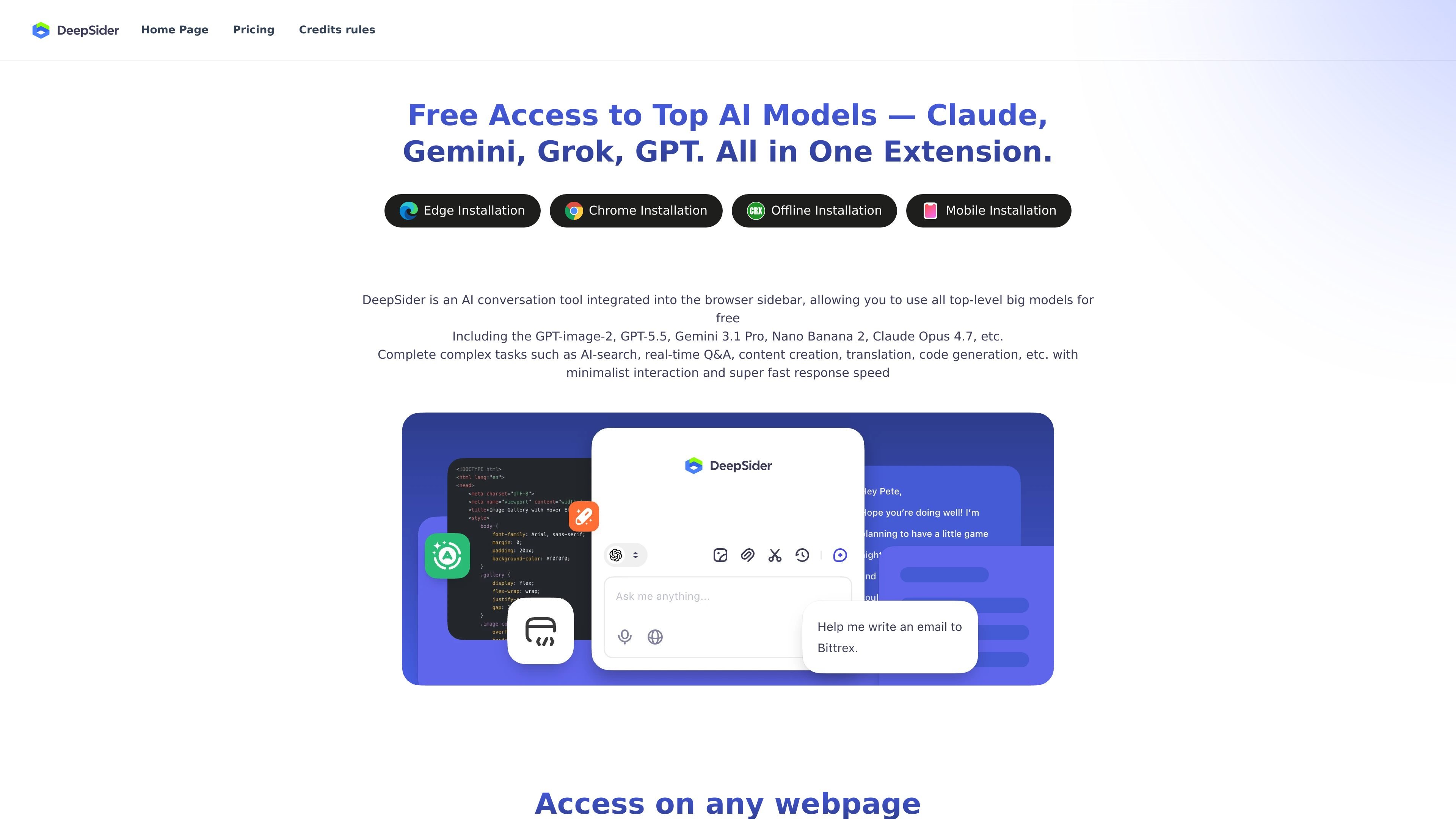
Browser-sidebar interaction
Runs as a browser sidebar AI conversation tool, so you can talk with the model without leaving the current webpage.

Assistente AI nella barra laterale del browser per chattare, fare domande, generare codice e lavorare con documenti, su Edge, Chrome, offline e mobile.
DeepSider is an AI conversation tool designed for use in the browser sidebar. The site presents it as a way to work with leading AI models while staying on the current webpage, instead of switching between separate tabs or apps.
The product is positioned for tasks such as AI search, real-time question answering, content creation, translation, code generation, and document-based Q&A. It also highlights access to multiple models and installation paths for Edge, Chrome, offline use, and mobile access.
Runs as a browser sidebar AI conversation tool, so you can talk with the model without leaving the current webpage.
Supports access on any webpage and is positioned for side-by-side comparison while you continue browsing.
Offers free access to top AI models, with the site listing models such as GPT-image-2, GPT-5.5, Gemini 3.1 Pro, Nano Banana 2, and Claude Opus 4.7.
Handles AI search, real-time Q&A, content creation, translation, and code generation in a single interface.
Accepts uploaded PDF, DOC, PPT, and TXT files for document Q&A and key-point extraction.
Provides installation options referenced on the site for Edge, Chrome, offline use, and mobile access.
Keep an AI assistant open beside a webpage while researching, comparing information, or asking follow-up questions without switching tabs.
Draft or refine text, translate passages, or generate code from the same sidebar interface during day-to-day work.
Upload PDFs, DOCs, PPTs, or TXT files and ask the model to summarize or extract key points from the content.
Use the multi-model access to route different prompts to different model families when you want a single interface for various AI tasks.
Install the product through the browser and access it across the browsing environment, including the site’s referenced mobile and offline options.
DeepSider is presented as a browser-sidebar AI conversation tool that can be used to ask questions, generate code, and upload documents for Q&A. The source says its responses are based on DeepSeek R1 and DeepSeek V3 models.
The source lists browser extension installation for Edge and Chrome, plus offline installation and mobile access. It is described as working in the browser sidebar and on any webpage.
The source says you can upload PDF, DOC, PPT, and TXT files and discuss them with AI to extract key information.
The FAQ says DeepSider can help write code; it gives Python as an example and says it can provide a complete code example when you specify the language.
The FAQ states that DeepSider will strictly protect your privacy.
I dati sul traffico sono solo a scopo di riferimento.

xinghuo.xfyun.cn
讯飞星火 è un assistente AI e una piattaforma di grandi modelli per dialogo, scrittura, codice, voce e documenti, con accesso tramite API e MaaS.

comate.baidu.com
Assistente di programmazione AI di Baidu per generare codice, test, commenti e risposte in oltre 100 linguaggi e IDE

codegeex.cn
Assistente di programmazione AI per suggerire, generare, tradurre e commentare codice in oltre 20 linguaggi

xiaohuanxiong.com
Raccoon è l’assistente IA di SenseTime per scrivere codice, lavorare, analizzare dati e imparare a programmare.

www.tryargos.cc
Argos è un’estensione di Chrome e uno strumento di automazione per desktop e browser che consente di aprire schede, compilare moduli, fare ricerche e completare attività nel browser con sessione attiva. Include anche una CLI eseguibile in locale e controllabile tramite Telegram.

agents.craft.do
Craft Agents è un’app desktop open source per lavorare con agenti AI, collegando modelli, API, server MCP, file locali e un browser integrato.