
Local folder editing
Open a folder from your device and work on its files directly in the browser, with no cloud upload according to the site.

CowCo è un editor nel browser per progetti e file locali, pensato per lavorare con agenti AI senza caricare i file sul cloud.
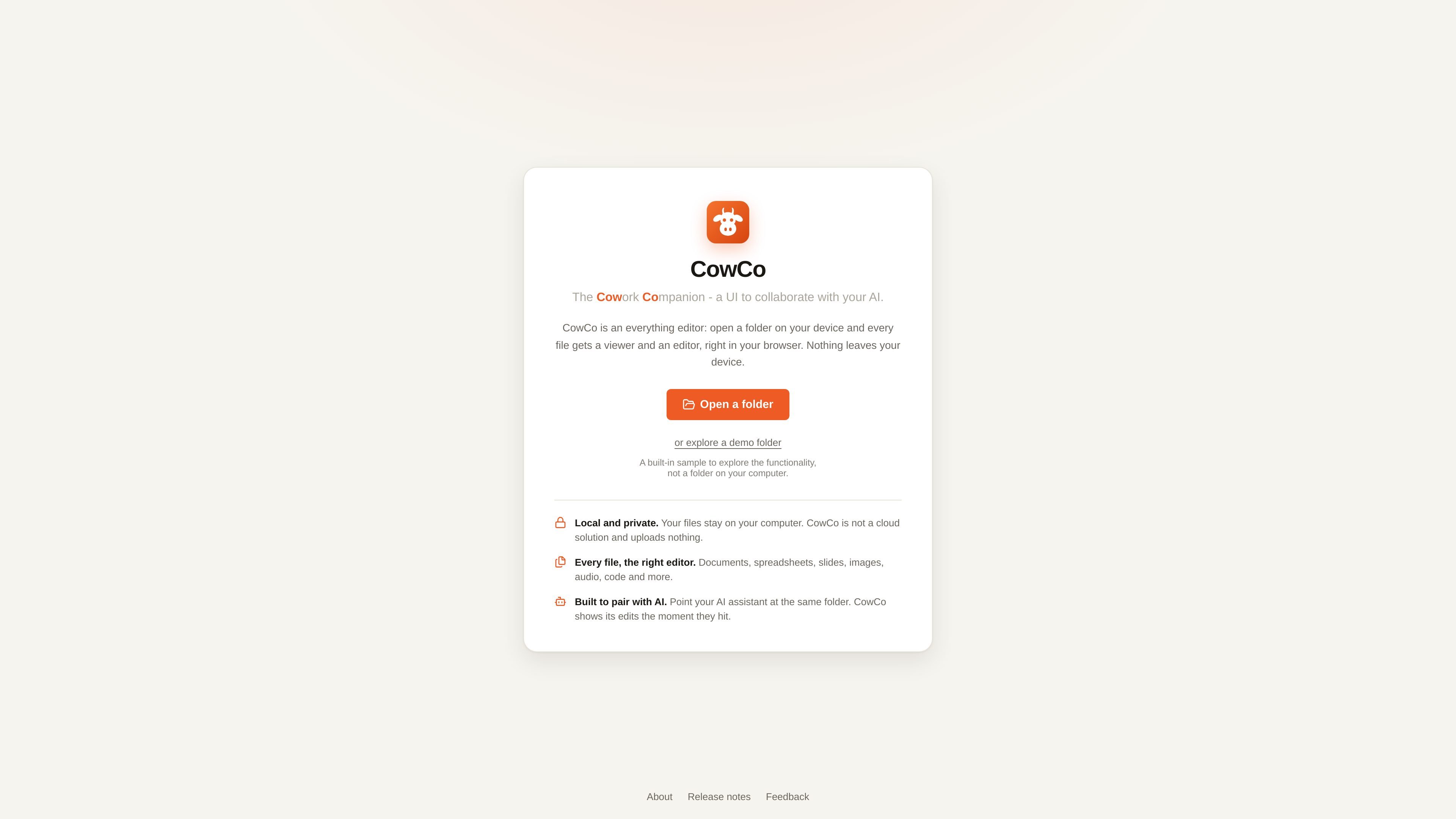
CowCo is a browser-based editor for local project folders. Open a folder on your device, and CowCo provides a viewer or editor in the browser for each file, so you can inspect and edit the project without switching between separate desktop apps for every file type.
The product is designed for a hybrid AI and UI workflow. The site says it works alongside your AI agent, lets you review or touch up changes in the same folder, and keeps files on your computer rather than uploading them to a cloud service.
Open a folder from your device and work on its files directly in the browser, with no cloud upload according to the site.
Use built-in text search across the project and a command palette to quickly jump to files, content, and actions.
Create new files in place, including images from a camera and audio from a microphone, without leaving the editor.
Choose from 18 built-in editors and viewers for 136 file types, covering common documents, code, media, and structured data.
Edit alongside an AI agent in the same folder so you can review, touch up, and respond to changes in the browser UI.
Open supported files with purpose-built editors such as markdown, spreadsheet, audio, video, SVG, Mermaid, and SQLite views.
Open a project folder and review many file types in one place instead of jumping between separate editors for documents, media, code, and data files.
Work with an AI coding assistant on the same folder, then inspect and adjust the changes directly in the browser UI.
Search a large folder, use the command palette, and jump straight to files or matching lines when you need to move quickly through a project.
Create or duplicate files in the right format, such as generating a new image, recording audio, or converting view-only files into editable copies where supported.
CowCo opens a folder on your device directly in the browser and works on the files in place. The site states that nothing leaves your computer and that it is not a cloud solution.
Yes. The release notes and about page say CowCo works in Chrome and Arc on desktop.
CowCo is built for a hybrid workflow where an AI agent edits the same folder while you review and adjust files in the browser. The about page names Claude Cowork and Claude Code as examples of agents people may use alongside it.
CowCo lists 18 built-in editors and viewers covering 136 file types, including documents, spreadsheets, slides, images, audio, code, PDFs, and more. Some formats are view-only, while others can be edited or duplicated into an editable format.
I dati sul traffico sono solo a scopo di riferimento.

murmell.com
Murmell è una tela accessibile dal browser per eseguire agenti di programmazione AI in sandbox cloud condivise. Permette agli sviluppatori di coordinare Claude Code, Codex, Kimi e OpenCode su un unico progetto, senza configurazioni locali né conflitti tra file.

matrix-os.com
Matrix OS è un computer cloud e uno spazio di lavoro AI nel browser, che offre da qualsiasi dispositivo accesso a file, app, terminali, anteprime e flussi di lavoro degli agenti.

contextfort.ai
ContextFort monitora gli agenti AI per il coding e il browser a livello di sistema operativo, offrendo ai team tecnici visibilità in tempo reale su file, processi e rete.

superagent.computer
Superagent è un’app Mac in cui un agente di programmazione può lavorare in un browser reale e in un simulatore di iPhone, con chat persistenti sul tuo computer. Osserva come crea, modifica e testa progetti sul Mac usando il tuo abbonamento Claude Code esistente.

browserbash.com
BrowserBash trasforma obiettivi in linguaggio naturale in azioni nel browser, con test Markdown, output CI strutturato e un'opzione gratuita con modelli locali senza chiavi API.

www.monki.work
Task Monki è un’app desktop per gestire le attività degli agenti di codifica, dalla richiesta iniziale alla revisione e alla pull request. Supporta il monitoraggio delle attività, le anteprime locali, le revisioni indipendenti e la consegna tramite GitHub senza merge automatici.