
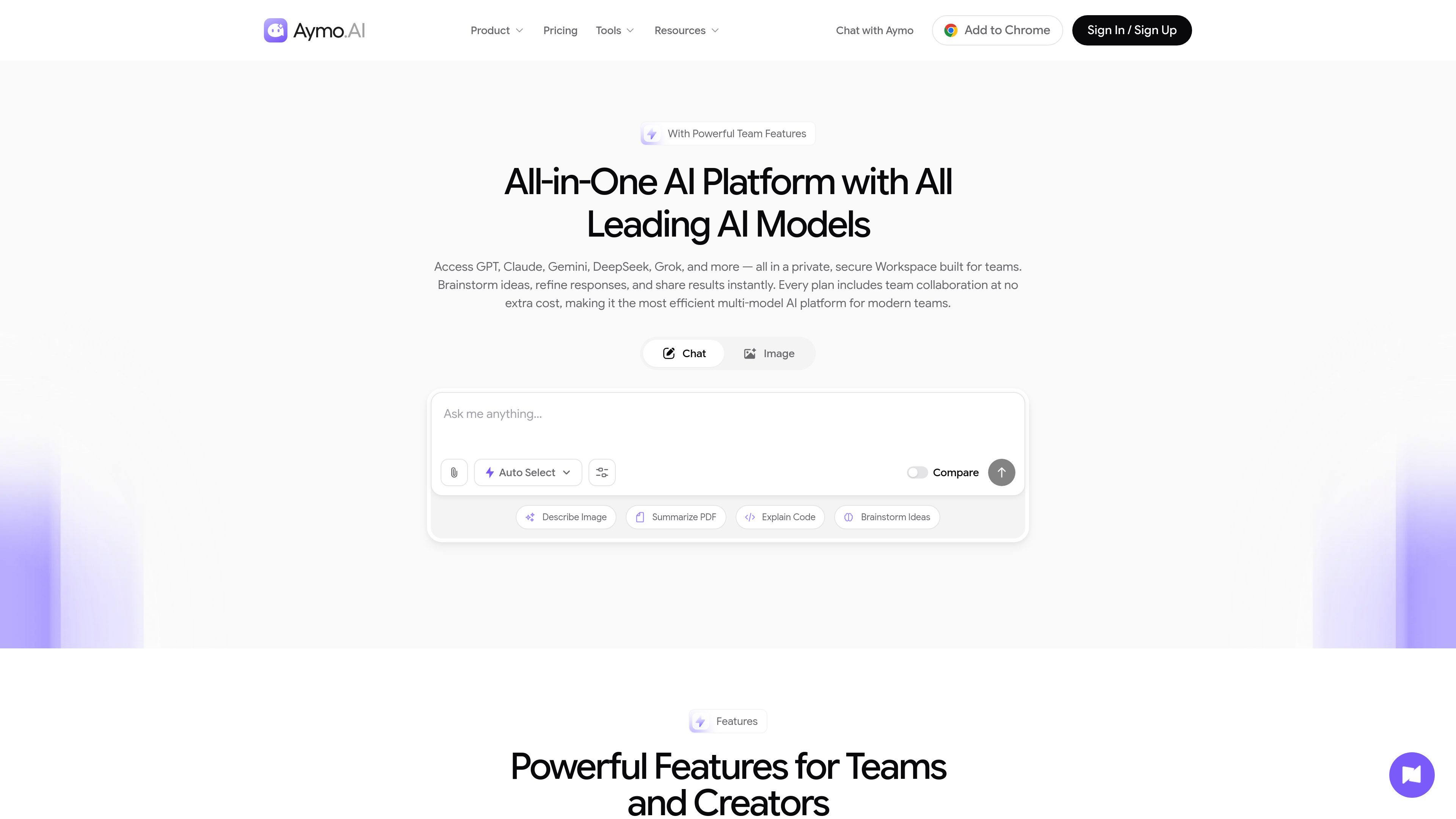
Multi-model chat and comparison
Use GPT, Claude, Gemini, DeepSeek, Grok, Mistral, LLaMA, and other models in one workspace. Switch models or run one prompt in compare mode to evaluate different responses.

Aymo AI is a browser-based multi-model AI workspace for individuals, creators, developers, and teams. It combines access to 60+ AI models with file analysis, web search, specialized tools, and collaboration features in one account.
Aymo AI is a browser-based multi-model AI workspace for work, study, research, coding, and content creation. It combines GPT, Claude, Gemini, DeepSeek, Grok, Mistral, LLaMA, and other models in one account so users can select or compare models without moving between separate tools.
Users can enter prompts or upload PDFs, documents, spreadsheets, and code for context-aware responses. The platform also includes live web search, deep research mode, image generation, and focused tools for tasks such as PDF summarization, translation, email drafting, tone rewriting, copywriting, job-description creation, go-to-market planning, and YouTube summarization.
Aymo AI provides collaboration features including shared chats, roles, organizations, and shared team memory. It states that chats, prompts, uploaded files, and other inputs are not used to train AI models, and that requests are protected with encryption in transit and at rest and access controls. A free plan is available, while paid plans provide expanded model access, usage, file, tool, and team allowances.
Use GPT, Claude, Gemini, DeepSeek, Grok, Mistral, LLaMA, and other models in one workspace. Switch models or run one prompt in compare mode to evaluate different responses.
Upload PDFs, documents, spreadsheets, or code and ask questions about the material. File limits and supported capabilities vary by plan, with larger attachments available on higher tiers.
Use built-in live web search for answers grounded in current information and access deep research mode where the selected plan includes it.
The tools collection includes chat with PDF, PDF summarization and translation, email assistance, YouTube summarization, tone rewriting, copywriting, job-description generation, and go-to-market strategy support.
Share chats, assign roles, organize work across organizations, and collaborate with shared team memory. Paid plans specify limits for organizations and invited team members.
Aymo states that user inputs are not used to train AI models and describes encryption in transit and at rest with access controls. Its tools run in the browser, and a Chrome extension is also available.
Upload reports or other documents, ask targeted questions, summarize key sections, and use live web search or deep research mode when current information is needed.
Draft professional emails, rewrite existing text for a different tone, and develop copy while selecting among multiple models for different writing approaches.
Provide code, spreadsheets, or other files as context, then use model responses to explain code, analyze material, brainstorm solutions, or compare proposed answers.
Use shared chats and team memory to refine outputs together, while specialized tools support go-to-market planning, job-description writing, video summarization, and document translation.
Aymo AI supports multi-model chat, writing, coding, file analysis, research, image generation, and content workflows. Its dedicated tools cover PDFs, email, YouTube summaries, tone rewriting, copywriting, job descriptions, and go-to-market planning.
Choose a model, enter a prompt or upload supporting files, and review the response in the workspace. You can switch models or compare outputs from multiple models for the same prompt.
Yes. The platform supports shared chats, role assignment, organizations, and shared team memory. The number of organizations and invited team members depends on the plan.
Yes. Aymo AI lists a free plan with selected models and limited usage. Paid plans expand model availability and increase limits for messages, credits, files, tools, organizations, and team members.
Aymo states that chats, prompts, uploaded files, and other inputs are not used to train AI models. It also describes encryption in transit and at rest and strict access controls; users should review the provider's current policies for complete terms.
I dati sul traffico sono solo a scopo di riferimento.

agents.craft.do
Craft Agents è un’app desktop open source per lavorare con agenti AI, collegando modelli, API, server MCP, file locali e un browser integrato.

jackalope.dev
Jackalope is a desktop workspace for running AI coding agents in parallel across separate Git worktrees. It helps developers carry project context between tasks, use supported agent tools, and review related changes together.

voidleap.com
Voidleap Code è un IDE desktop per sviluppatori professionisti e ingegneri AI che creano software con agenti AI. Funziona in locale su Mac e Windows, supporta account di provider cloud o modelli locali e consente di esaminare e controllare prompt, chiamate agli strumenti, contesto e modifiche ai file.

opencodesuper.app
OpenCode Superapp è uno spazio di lavoro nativo per Mac che consente di usare modelli AI locali, self-hosted o cloud insieme a programmazione, automazione del browser, voce, estensioni, widget e accesso remoto sicuro. È pensato per chi desidera un ambiente OpenCode local-first senza bisogno di un account.

aws.amazon.com
Amazon Q Developer is an AI-powered coding assistant for software developers. It provides code suggestions, chat, testing, security scanning, refactoring, and agentic help across supported IDEs, the command line, AWS tools, and selected collaboration workflows.

lucentracode.com
LucentraCode is an open-source AI coding CLI that helps developers inspect repositories, plan and implement changes, run commands and tests, and verify results from a terminal. It supports interactive and automated workflows with selectable models and integrations for headless execution and MCP.